
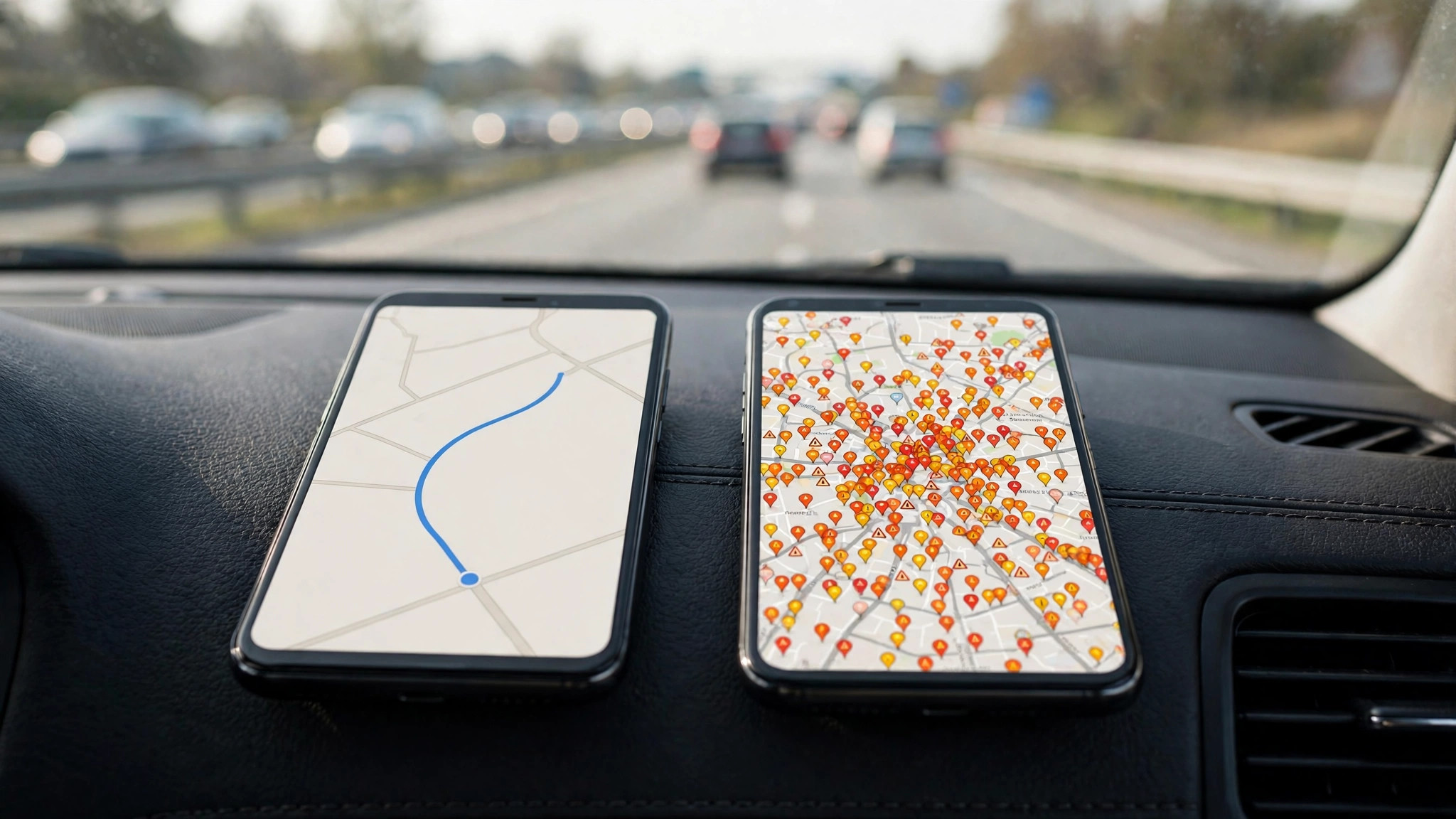
It is the most common navigation argument between drivers: Waze vs Google Maps for traffic. The twist most people miss is that both apps belong to Google — Waze was acquired in 2013 — yet they still take genuinely different approaches to the same problem, and the better choice depends on what kind of driver you are.
This comparison sticks to traffic performance: how each app gathers data, how fast it learns about incidents, how aggressively it reroutes, and which one gets you there faster in the situations that actually occur. If your commute is the test case, run both against the traffic near me picture for a week and compare with your own arrival times.
How does GPS know there is traffic?
GPS itself knows nothing about traffic — satellites only tell your phone where it is. “Traffic” is inferred on the ground, by comparing how fast thousands of phones are actually moving on each road with how fast they should be moving. When the real speeds fall, traffic exists; the bigger the fall, the worse it is graded.
Navigation providers blend four ingredient types: the anonymised speeds from phones running their apps, fixed road sensors and toll data where governments share them, official closure and roadwork feeds, and — Waze’s signature ingredient — active reports tapped in by drivers themselves. Waze leans hardest on the fourth; Google Maps leans hardest on the first, with the Waze report stream folded in since the acquisition. That difference in emphasis explains nearly every behavioural difference between the apps.
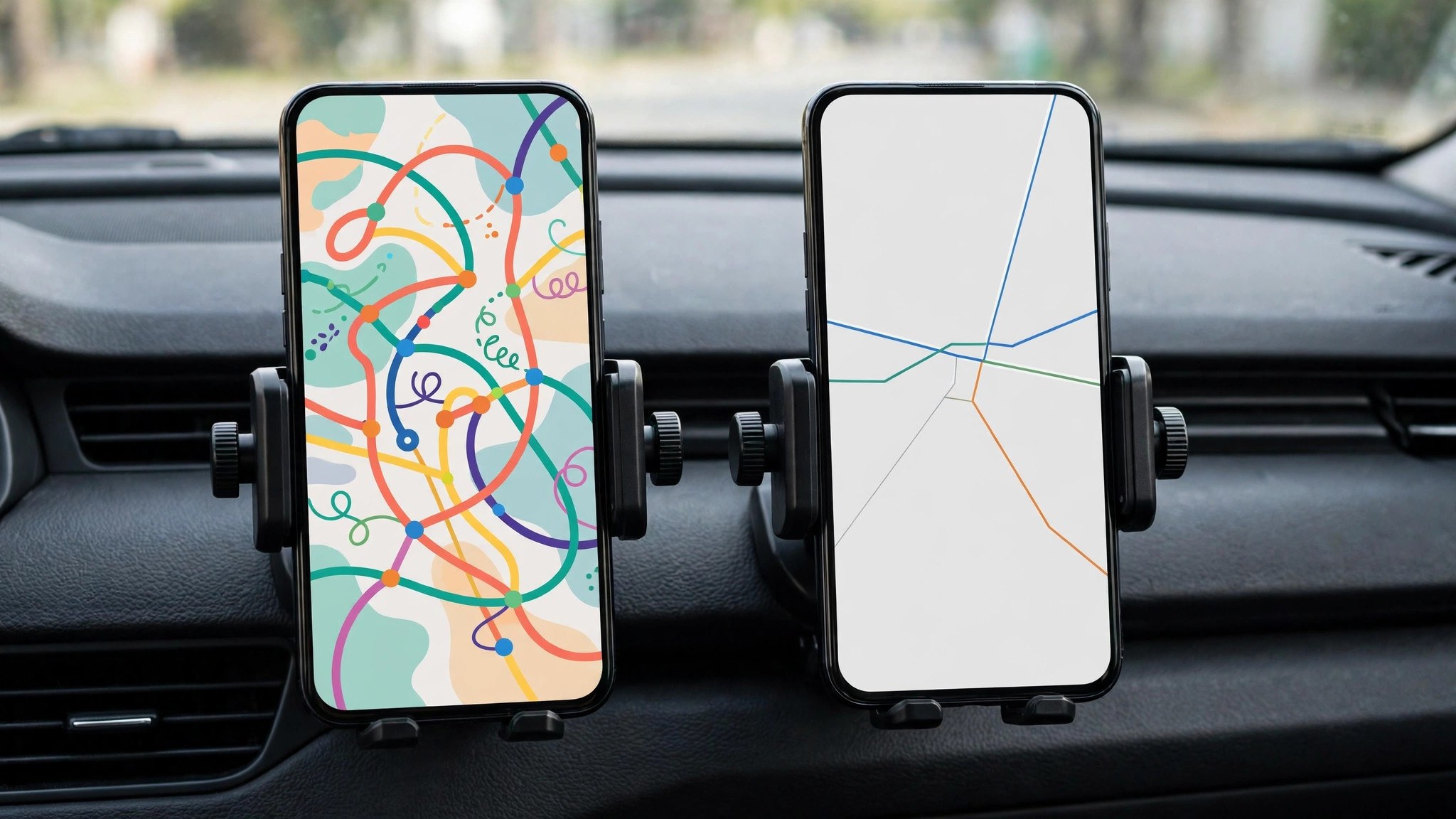
How does Google Maps detect traffic?
Google Maps detects traffic primarily by measurement. Phones using Google services with location enabled contribute anonymised speed data continuously, and Google grades each road segment against its historical normal for that hour. Crashes and hazards reported by users — increasingly including Waze-style reports surfaced inside Maps — add the incident layer on top.
The detection is passive and enormous in scale, which cuts both ways. It notices everything that slows vehicles, even causes nobody reports: a badly parked truck, a flooded lane, a signal stuck on red. But it can only describe the symptom. The map will show your road red for fifteen minutes without knowing why, until a human report or an agency feed supplies the reason.
How accurate is Google traffic?
How accurate is Google traffic? On measured roads in cities, very — the system is grading real observed speeds rather than modelling them, and Google has reported high ETA accuracy for its routes, improved further by machine-learning models that sharpen predictions of how conditions evolve. Where a road carries plenty of reporting phones, the colours and ETAs are as close to ground truth as any consumer system gets.
Accuracy thins exactly where measurement thins: minor roads with few phones, the first minutes of a sudden incident, and areas where map data itself is weak. Google’s honest response in those places is to show less — a grey road — rather than to guess, which is the right instinct but means “no colour” must never be read as “no traffic”.
How accurate is Google Maps live traffic?
Live traffic in Google Maps is most accurate in the present tense and degrades gracefully into the future. The current grading of a busy road is typically minutes old. The ETA for a 45-minute journey is a forecast built on that present plus patterns, so it carries more uncertainty — it cannot know about the crash that will happen in twenty minutes, and it assumes today’s conditions evolve typically.
Waze’s live picture differs in texture rather than basic accuracy: its incident detail is richer and faster because its community reports compulsively — police, hazards, potholes, roadkill, the famous “car stopped on shoulder”. Its speed data historically came from a smaller, more driving-focused user base, which in some regions means thinner coverage on minor roads and in smaller cities than Google’s everything-everywhere phone fleet provides.
Where each app’s data actually comes from, side by side
Laying the pipelines next to each other makes the behavioural differences predictable rather than mysterious:
- Google Maps: anonymised speeds from the vast base of phones running Google services, plus road sensors, agency closure feeds, satellite-verified map data, and the Waze incident stream. Strength: coverage and measurement depth. Weakness: slower to attach a reason to a slowdown.
- Waze: speeds from its own drivers, plus the most active incident-reporting community in consumer navigation, plus map edits maintained by volunteer editors. Strength: incident speed and detail — a crash can be flagged within a minute of the first Waze driver passing it. Weakness: where the community is small, the map is thin, and some regions barely exist in it.
In a megacity with both fleets dense, the two pictures converge: the same jam, the same ETA, differing mainly in how each app talks to you about it. In a smaller city or a rural corridor, the pictures can diverge sharply, and Google’s measurement base usually keeps its version closer to reality because it does not depend on a local volunteer community existing at all.
Commute features: the daily-driver extras
Both apps have grown commute tooling around the traffic core, and here the gap has narrowed to taste. Google Maps offers commute notifications, leave-by reminders and a home-screen traffic glance tied to your saved home and work. Waze counters with planned drives — tell it when you must arrive and it tells you when to leave, recalculated against its live picture — and calendar integration for the same trick.
For a fixed-schedule commuter, planned drives are genuinely useful, and Google’s equivalent departure-time planning (covered in our prediction guide’s sibling features) does the same job with less charm and more data. Either way, the real winner is the habit: a departure time chosen by the traffic picture instead of by the clock.
The rerouting difference: aggressive vs conservative
The most felt difference is not data but temperament. Waze reroutes eagerly: it will thread you through residential streets and obscure cut-throughs to save three minutes, and it re-plans at the slightest change. Google Maps reroutes conservatively: it prefers main roads, tolerates a small loss to keep the route simple, and suggests a change mainly when the saving is clear.
Neither temperament is wrong. Waze’s style wins in dense grid cities where the cut-throughs are real and numerous, and rewards confident local drivers. Google’s style wins on unfamiliar journeys, in cities where side-street mazes punish strangers, and for anyone who values a calmer drive over the last two minutes. It is also why Waze sometimes feels faster while delivering near-identical arrival times: the theatre of constant optimisation flatters it.
Data sharing: the same family, kept at arm’s length
Since 2013 the two apps have exchanged selected strengths. Waze incident reports feed Google Maps (you have seen the result as the report icons in Maps navigation), and Google’s search, places and map data strengthened Waze. But the apps remain separate products with separate communities and separate routing engines — Google has repeatedly kept them distinct rather than merging, and Waze’s official site (waze.com) still presents its community-first model as the point of the product.
For the driver, the practical consequence is that using both is not redundant in the way two weather apps are. Their disagreement is information: when Waze and Google Maps propose wildly different routes, one of them knows something — usually an incident — that the other has not fully absorbed.
Which should you use, journey by journey
- Daily commute in a big city: Waze, if you like its energy and report culture; Google Maps, if you prefer fewer, calmer instructions. Test both for a week — your corridor’s data depth decides.
- Long intercity drives: Google Maps. Its closure data, broader coverage and steadier routing suit highways, and its place information at the destination is far richer.
- Driving somewhere unfamiliar: Google Maps. Getting lost-proof directions and real place data beats saving three minutes.
- Incident-dense situations — storms, match days, festival traffic: Waze’s report stream earns its keep; check it even if you navigate with Maps.
- Checking before you leave: Whichever you drive with, cross-check the picture against the how’s the traffic routine — a two-minute look beats both apps’ guesswork about when to start.
What about arrival times, honestly?
Head-to-head tests by reviewers over the years have reached a boring conclusion: arrival times are usually within a few minutes of each other, because both systems ultimately measure the same roads. The meaningful differences are the texture of the journey — how many turns, how much stress, how good the incident warnings are — and the depth of data in your particular city.
In India, Google Maps benefits from the enormous Android base feeding its measurements, and its local place data (the layer beneath traffic) is deeper. Waze’s community is thinner in most Indian cities, so its signature advantage — instant human incident reports — is weaker here than in its stronghold markets. The global verdict and the Indian verdict can therefore differ, and your own commute remains the only test that counts. The wider context of Google’s traffic and crowd system is in our busy area explainer.
Frequently asked questions
Does Waze use Google Maps traffic data?
They share some inputs within the same company — notably incident reports flowing from Waze into Maps — but each app maintains its own routing and traffic presentation. Neither is simply a skin on the other.
Which app uses less battery and data?
Google Maps is generally lighter, especially with offline maps downloaded. Waze’s constant reporting and animation keep it hungrier on long drives.
Why does Waze sometimes send me down tiny streets?
Its optimiser values minutes over road hierarchy. If a residential cut-through is genuinely faster by its data, it will use it — a feature or a flaw depending on your taste and the street.
Can I report incidents in Google Maps like in Waze?
Yes — during navigation, Maps offers incident reporting (crash, congestion, hazards, speed traps in supported regions), a feature that grew directly out of the Waze model.
Which is better for avoiding speed cameras and police?
Waze, in the regions where that reporting is active — its community flags enforcement eagerly and the alerts are a headline feature. Google Maps shows camera locations in navigation in many countries but does not chase the live-report culture to the same degree.
The short version
Waze and Google Maps read the same roads with different temperaments: Waze reports faster and reroutes harder; Google Maps measures broader and guides calmer. In most cities their arrival times are near-identical, so choose by driving style and local data depth — and in India, that depth usually tips the scale to Google Maps.
