

Live traffic tells you about the jam that exists now. But the drive you are really worried about is tomorrow morning’s — and for that you need Google Maps traffic prediction, the lesser-known half of the feature that forecasts road conditions hours or days ahead.
Prediction is what powers the “Depart at” option in directions, the typical-traffic view, and those quietly useful leave-by reminders. Used well, it turns tomorrow’s commute from a gamble into a plan. This guide explains how the forecasts are built, how to read them, and how far to trust them.
traffic prediction
Traffic prediction is Google’s estimate of how a road or route will behave at a future time. Unlike live traffic, which measures vehicles on the road right now, a prediction is built before those vehicles exist — from the patterns of millions of past journeys on the same roads, at the same hours, on the same days of the week.
The prediction shows up in three places. In directions, choosing a future departure time gives you an ETA range based on predicted conditions. On the desktop traffic layer, you can view “typical traffic” for any day and hour. And in the app, route previews for later departures quietly factor predicted congestion into the suggested leaving time. If you mostly plan on the day itself, pair this with our guide to checking how’s the traffic before you leave.

traffic predictor
Think of the traffic predictor as a very experienced local driver. It has “driven” your route thousands of times — in aggregate — and remembers what each hour does to it. It knows the school-run spike at 8:30, the office exodus at 6, the market street that clogs on Sundays and the highway that empties during school holidays.
That memory is statistical, not anecdotal. For every road segment, Google holds years of anonymised travel times sliced by day and hour. The predictor’s job is to pick the slice that best matches your planned journey: a Tuesday in term time, a public-holiday Monday, a rainy-season Friday evening. Modern versions of the system use machine-learning models developed with DeepMind, which Google has said improved ETA accuracy substantially in many cities by learning these patterns more precisely than simple averages could.
projected traffic google maps
Projected traffic on Google Maps is what you actually see when you ask about the future. Set a departure time in directions and the route summary gives a time range — “typically 35 to 50 minutes” — rather than a single number. That range is the projection being honest: it reflects how variable that route is at that hour across past weeks.
On desktop, the projected view is more visual. Open the traffic layer, switch from “Live traffic” to “Typical traffic”, and drag the day-and-time selector: the whole map recolours to show a normal Tuesday at 9 a.m. or a normal Saturday at noon. (Google’s Maps Help page on layers covers where these layer controls live on each device.) It is the fastest way to see a city’s projected rush-hour shape — which corridors clog first, and which ring roads stay usable longest.
predict traffic google maps
You predict traffic with Google Maps in a few deliberate steps:
- Enter your destination and open Directions.
- On mobile, tap the three-dot menu and choose Set depart or arrive time; on desktop, click Leave now and switch to Depart at.
- Pick the day and hour you actually plan to travel — predictions are only as good as the time you give them.
- Read the ETA range, not just the optimistic end. Plan around the upper end for anything with a deadline.
- Check the same route for two or three candidate departure times. A 30-minute shift often beats the peak entirely.
For regular commutes, save the route and let Maps do this automatically: commute notifications warn you when the predicted journey is slower than usual, effectively turning the predictor into a daily briefing.

How the forecast is built, step by step
It helps to see the whole pipeline once, because each stage explains a behaviour you will notice in the app:
- Raw journeys are collected. Anonymised travel times from phones moving along each road segment accumulate around the clock, tagged by time and day.
- Segments get profiles. Each stretch of road builds a statistical profile — typical speeds at 8 a.m. on a Monday, at noon on a Sunday, and every combination between.
- Day types are separated. Weekdays, weekends, public holidays and school holidays pull apart into their own profiles, so a holiday Monday is not forecast from working Mondays.
- Models smooth and learn. Machine-learning models weigh recent weeks more heavily than distant ones, so a new flyover or a changed traffic pattern gradually rewrites the profile instead of being drowned by old data.
- Your request picks the profile. When you set a departure time, Maps matches it to the relevant profiles along your route and sums the expected segment times.
- Live data takes over near departure. As your departure approaches, measured conditions progressively replace the forecast, which is why tomorrow’s prediction firms up into today’s live ETA.
Five ways to use predictions better
- Plan airport and station runs with “Arrive by”. Working backwards from a hard deadline forces the conservative estimate you actually need.
- Compare days, not just hours. For flexible trips, a Saturday-morning departure can beat every weekday slot; the typical-traffic view makes this obvious at a glance.
- Re-check the night before. By evening, tomorrow’s forecast has absorbed a full day of fresher history and any emerging pattern.
- Watch the range width. A suddenly wider ETA range for your usual route is an early signal that the corridor has become less predictable — roadworks and diversions often show up this way first.
- Save alternate routes too. Prediction applies to any route you request; checking the “longer but steadier” alternative often wins for deadline journeys.
traffic estimator
The traffic estimator is the engine behind both live ETAs and predictions. For live journeys it blends the current measured speeds with the historical pattern — if today’s jam is clearing at the usual rate, the estimator projects that clearing into your arrival time; if it is not, your ETA keeps slipping.
For future journeys, with no live data available, the estimator leans almost entirely on history, which is why predicted times arrive as ranges. The wider the range, the more variable that route historically is at that hour — an early warning in itself. A route that is “25 to 30 minutes” every day is a safer bet for an airport run than one that reads “25 to 55 minutes”, even though their best cases match.
The same estimation logic appears across Google’s ecosystem, including the traffic information for your area you see when checking conditions nearby.

How accurate is Google traffic estimator?
For routine journeys in data-rich cities, predictions are good enough to plan around — Google has reported ETA accuracy above 97% for many routes after its machine-learning upgrades, and everyday experience in major metros matches that: the predicted rush-hour range usually contains the real journey.
Accuracy drops in predictable situations, and knowing them is half the skill:
- Incidents are invisible to predictions. Tomorrow’s crash cannot be in yesterday’s data. Predictions describe a typical day, not a guaranteed one.
- Unusual events bend patterns. A cricket final, a marathon, a sudden strike or extreme weather can make a normal Tuesday behave like no Tuesday before it.
- Thin-data roads forecast weakly. Rural highways and small towns have fewer historical journeys, so their projections rest on less evidence.
- Holiday eves and festival days in India routinely outrun the model — Diwali-week traffic in Delhi or Ganpati visarjan routes in Mumbai are patterns the estimator knows exist but can still underestimate.
The practical rule: trust predictions for choosing a departure window, verify with live traffic on the day, and keep a buffer for anything that cannot be late.
What predictions are best at: choosing when, not just how
Most people use directions to choose a route. Prediction’s bigger gift is choosing a time. Comparing three departure slots for the same journey routinely shows differences of 20–40 minutes on metro commutes — savings no clever shortcut can match, because the shortcut clogs too.
Businesses use the same logic in reverse: delivery fleets and service technicians schedule around predicted peaks, and shops time their opening runs before the morning peak forms. The data is free; the discipline of checking it is the rare part.
Prediction in India: strong bones, local surprises
India’s metros generate enormous historical data, so baseline predictions for Delhi, Mumbai, Bengaluru, Hyderabad and Chennai are solid. The estimator knows ORR’s morning build-up in Hyderabad, the Western Express Highway’s evening wall in Mumbai, and Bengaluru’s unpredictable midday spikes better than most residents do.
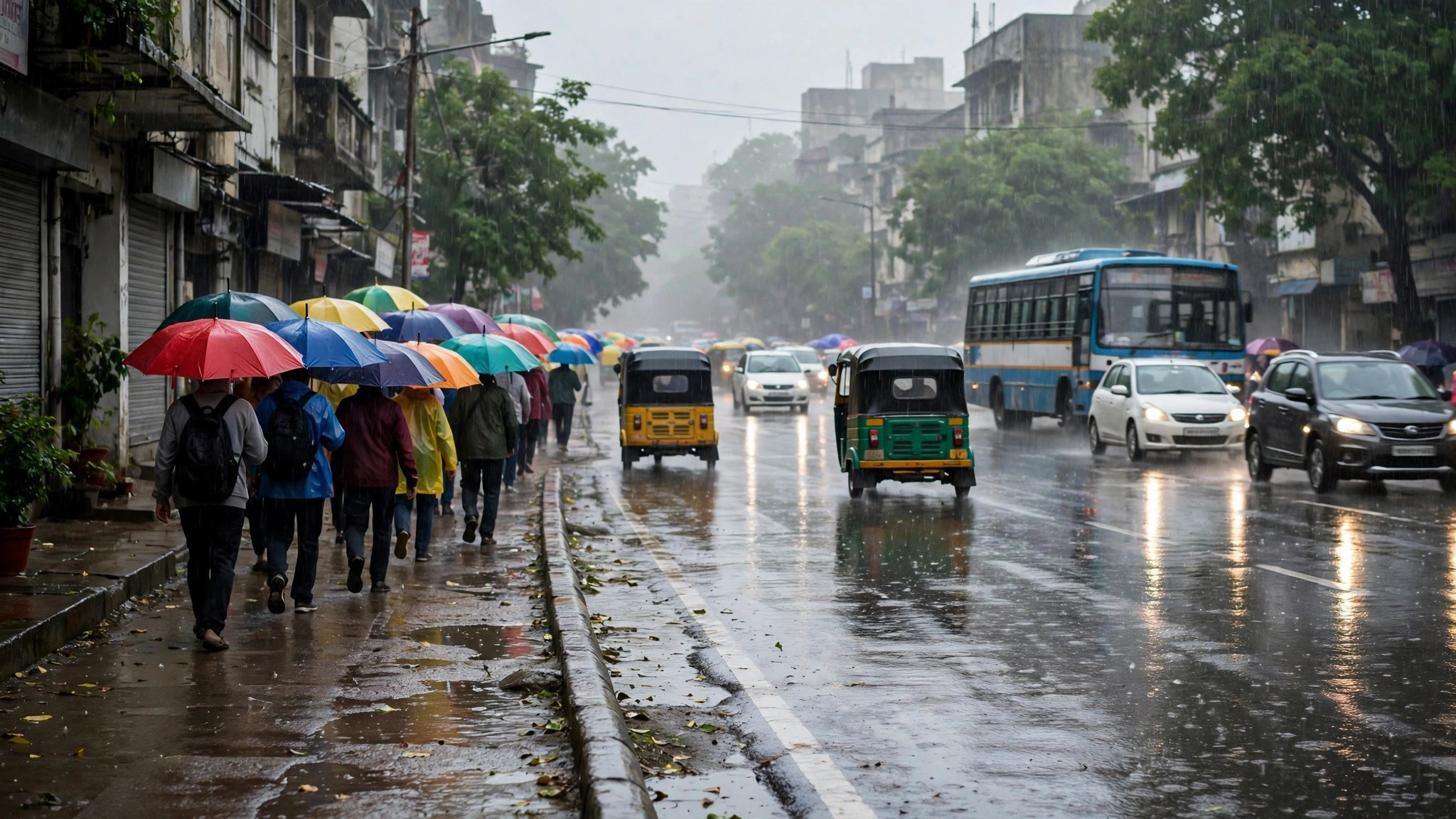
Where Indian journeys trip the model is the overlay of the extraordinary on the ordinary: processions, VIP movements, sudden downpours flooding an underpass, a festival date shifting with the lunar calendar. The forecast gives you the skeleton of the day; local news still supplies some of the flesh. Our overview of busy areas on Google Maps explains how these road forecasts sit alongside the place-crowd features.
Frequently asked questions
Can Google Maps predict traffic a week ahead?
Yes, for any future departure time — but the further ahead, the more it is simply the historical pattern for that day and hour, with no knowledge of events that week.
Why does my predicted time keep changing as the day approaches?
Because live data gradually replaces historical estimates. A prediction made on Monday for Friday is pure pattern; by Friday morning it blends in that day’s actual conditions.
Is typical traffic the same as predicted traffic?
Closely related. Typical traffic is the historical pattern displayed on the map; the prediction in directions uses that pattern, adjusted for the day type and, near departure, live conditions.
Does the predictor account for weather?
Indirectly at best. Seasonal patterns (monsoon months are slower) are baked into history, but a specific storm tomorrow is not in the model — check live traffic before leaving on such days.
Can I get a prediction for arriving by a set time?
Yes — the “Arrive by” option works backwards from your deadline and tells you the latest sensible departure, which is the safest way to plan flights and appointments.
The short version
Google Maps traffic prediction is the historical memory of millions of journeys, sliced by day and hour and returned to you as an ETA range. Use it to choose your departure window, treat the top of the range as your planning number, and confirm with live traffic on the day. Forecast for the plan, live data for the final call.
