
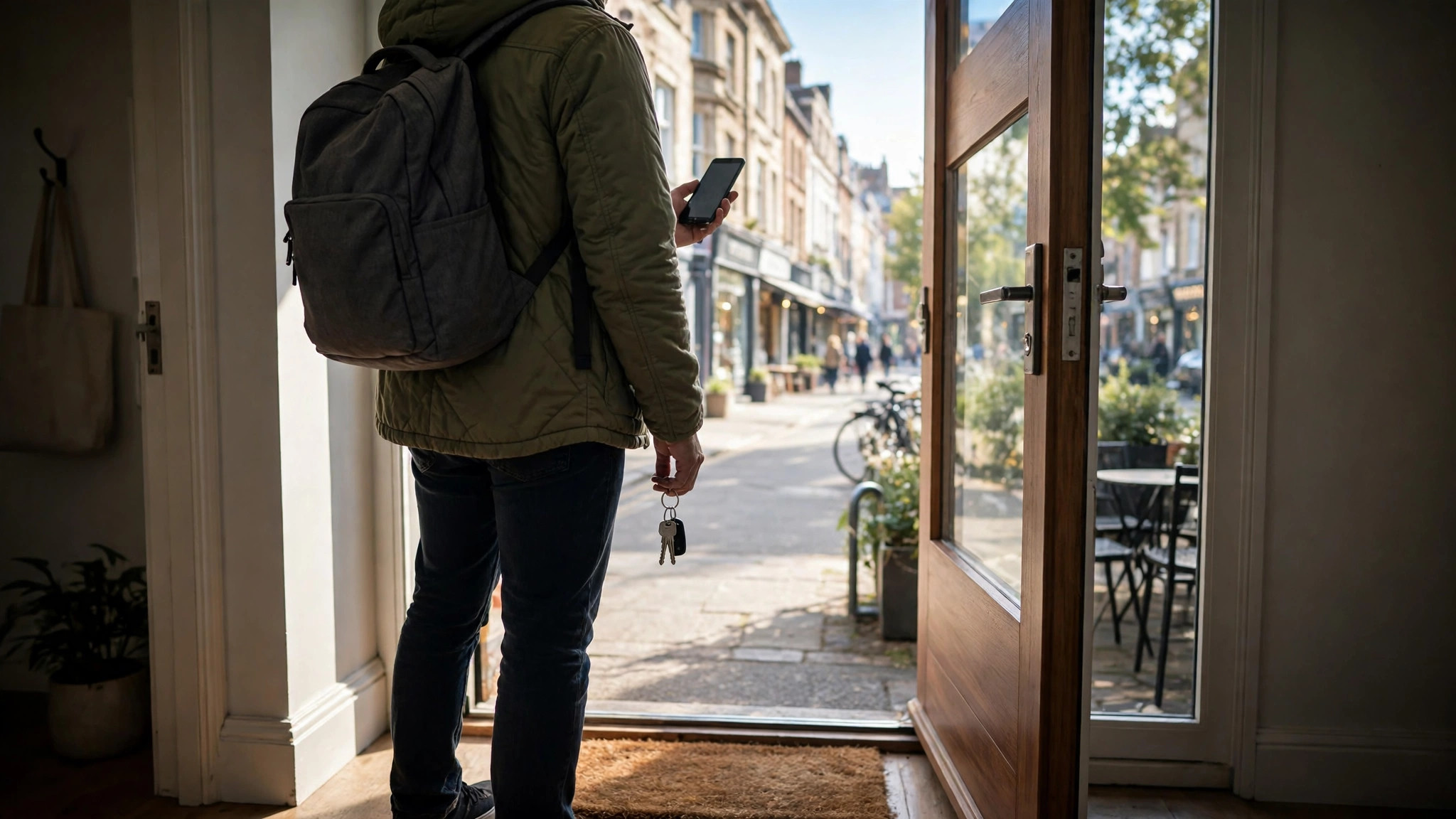
It is the most practical question in everyday travel: not “when is this place usually busy?” but “is it busy right now, before I lock the door and commit to the trip?” Google Maps can answer it in under ten seconds — for thousands of shops, restaurants, gyms, clinics and attractions — if you know which signal to read and how much to trust it.
This guide builds the complete pre-departure check: the live bar for your specific destination, the Busy Area label for the neighbourhood around it, the traffic layer for the journey between, and the quick judgement calls that tie them together. It is the practical companion to our deep-dive on live busyness on Google Maps, which explains how the real-time layer is computed.
is it busy now
The ten-second version, for any specific place:
- Search the place by name in Google Maps or Google Search.
- Open its listing and scroll to the Popular Times graph for today.
- Find the highlighted live bar at the current hour and read its label in words.
- Decide: “Less busy than usual” means go; “Usually busy” means expect the normal crowd; “Busier than usual” means delay, or pick your backup.
That label is a comparison — the current crowd measured against what this place typically draws at this hour — which is why it is more useful than any raw number. A supermarket at “usually busy” on a Saturday noon is a known quantity; the same words at a small pharmacy mean a short queue, not a crush. Context comes free, because the comparison is always against the place’s own habits.
If no live bar shows, do not read it as “empty.” It means there is not enough live data to publish — common at small places and quiet hours. Fall back on the typical bar for this hour, which the next sections show how to weigh.
One practical warning about finding the bar at all: on the phone app, a listing opens as a half-sheet over the map, and the Popular Times section — live bar included — only appears after you swipe the sheet up and scroll. Many people conclude a place “has no live data” when in fact they never reached the section. Swipe, scroll, then judge. On desktop the same section sits further down the left panel than most first-time users scroll, below photos and hours.
busy right now
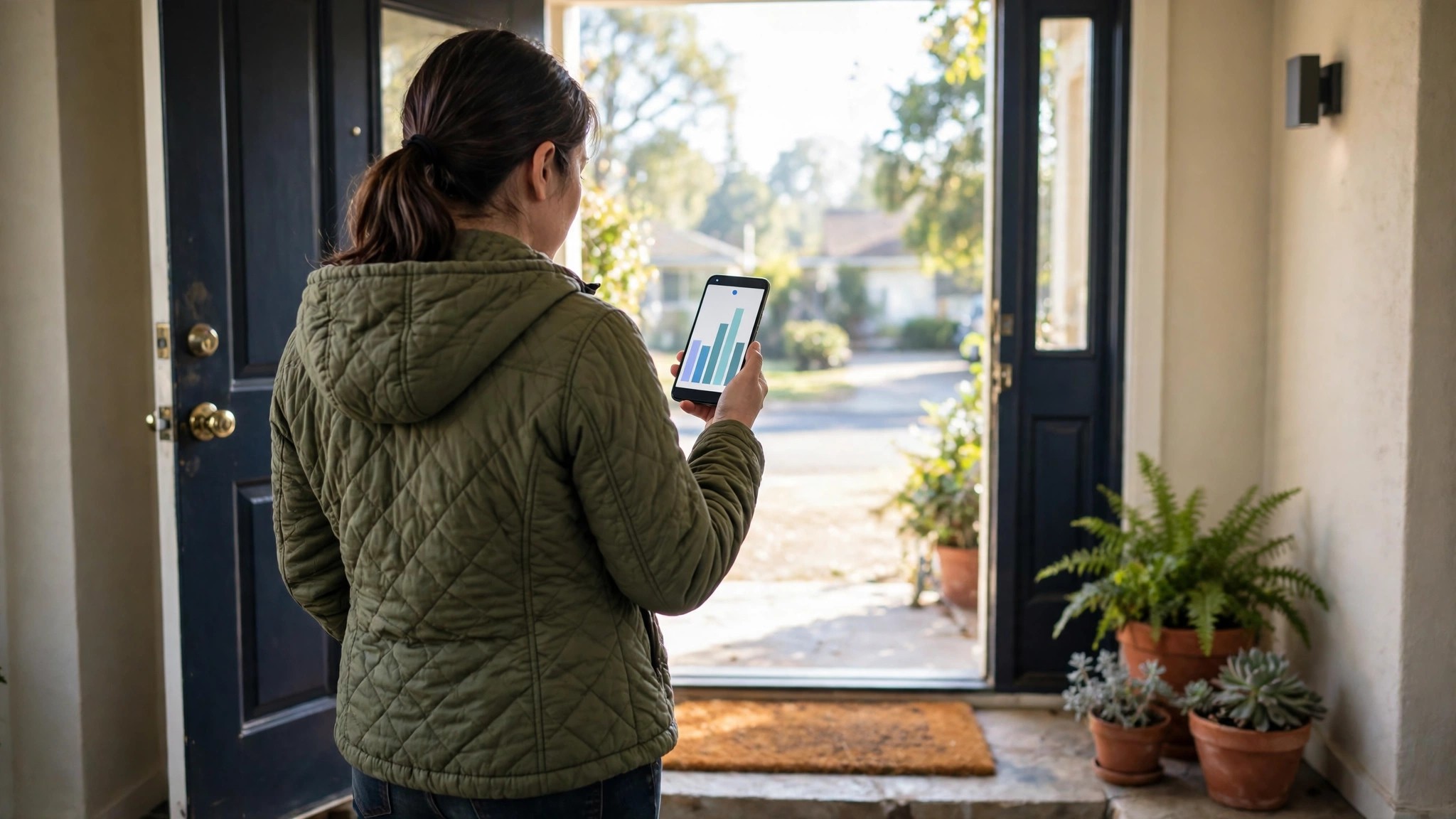
“Right now” has a second, wider meaning: not just your destination, but the world around it. Zoom out on the map and look for the orange-outlined Busy Area label over your destination’s district. If the whole neighbourhood is flagged, expect the supporting cast of your trip — parking, pavements, the café next door, the auto stand — to be busy too, even if your specific shop’s live bar looks calm.
The reverse also matters. A destination showing “busier than usual” inside an otherwise calm district is a local event: a sale at that store, a function at that hall, a clinic running late. Local spikes reward local solutions — a different branch, a one-hour delay — rather than abandoning the trip.
Reading both scales takes seconds and prevents the classic mistake of optimising the destination while ignoring its surroundings. The marker that flags these zones is explained in full in our guide to the busy area icon on Google Maps.
The area check also rescues multi-stop errands. If your route strings together a pharmacy, a bank and a courier drop inside one district, a Busy Area flag predicts the whole chain will run slow — parking once will be hard, walking between stops will be crowded, and each individual queue will have the district’s spillover in it. On flagged days, reordering the chain so the most time-sensitive stop goes first, or shifting the chain to the district’s shoulder hour, is worth more than optimising any single stop.
how busy is it now
Sometimes you need a degree, not a verdict: how busy, in terms you can plan around. Translate the live label into consequences with this rough key, then adjust for the kind of place:
- Less busy than usual — queues at their shortest; the best window of the day may be open. Go now.
- About as usual, low labels (“not busy,” “a little busy”) — normal service speed; no reason to change plans.
- About as usual, high labels (“busy,” “as busy as it gets”) — the place’s standard peak: full queues, full tables, full parking. Go only if the timing is fixed.
- Busier than usual — the pattern has been beaten; waits will exceed anything the typical graph suggests. Delay if you possibly can.
Then sanity-check with the supporting lines on the listing: the current wait estimate at a restaurant, and visit duration — a place can be busy yet fast-moving (a well-staffed supermarket) or quiet yet slow (one counter open at a bank). Crowd size is not wait length, and the listing quietly tells you both.
are they busy right now
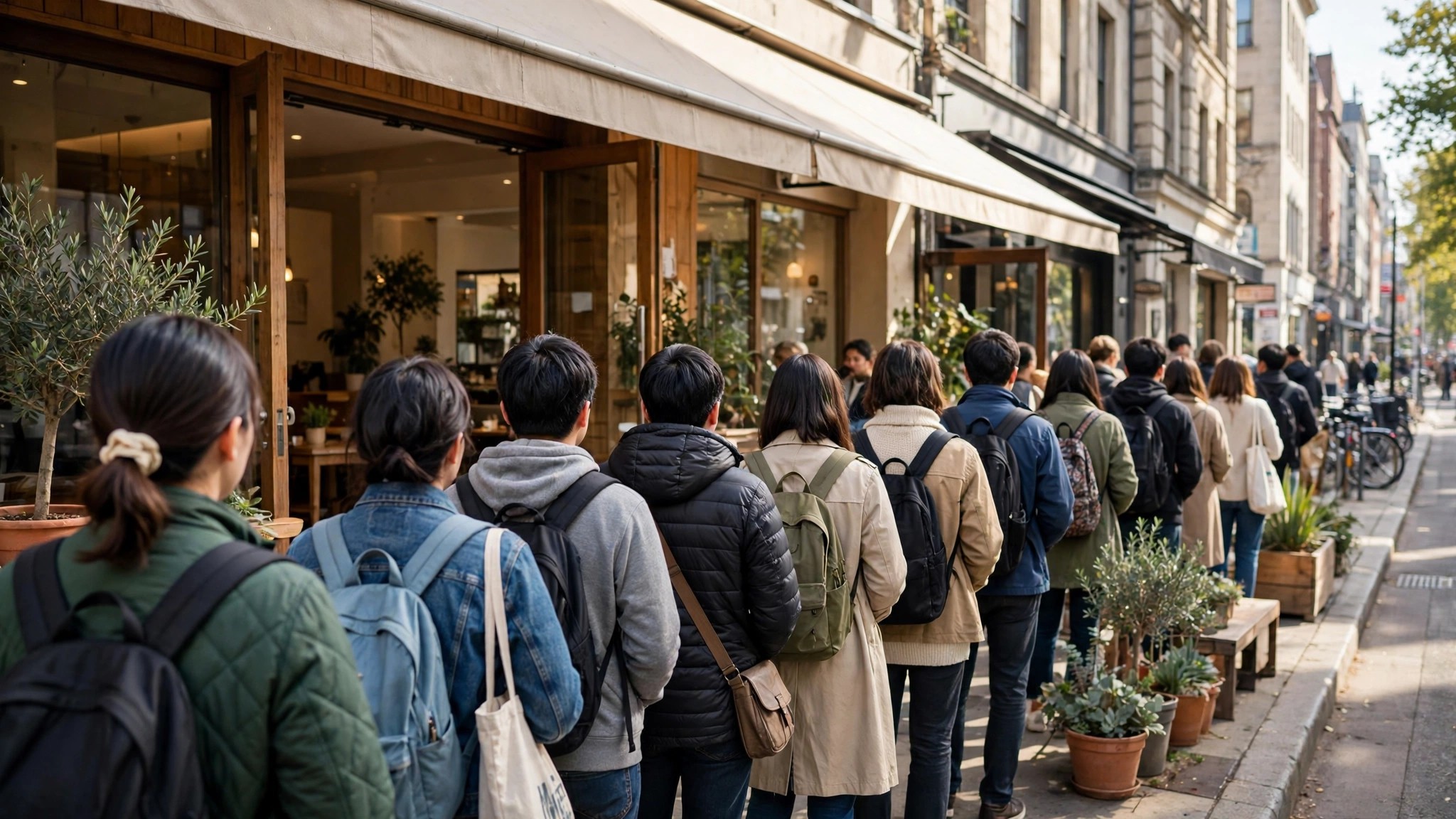
For service businesses — the salon, the clinic, the phone-repair shop — the question has a human edge: you are really asking whether they can take you now. The live bar answers the crowd half of that question well. It cannot see appointments, staffing or a machine breakdown, so for anything costly to get wrong, pair the check with a thirty-second phone call: “Your listing says you’re less busy than usual — is that right, and can you take me at 4?”
Businesses, for their part, cannot see or edit the live label on their own listing; it is generated from visitor signals, as Google documents in its Business Profile Help page on popular times, wait times and visit duration. That independence is exactly why you can trust it more than a business’s own “we’re quiet, come over” — the label has nothing to sell you.
A related trick for chains: check two or three branches’ live bars. In Indian metros, branches of the same brand a few kilometres apart routinely sit at opposite ends of the scale at the same moment, and the quiet branch costs you five extra minutes of travel to save twenty of queue.
busy today
Zoom out one more level: not this hour, but the whole day. “Busy today” questions — planning a market run, a family outing, a hospital visit — belong to the typical graph more than the live bar, because most of the day has not happened yet. The routine: open today’s tab on the graph, mark the peak hours, and pick your slot in a valley. Then, at departure time, run the live check from the first section as a final confirmation.
Days have personalities the graph captures well. Festival eves compress shopping into brutal evening peaks; the first working day after a long weekend loads clinics, banks and government offices; school-holiday weekdays redistribute crowds from offices to attractions. The graph absorbs these as “typical” only when they recur regularly — a one-off festival date will not show — which is why the day-level plan always deserves the live confirmation before you leave, and why our overview of the Busy Area feature on Google Maps recommends treating the two checks as one habit.
why is it so busy today
When the live bar announces “busier than usual,” the natural follow-up is why. The culprits form a short list, and identifying yours tells you how long the spike will last:
- Events — a match, concert, exhibition or a wedding in the venue upstairs. Spikes start an hour before, break at the end.
- Weather turns — the first monsoon downpour floods covered malls and empties open markets; a sudden pleasant evening fills every park and food street in the city.
- Calendar effects — salary days at banks and ATMs, festival eves at sweet shops and jewellers, school-result days at stationery shops, the last date for a government form at the office that accepts it.
- Disruptions — a closed metro line or a diverted road pushes one area’s crowd into the next; a competing store’s closure funnels its customers to yours.
- Viral attention — a creator’s video can double a café’s crowd for a fortnight; the live bar sees it long before the typical graph admits it.
Most spikes are measured in hours. If your errand can slide to tomorrow, the typical graph — which never noticed the spike — becomes accurate again, and you have converted a packed, irritating trip into an ordinary one by doing nothing at all.
Making it a habit: the pre-departure ritual
The check only pays if it happens every time, and habits form around fixed triggers. Attach the live check to something you already do before leaving: while the kettle boils, while you wait for the lift, in the auto on the way to the metro. Ten seconds, same moment, every trip — within a fortnight you will stop experiencing surprise crowds entirely, and start experiencing the mild smugness of walking into places at their calmest.
Build the supporting habits alongside it. Save the places you visit weekly — your gym, supermarket, clinic, salon — into a Maps list, so each one’s live status is two taps away. Learn each favourite’s personal pattern once (its graph, its valleys, its worst hour) so the live label lands on knowledge rather than novelty. And teach the household: the person who checks before the weekly shop, the hospital run or the airport drop is performing a small act of care that everyone in the car will feel.
The deeper point is that “is it busy right now?” used to be unanswerable without going and seeing. It is now a ten-second lookup, computed from the crowd itself and refreshed while you watch. The only way to lose that advantage is not to look.
Frequently asked questions
The live bar says “busier than usual” but the typical bar is low. Which do I believe?
The live bar. It describes today; the typical bar describes an average day. When they disagree, today is the exception, and the live label exists to catch exactly that.
How early can I check before leaving?
The live bar reflects now, and crowds move slowly enough that a check 30–60 minutes before departure is still meaningful. For long journeys, check again en route.
Does this work for places in another city I am travelling to?
Yes. The live bar belongs to the listing, not to your location — you can check a hotel, museum or market across the country as easily as one across the street.
What if the place I need never shows a live bar?
Small and low-traffic places often stay below the live-data threshold permanently. For those, the typical graph plus the neighbourhood’s Busy Area label is your best available estimate — and for appointments, a phone call remains the undefeated fallback.
Can I check “busy right now” for a whole trip, not just one stop?
In pieces, yes: live bar for the destination, area label for its district, traffic layer for the route. Thirty seconds of checking covers all three layers of the journey.
Is it busy right now? For most of the places that structure your week, the answer is already on your phone, refreshed by the crowd itself. Ask the question before every departure for a fortnight, and you will wonder how you ever travelled without asking it.
