
Every few months, forums fill with the same worried question: did Google remove busy times? The feature people remember — the friendly bar chart on a listing — seems to have moved, shrunk or disappeared, and a replacement with a different name has taken its place. The short answer is reassuring: the data never went away. What changed, repeatedly, is where it sits, what it is called, and how much of it each surface chooses to show.
This article untangles the naming once and for all, traces where busy times live in today’s app, Search and desktop layouts, and explains the episodes where the graph genuinely did vanish for some users. For reading the chart itself once you have found it, our main guide to Google Maps Popular Times is the companion piece.
google busy times
“Busy times” was never quite the feature’s official name — it is the phrase users naturally coined for it, and Google itself uses it in help pages and labels. Officially, the graph is Popular Times; the real-time layer is live visit data or live busyness; the map-level outline is area busyness. Four names, one family, all fed by the same aggregated visit data.
That naming drift is the root of most confusion. A user who learned to look for “busy times” in 2019 now finds “Popular times” in the app, “Live: Busier than usual” on a listing, and a “Busy Area” label on the map, and reasonably concludes these are different features appearing and disappearing. They are one system wearing different badges on different surfaces.
Knowing the family tree helps you search for help, too: queries about “popular times” reach Google’s documentation, while “busy times” reaches mostly community answers — both about the same bars.
busy times
As a feature, busy times do three jobs. The typical graph shows the week’s rhythm for a place, hour by hour. The live overlay shows how busy it is at this moment, compared with that rhythm. And the labels — “Usually not busy,” “As busy as it gets,” “Busier than usual” — translate the bars into words for people who will never study a chart.
Around those three sit two supporting statistics from the same data: wait times, mainly for restaurants, and visit duration, the “people typically spend…” line. Together they answer the complete planning question: when should I arrive, how long will I queue, and how long will I stay?
In India the feature quietly shapes daily logistics — OPD visits timed against a hospital’s graph, grocery runs shifted off the Saturday peak, families checking a mall’s live bar before driving across town. None of that required any announcement; the feature simply became infrastructure, which is exactly why its occasional layout changes cause such disproportionate alarm.
busy times google maps
Where do you find Google Maps busy times today? In the app, open any qualifying place and scroll the listing: the Popular Times graph sits below the address, hours and photos, with day tabs along its top and the live bar highlighted on today’s graph. In Google Search, the same graph appears inside the place’s knowledge panel. On desktop Maps, it lives in the left-hand panel as you scroll.
Two placement changes explain most “it’s gone” reports:
- The summary line. On some listings the app now leads with a compact status — a short busyness line near the top — and the full graph requires scrolling. Users who remembered the graph “at the top” conclude it vanished; it moved down, not out.
- The map-first layout. Recent app designs open places as a half-sheet over the map. Until you swipe the sheet fully up, entire listing sections — including the graph — are hidden. One upward swipe is the whole fix.
If a listing truly shows nothing after a full scroll, the place likely has no data at all, which is a different matter covered in our troubleshooting guide to Popular Times not showing.
did google maps remove busy times
No — and the evidence is on your phone right now: open any large supermarket or famous attraction and the graph is there, updated with live data. What Google does do, constantly, is test layouts. A fraction of users receive experimental listing designs in which sections move or resize. During those tests, busy times can look missing to the test group while everyone else sees them normally, and because the test group talks about it online, each test spawns a fresh wave of “removed” rumours.
Google also retired some neighbouring experiments over the years — various Covid-era crowdedness layers for transit and areas were scaled back once the emergency passed — and those genuine retirements lend the rumours credibility. But the core listing feature, Popular Times with live data, has remained continuously available and is documented as a standard part of business visit data in Google’s Business Profile Help pages.
The reliable test for any “removal” claim: check three big, busy listings on a desktop browser. If the graphs are there — and they will be — the feature lives; what you met was a layout change or an experiment.
It helps to know the rumour’s life cycle. A layout test begins, a few hundred users post screenshots of a listing that “lost” its graph, a blog writes it up as a removal, and the post keeps ranking for years — long after the test ended and every layout settled again. Several of the top results for removal questions today are fossils of tests from years ago. Before believing any of them, check the article’s date, then check a supermarket listing on your own phone. The phone is the fresher source.
Why doesn’t Google show busy times?
For specific places, though, the absence is real and deliberate. Google withholds busy times where publishing them would be misleading or unsafe:
- Too little data. Below a visit threshold, a graph would be noise dressed as fact.
- Privacy-sensitive places. Homes never qualify, and some categories of sensitive locations are treated cautiously by design.
- Places where “visits” are meaningless. A drive-through lane, a petrol pump forecourt or a stall inside a food court may have footfall without meaningful dwell, so a crowd graph would lie.
There is also a boring technical family of causes: a listing merged from duplicates can temporarily lose its graph; a business that moved address starts a new data life at the new pin; a re-categorised place can drop out while its data rebuilds. In each case the remedy is time — the data re-accumulates from real visits.
Busy times from the business side of the counter
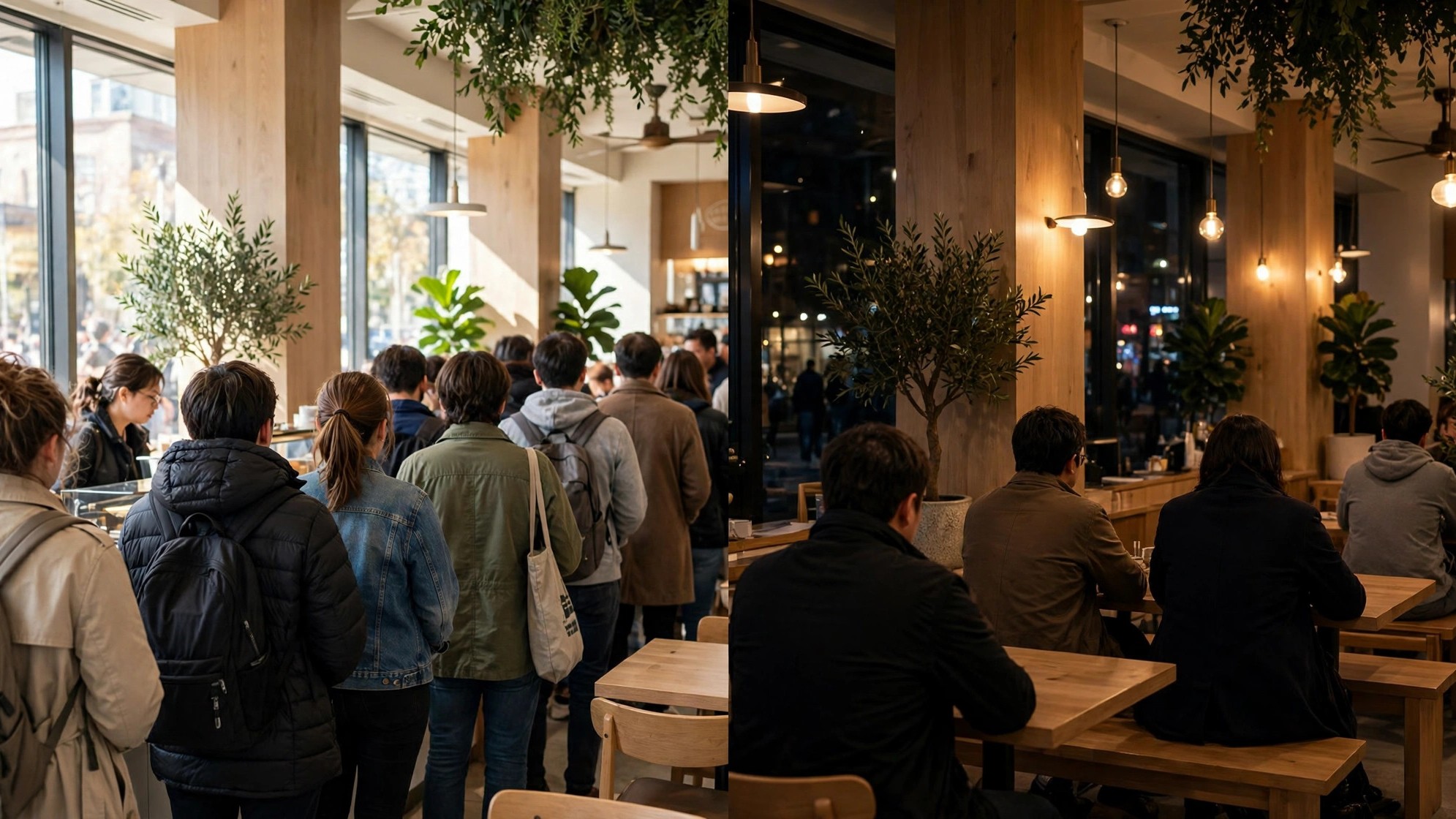
Visitors are not the only readers of these bars. Owners study their own graphs to roster staff against the Saturday shelf, to schedule deliveries in the mid-morning valley, and to spot the shoulder hour where a happy-hour offer might pull the peak apart into two manageable humps. Chains compare branches: a store whose graph peaks an hour later than its siblings is telling its managers something about its neighbourhood’s habits.
That two-sided readership is another reason the feature is not going anywhere. Busy times began as a visitor convenience and became an operations tool; features with paying-attention audiences on both sides of the counter tend to be rearranged endlessly, but they are not retired. When the layout shifts under you, the correct response is the one this article has practised throughout: scroll, find the graph in its new home, and carry on planning.

What happened to Google showing busy times?
If your memory says the feature used to be more prominent, your memory is right. Early versions of the listing put the graph a short scroll from the top, and Google promoted it heavily when live data launched. Since then, listings have absorbed far more content — menus, booking buttons, reviews with photos, Q&A, offers, accessibility details — and every section competes for the same first screen.
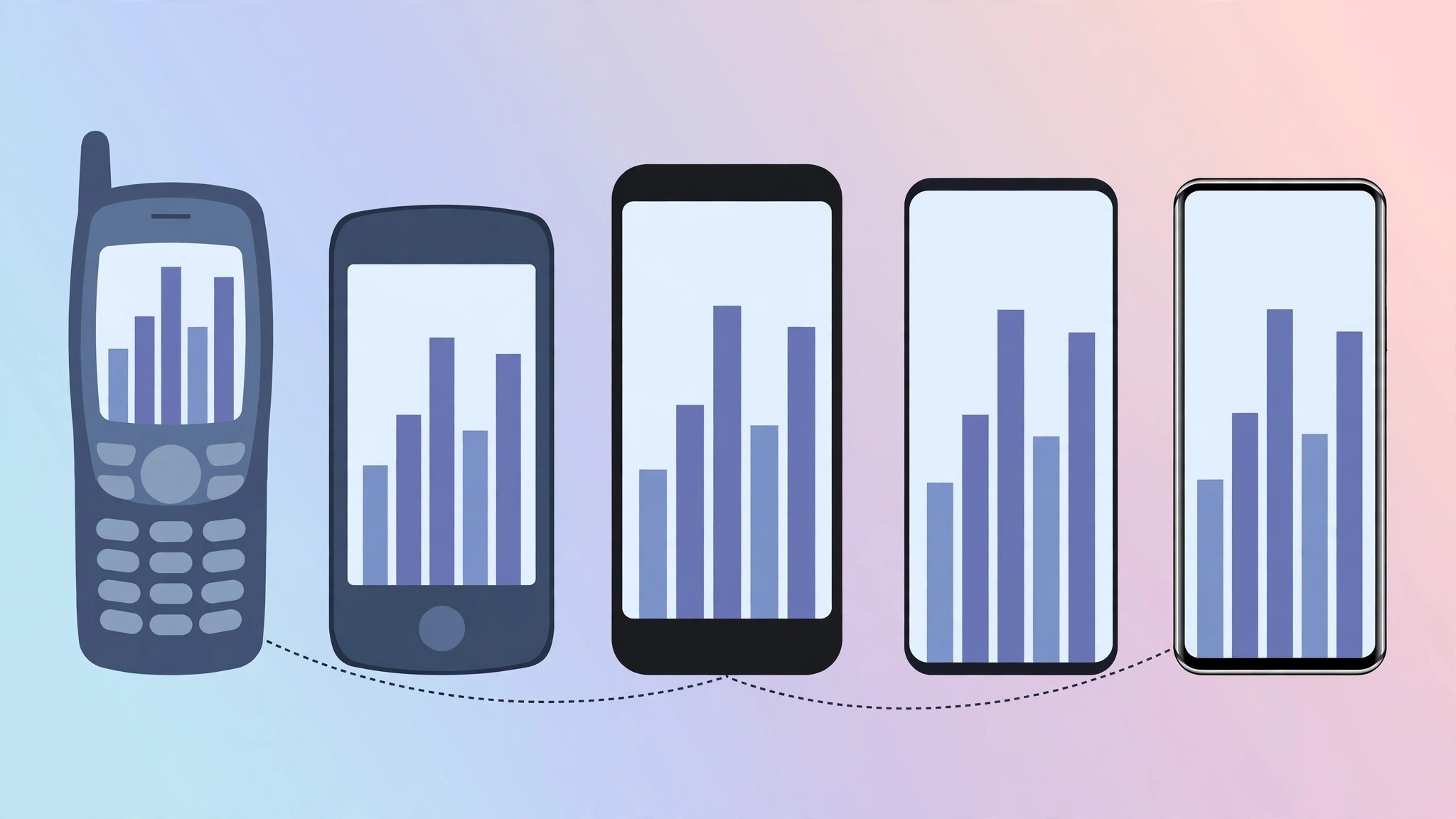
Busy times lost some of that screen real estate, not its existence. The practical adaptation is simple: learn the modern scroll path once — open listing, swipe up, scroll past photos, find the graph — and the feature is as fast to reach as it ever was. The little map marker that flags crowded districts followed the opposite path, incidentally: the busy area icon on Google Maps became more prominent as area busyness was promoted to a headline map feature.
What happened to Google Live Popular Times?
Live Popular Times — the real-time bar — also survives, under plainer names: “Live” on the graph and labels like “Live: Usually busy” or “Live: Busier than usual.” It appears only while a place is open and only when enough visitors are present at that moment to form a real-time estimate, so its comings and goings across a day are normal behaviour, not faults.
What did change around it: during the pandemic years Google layered extra crowdedness information onto transit and areas, and some of those experimental layers were later withdrawn, which blurred memories of what “live” used to look like. The listing-level live bar, however, is the original feature and remains the single most useful number on the page — the difference between what usually happens and what is happening to the people standing there right now.
A quick history of the feature, so the rumours make sense
Google Maps busy times arrived in Search and Maps in the mid-2010s as a simple historical graph for a handful of place categories. Live data followed a couple of years later, turning a static chart into a real-time instrument, and wait times and visit duration joined from the same data pipeline. Area busyness arrived later still, lifting the idea from individual listings to whole neighbourhoods and putting the orange outline on the map.
Each expansion changed the listing’s layout, and each layout change produced a fresh crop of users who could no longer find the graph where muscle memory expected it. Add Google’s permanent habit of testing designs on slices of users, plus the genuine retirement of some pandemic-era crowdedness experiments, and you have the full recipe for a rumour that revives every year: the feature was never removed — it kept being rearranged.
The stable lesson across a decade of rearrangement is that the data layer never went backwards. The graphs cover more categories, in more countries, with a live layer that did not exist at the start. When in doubt, distrust the layout, trust the data — and scroll a little further than you used to.
Frequently asked questions
Is “busy times” the same as “Popular Times”?
Yes. “Busy times” is the everyday name; “Popular Times” is the label in the app. Same graph, same data.
Why does my friend see the graph where I don’t?
Usually a layout experiment, an older app version, or a different listing for the same place. Compare on desktop to settle it.
Will busy times be removed in future?
There is no indication of that. The feature is core visit data that businesses and users rely on daily; layout changes, however, are guaranteed to continue.
