
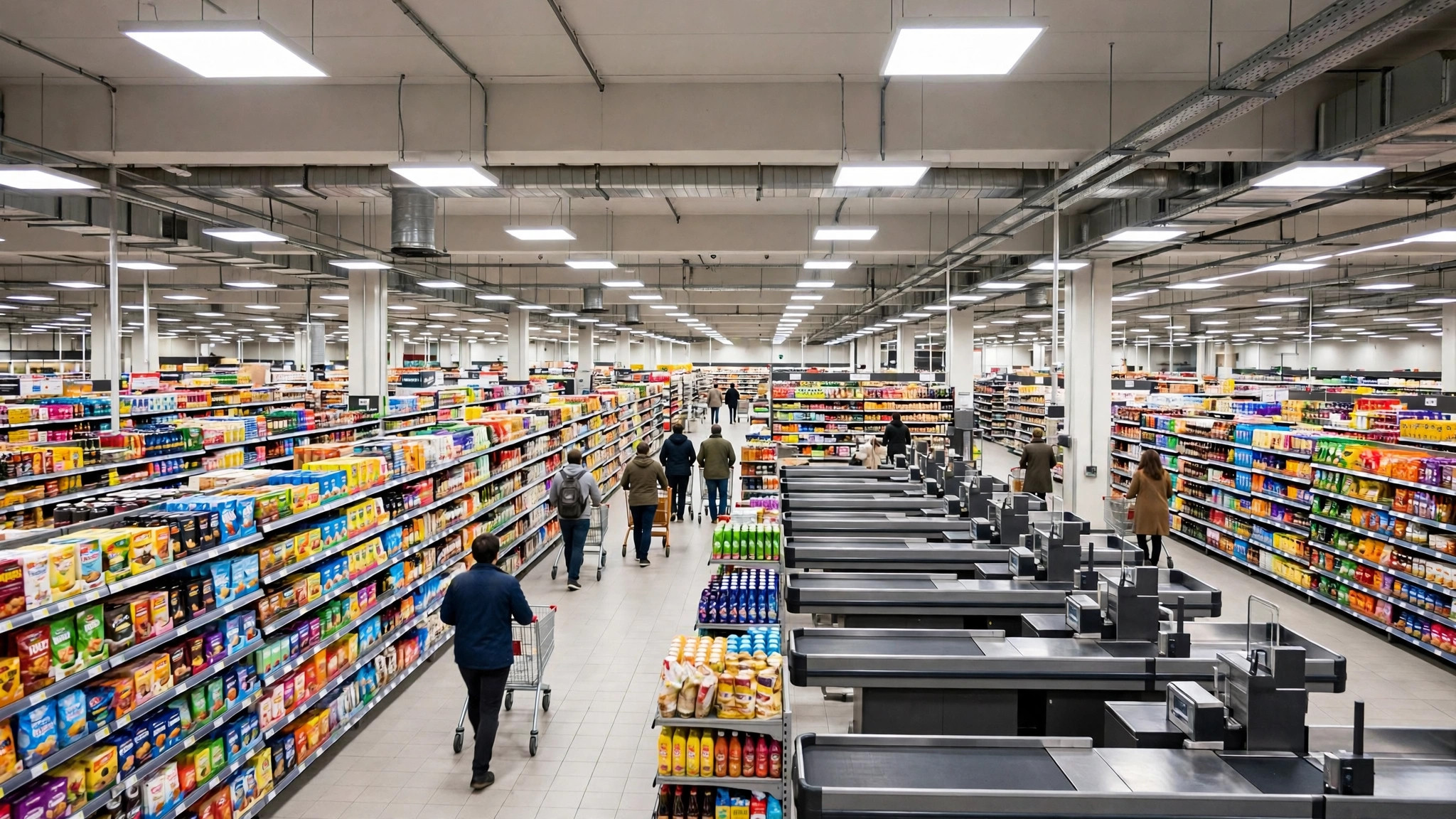
Short answer: yes, mostly — and the exceptions are predictable. Google Maps busy times are built from months of real visits, so for ordinary days at ordinary places they are one of the most reliable planning tools on your phone. But they are averages, and life is not always average. Festivals, downpours, exam weeks, sale launches and road closures can all push a real crowd away from the typical bars.
This guide gives you a fair verdict on accuracy: what the data gets right, the five situations where it misleads, how the live bar rescues most of those situations, and a simple routine for checking any place before an important trip. So, is google busy times accurate enough to plan a hospital visit, a visa appointment or a Saturday stock-up around? Read on — the answer is yes for most places, with conditions you can check in seconds. For the mechanics behind the numbers, our explainer on Google Maps Popular Times covers how the graph is built.
how accurate is google maps busy times
Start with what the typical graph is actually claiming. It does not claim “there will be 200 people at 6 p.m.” It claims “6 p.m. is usually about this busy, relative to this place’s busiest hour.” Judged on that claim, it is accurate surprisingly often, because human routines are stable. Office workers lunch at the same hours, gyms fill after work, supermarkets peak on weekend mornings — and those patterns repeat week after week with only slow drift.
The graph is also self-correcting. Because it is averaged from the last few months of visits, a place that genuinely changes its rhythm — a restaurant that becomes a breakfast hotspot, a clinic that adds evening hours — will see its bars reshape within weeks. Where users report the typical graph feeling “wrong,” the cause is usually one of the special situations below, not the underlying averages.
A practical way to judge any individual place: compare its graph against your own experience twice. If the bars match what you saw, trust them for that place; local calibration beats any general verdict.
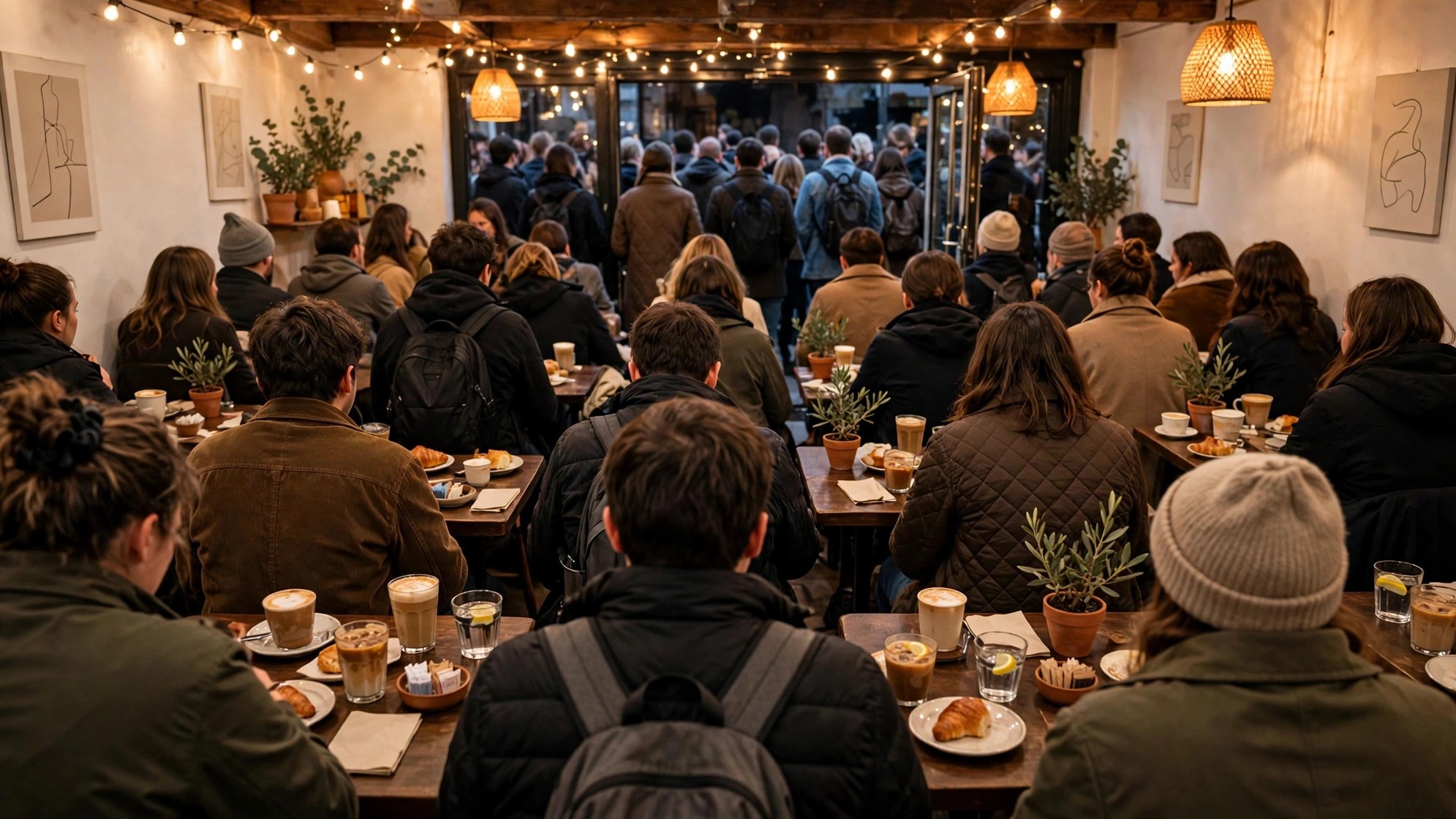
how accurate is google maps popular times
Accuracy varies by place type, and the pattern is logical:
- Very accurate: large supermarkets, malls, chain gyms, major stations and famous attractions. Huge visit volumes produce stable averages, and their crowds are routine-driven.
- Fairly accurate: restaurants, cafés, clinics and banks. Good data, but reservations, doctor rosters and payday cycles add wobble the averages smooth over.
- Patchy: small, new or seasonal places. Thin data means noisier bars, and seasonal spots (a hill-station café in peak season) can change faster than the averages follow.
- Absent: places below the data threshold show no graph at all — which, as we explain in our guide to the Busy Area feature on Google Maps, is Google choosing silence over a guess.
The Indian context matters here. In metro areas, smartphone density and Location History opt-ins are high, so graphs for malls, hospitals and markets in cities like Delhi, Mumbai, Bengaluru and Hyderabad are generally strong. In smaller towns the same shop may have a graph but built from a thinner sample — treat its bars as a hint, not a verdict.
is google maps popular times accurate
The honest complications come from the world, not the maths. Five forces bend real crowds away from the typical bars:
- One-off events. A concert, a cricket match, a product launch or a wedding nearby can triple a place’s crowd for one evening. The typical graph knows nothing about it.
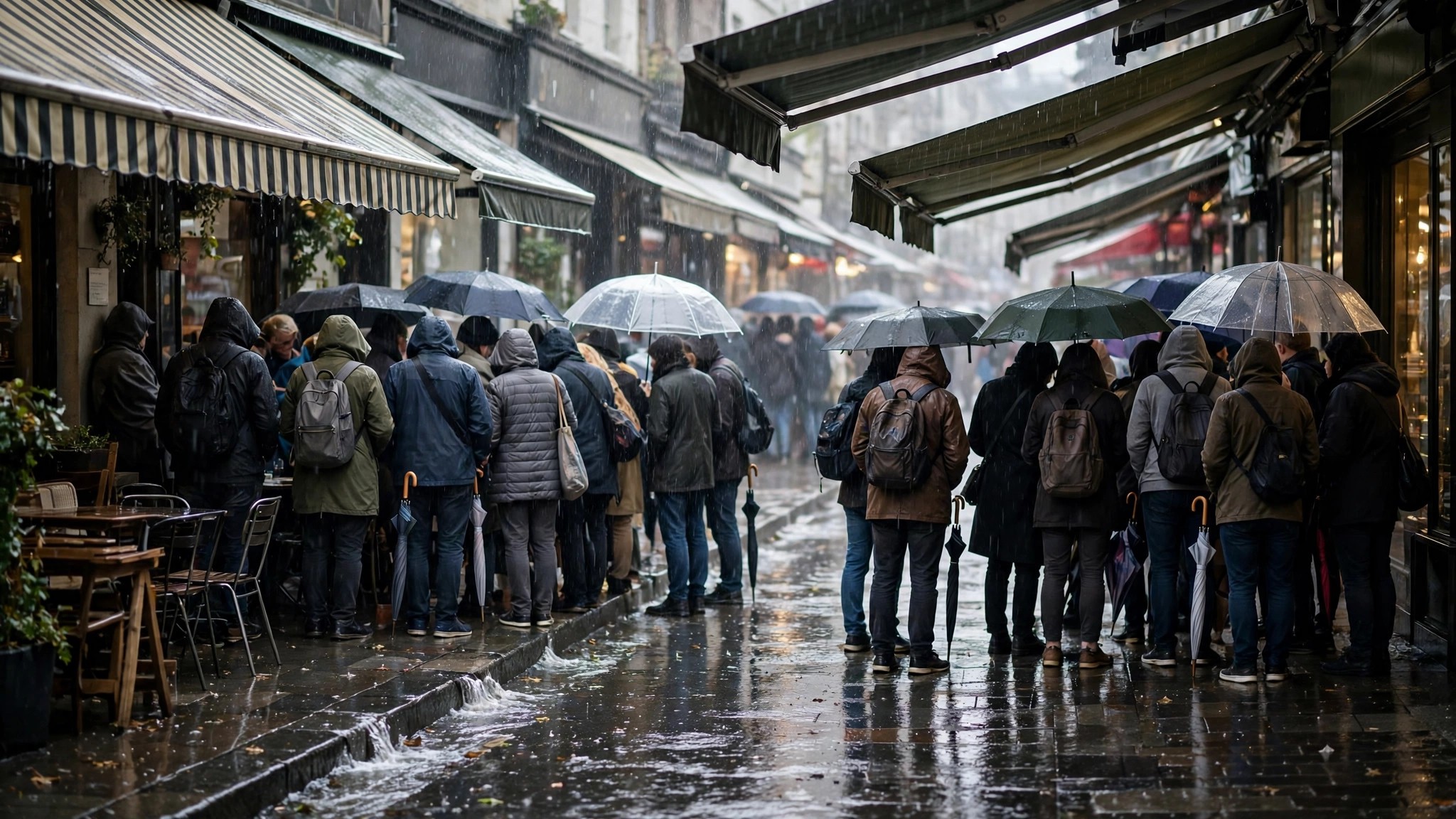
- Weather. The first heavy monsoon rain empties open-air markets and floods covered malls; a sudden heatwave shifts shopping to the evening. Weather effects are real but too variable to bake into averages.
- Holidays and festivals. Diwali-week shopping, Eid evenings, Christmas markets, school holidays — recurring, but each year’s dates move, so the averages only partly capture them.
- Disruptions. A metro line closure, a road diversion or a strike reshuffles crowds across a whole neighbourhood for a day.
- Viral moments. A café featured by a popular food creator can go from quiet to queued-out in a weekend, weeks before the averages catch up.
Notice that all five are departures from routine. On a routine day — which is most days — the graph is doing its quiet, accurate work.
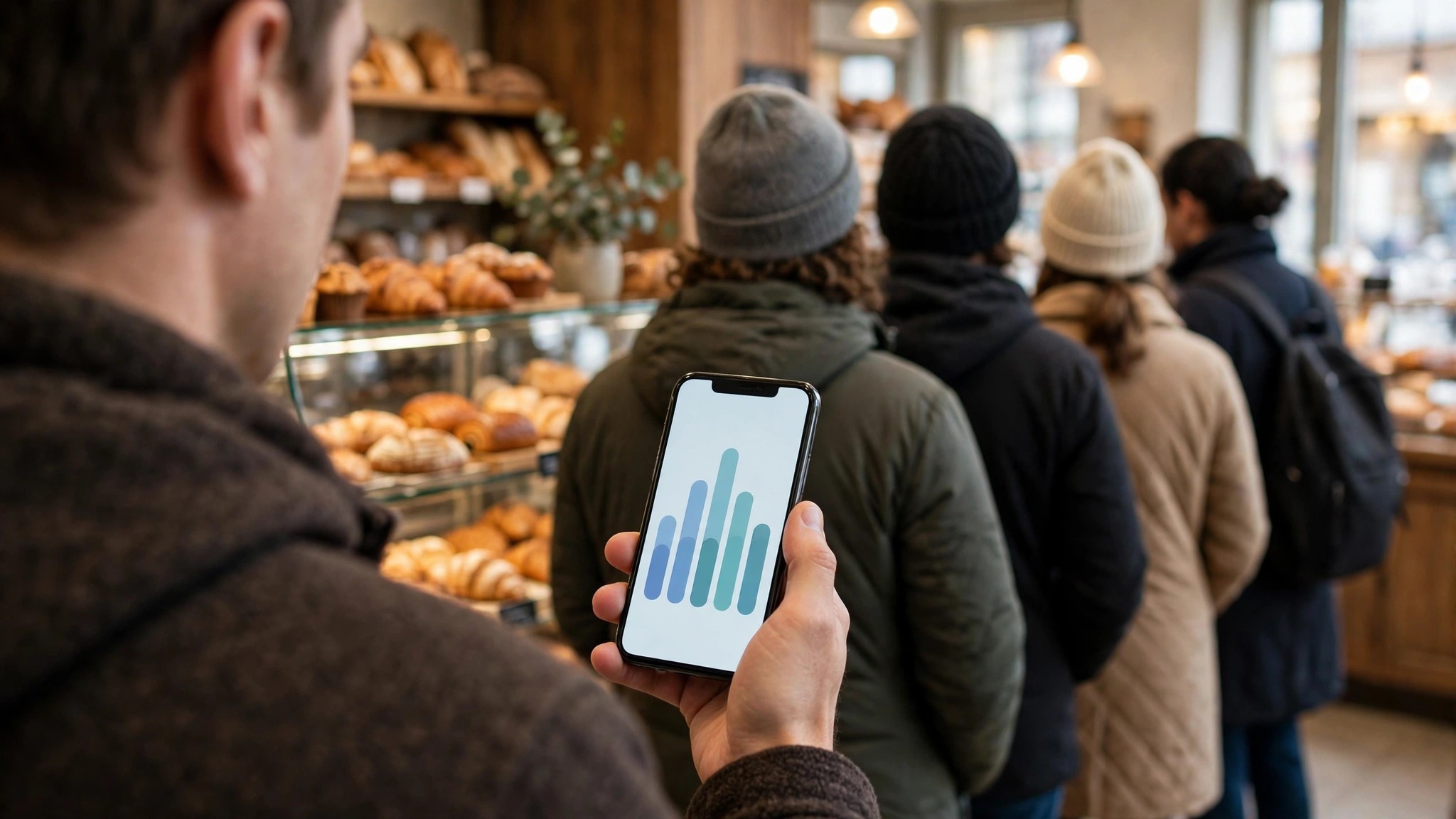
how accurate is google maps live popular times
The live bar exists precisely to cover those departures. Because it is computed from visitors present right now, it sees the concert crowd, the festival rush and the rainy-day surge as they happen, and its labels — “Busier than usual,” “Less busy than usual” — are direct comparisons between reality and the typical pattern.
Live data has its own limits. It needs enough opted-in visitors on site at that moment, so it appears reliably at big places and sporadically at small ones. It also tells you about now, not about the hour after next: a place can be calm at 4 p.m. and slammed by 5. Used together, the two layers are stronger than either alone — the typical graph for planning your day, the live bar for the final go/no-go check before you step out. Our dedicated guide to live busyness on Google Maps shows how to read that live layer in detail.
Can you trust Google popular times?
Yes, with the same trust you give a good weather forecast: plan around it, but glance out of the window before leaving. Concretely, trust the bars most when:
- the place is large, established and routine-driven;
- the day is ordinary — no festival, holiday, match or alert attached to it;
- the live bar, when shown, roughly agrees with the typical bar.
Discount them when the day is extraordinary, when the place is tiny or brand new, or when local news suggests a disruption. And remember what the bars measure: relative crowd, not your personal wait. A “usually busy” hour at a well-staffed supermarket with twenty tills may still move faster than a “usually a little busy” hour at a two-counter pharmacy.
How accurate is Google Popular Times data?
Under the hood, the data’s accuracy is protected by the way it is built. Google documents that popular times, wait times and visit duration come from aggregated and anonymised data from users who opted in to Location History, and that a place only displays the data once it receives enough visits — you can read that in Google’s own Business Profile Help page on popular times, wait times and visit duration.
That threshold does double duty: it protects privacy, and it guarantees a minimum sample size before any bar is drawn. Accuracy then improves with volume, which is why the busiest places — ironically, the ones you most need data for — have the most trustworthy graphs. The remaining error is mostly sampling error: opted-in visitors may skew slightly younger or more urban than a place’s full crowd, so a destination popular with visitors who keep location off (some schools, some clinics) can be under-read. Knowing that bias exists lets you correct for it with local sense.
Can I see “Popular Times” for specific events?
Not as an event forecast. Popular Times describes typical patterns for a place, and there is no toggle that shows “expected crowd during the book fair” or “graph for match day.” What you can do instead:
- Use the live bar on the day. For a stadium, exhibition centre or festival venue, the live label is the only Google signal that reflects the event itself.
- Check the venue’s neighbours. If the stadium’s own graph is quiet but every café and parking area around it shows “busier than usual,” the event crowd is real and arriving.
- Expect the shoulder pattern. Big events compress arrivals into the hour before start and exits into the half hour after; even when the graph cannot show it, planning to arrive early or leave late works the same way it always has.
Treat event days as the known exception, use live data, and the system still earns its keep.
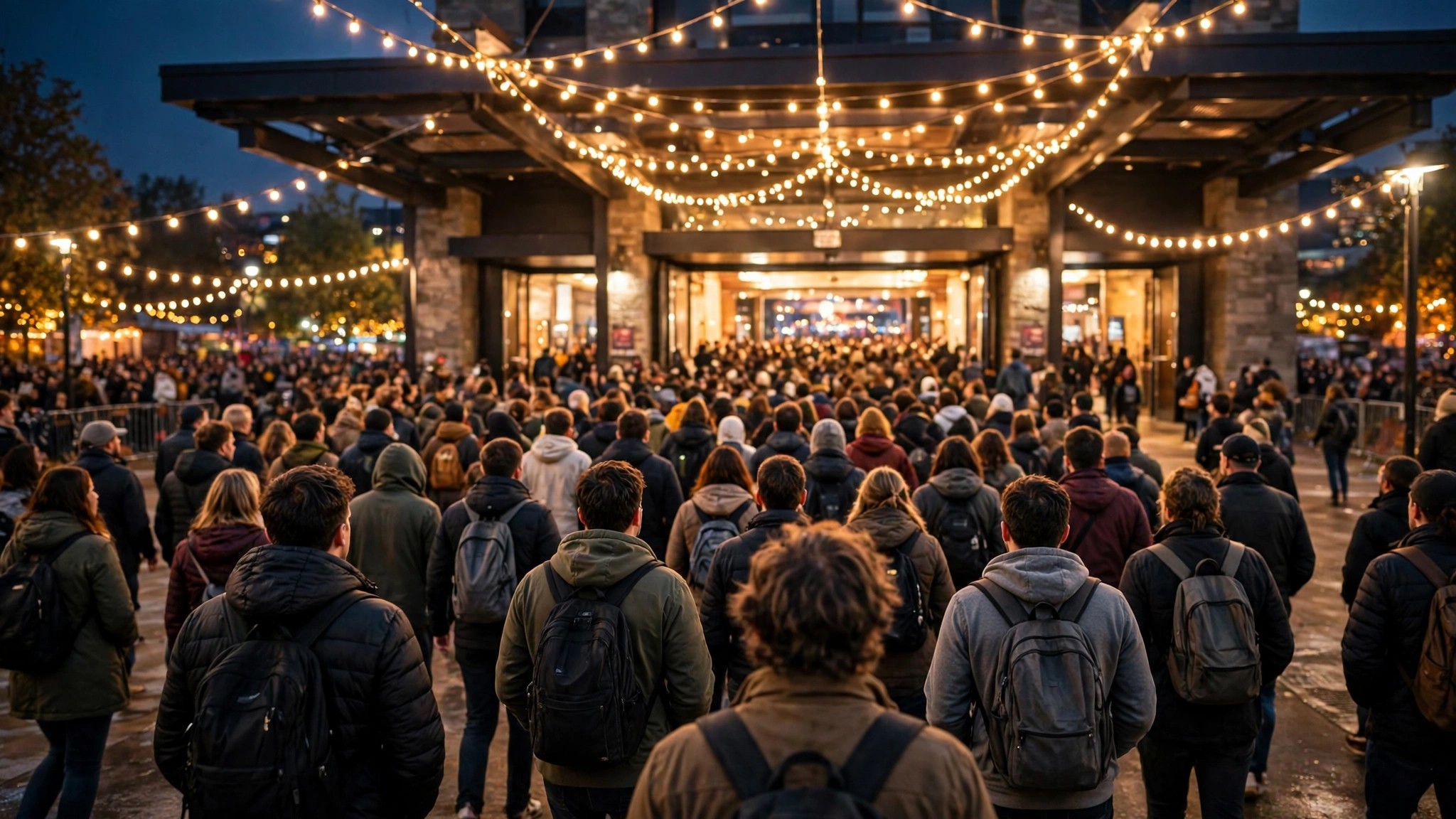
How to sanity-check a graph before an important trip
For a routine errand, the bars alone are enough. For a trip that matters — a hospital procedure, a visa appointment, catching a train after visiting a relative in a crowded market district — spend two extra minutes on a sanity check.
First, look at the listing’s recent reviews and photos. A run of recent reviews mentioning “very crowded” or “long queue” tells you the graph’s story is current; reviews praising how quiet it was suggest the pattern is softening. Second, check the live bar at the same hour on an earlier ordinary day: if live and typical agreed then, they are likely calibrated for this place. Third, scan for the known exceptions — a public holiday this week, a festival in the area, a big match, a weather warning. If one applies, plan for the exception, not the average: arrive at opening time, book ahead where possible, or shift the visit by a day.
Finally, build slack into the plan itself. The graph can tell you the best hour; it cannot hold your parking space or shorten a security queue. Ten minutes of buffer converts small data errors into non-events.
Frequently asked questions
Why did the graph say “usually not busy” but the place was packed?
Almost always an event, holiday or weather departure — or a recent surge the multi-month average has not absorbed yet. Check the live bar on the day itself; it reflects the exception.
Are wait times as accurate as the bars?
They are built from the same visit data and are similarly reliable for routine days. For restaurants, remember they estimate the wait to be seated or served, not the length of your meal.
Does accuracy differ between the app and desktop?
No. Both surfaces show the same underlying data; only the layout differs.
What is the single best habit for using the bars well?
Check twice: the typical graph when you plan, and the live bar when you leave. Most bad experiences come from people who did only the first check on a day that turned out to be an exception.
The balanced verdict, then: is google busy times accurate? For routine days at established places, yes — it is one of the most dependable free planning signals available, precisely because it is drawn from real visits rather than guesses. Its failures are not random; they cluster around events, weather, holidays and brand-new places, and the live bar covers most of them. Learn those exceptions, keep the two-check habit, and the bars will save you far more time than they ever cost you.
