

Nobody enjoys reaching a market, a café or a government office and finding a queue spilling out of the door. The good news is that Google Maps quietly answers the question before you leave home: if you know how to see how busy a place is on Google, you can check its typical crowds, its live busyness and even the best hour to visit, all in under a minute. Three separate signals do the work — the Popular Times graph, the live busyness bar and the Busy Area label — and each one answers a slightly different question.
This guide walks through every route step by step: Google Search, the Maps app on your phone, and Maps on a desktop browser. It also explains how to read the bars once you find them, and what it means when a place shows no crowd information at all. If you want the background first, our homepage guide to how the Busy Area feature works covers the idea behind all three signals.
how to check how busy a place is on google
The fastest route starts in ordinary Google Search, with no app needed. Search for the place by name — “Phoenix Marketcity Kurla” or “Blue Tokai Indiranagar”, for example — and open its listing panel. Scroll down past the address, phone number and photos, and you will find a section headed Popular times. That section is the answer to how to check how busy a place is on google in its simplest form.
The graph shows one day at a time, with a row of bars for each hour the place is open. Use the day selector above the graph to switch between days, because a café’s Friday curve looks nothing like its Monday curve. On many listings you will also see a red or pink Live bar sitting over the bar for the current hour, plus a short line such as “Usually not busy” or “Busier than usual”. Together, the typical graph and the live bar tell you both what normally happens and what is happening today.
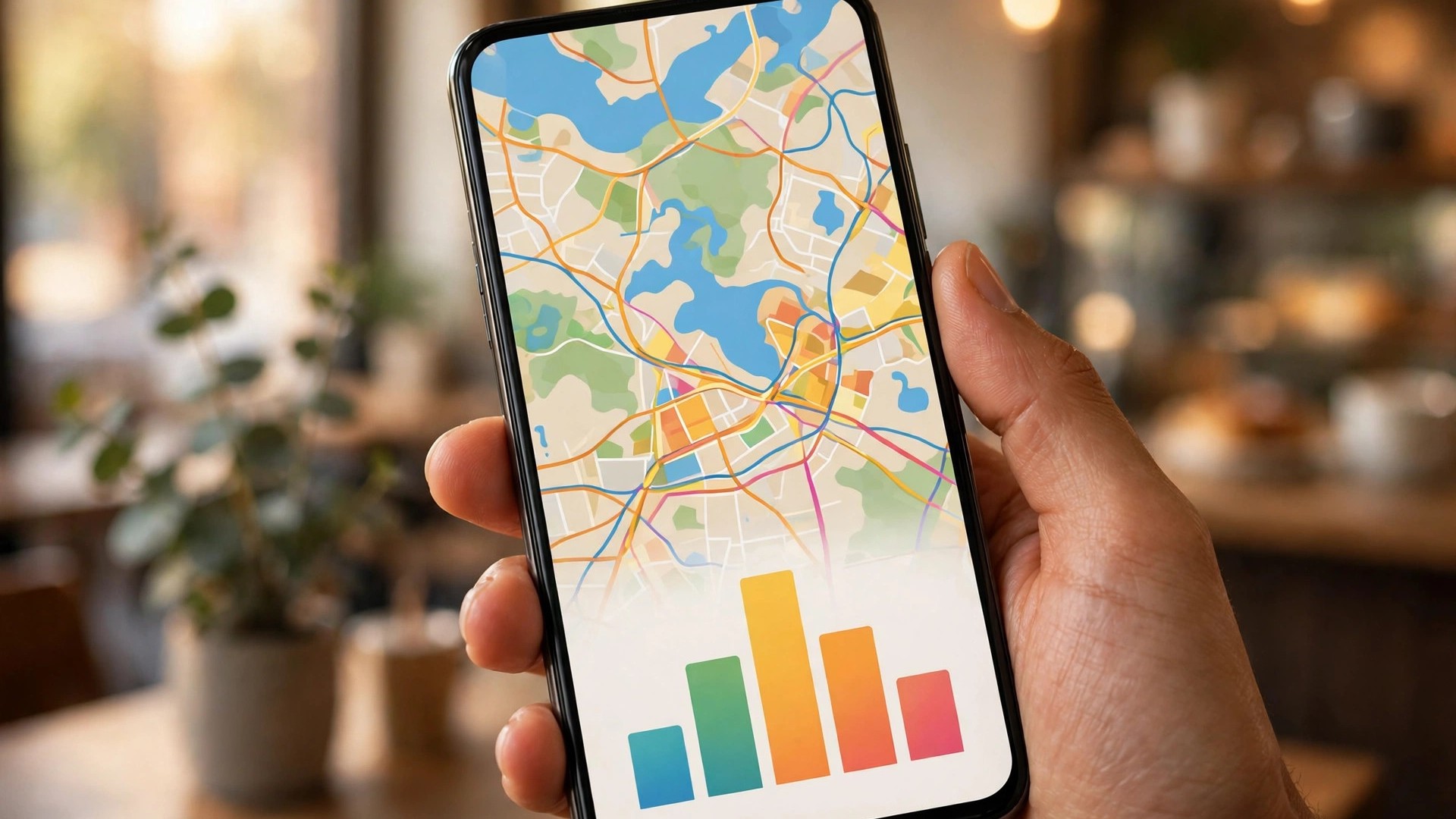
how to see busy times on google
Google Search and Google Maps share the same underlying data, so learning how to see busy times on google in the search results gives you the same numbers you would get in the app. The search route has one advantage: it works on any device with a browser, including a shared office computer where you are not signed in.
A few details are worth knowing on this surface:
- On desktop search, the listing panel sits on the right of the results; on mobile search it appears as a card you swipe up to expand.
- Tapping any hour bar shows the expected busyness for that hour in words, and for restaurants it may also show a typical wait time.
- If the place is closed at the hour you are checking, the graph still shows its pattern for open hours, so you can plan tomorrow’s visit today.
If the listing has no Popular Times section at all, the place is not broken — Google simply does not have enough visit data for it yet. The last section below explains why that happens and what to use instead.
how to find busy times on google
New users often search the listing and miss the graph entirely, so here is how to find busy times on google without hunting. On a phone, the graph is below the fold: you must scroll past the action buttons (Directions, Save, Share), the address block and usually the photos before the Popular Times section appears. On desktop, it sits further down the right-hand panel, often below opening hours.
Two habits make the graph easier to use once found. First, check the day tabs before reading the bars — the graph opens on today by default, and a Saturday shopper reading Tuesday’s bars will be badly misled. Second, look for the small line of text under the graph, which may show visit duration (“People typically spend 45 minutes here”) — useful for budgeting your total trip time, not just the queue.
how to see busy hours on google
Finding the graph is only half the skill; the other half is learning how to see busy hours on google at a glance. The tallest bar of the day is that place’s peak — the hour regulars learn to avoid. The bars are relative to the place itself, not to a fixed crowd count: a tiny bakery’s peak bar might mean fifteen people, while a mall’s peak means thousands. What matters is the shape.
Read the shape like this. A single sharp spike means one rush to dodge — classic for office-district coffee shops at 9 am. A broad plateau means the place is steadily busy for hours, like a popular mall on a Sunday. Two humps usually mean a lunch wave and an evening wave, the signature of restaurants and supermarkets. The quietest reliable windows are normally the first hour after opening and the stretch just after the lunch wave fades. Cross-check with the live bar on the day itself, because festivals, match days and school holidays can bend the typical pattern.
how to check busy times on google maps
Inside the Google Maps app, the flow is nearly identical, with one extra signal. Here is how to check busy times on google maps on Android or iPhone:
- Open Google Maps and search for the place, or tap its pin on the map.
- Swipe up on the place card to expand the full listing.
- Scroll to the Popular times graph and pick the day you plan to visit.
- If a Live bar is shown, compare it with the typical bar for this hour — “busier than usual” is your warning to delay or pick another branch.
The extra signal in the app is the map layer itself. Zoom into a shopping district and, at busy moments, an orange-outlined zone labelled Busy Area may appear over the streets with the highest footfall. Tapping it opens area-level busyness for the whole neighbourhood, which is ideal when you have not yet chosen a specific shop. Our guide to the busy area icon on Google Maps explains that marker in detail.

how to see busy times on google maps
There are two more app habits worth building once you know how to see busy times on google maps. First, check from your saved places: if you have saved a restaurant or store to a list, opening it from the You tab brings up the same listing and the same graph, so you can re-check a favourite in seconds before leaving. Second, check before you navigate: when you search for directions to a place, glance at the graph on its card first — arriving at the peak because the route was fast is a hollow victory.
It also helps to check more than one branch. Large chains publish a separate graph per location, and in Indian metros the difference is dramatic: the same supermarket brand can be packed at 7 pm in one neighbourhood and nearly empty at the same hour two kilometres away. Choosing the quieter branch often saves more time than any route optimisation.
how to view busy times on google maps
On a desktop browser, the layout changes slightly, so here is how to view busy times on google maps on a larger screen. Open maps.google.com, search for the place, and its panel appears on the left. Scroll the panel down to the Popular times section. The desktop graph has one pleasant advantage: you can hover over each bar to read the hour and its plain-language label (“Usually busy”, “Usually not too busy”) without tapping.
Desktop is also the better surface for comparing days, because the day selector sits directly above the graph and switching is instant. If you are planning a week — say, choosing which weekday to visit a passport office or a wholesale market — run through all seven days on desktop and note the day whose peak is lowest; that is your best bet. Keep in mind our deeper walkthrough of Google Maps Popular Times if you want every element of the chart explained.
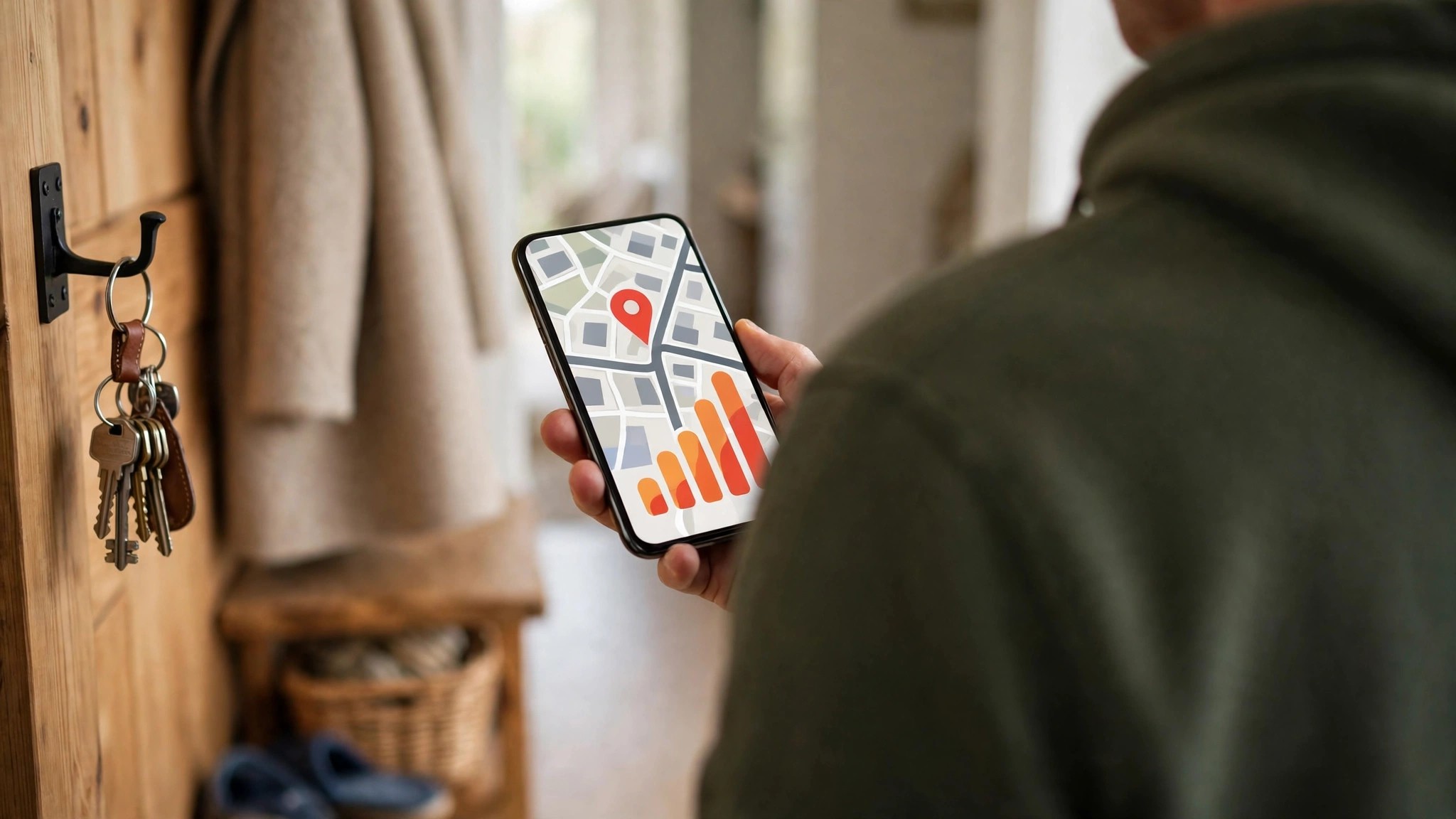
see busy times google maps
To finish, a quick-reference version of the whole routine. When you want to see busy times google maps for any listing:
- Search the place name in Google or Maps and open the listing.
- Scroll to the Popular times section — below photos and hours.
- Pick the day you actually plan to visit, not just today.
- Read the peak — the tallest bar is the hour to avoid.
- Check Live — if a live bar shows, trust it over the typical bar for today.
- Zoom the map — look for the Busy Area label when comparing neighbourhoods.
And when nothing appears? Google publishes busyness only when it holds enough anonymised visit data to make the estimate honest and privacy-safe. Small, new or rarely visited places may show nothing, and homes never show anything. In that case, fall back on general patterns — opening-hour rushes, lunch waves, weekend peaks — and, for shops and clinics, a quick phone call beats a wasted trip.
One more tip for regular travellers: the same Popular Times section appears on listings abroad, in the local language of the listing, with the bars still readable at a glance. If you are planning a day around a museum in another country, check its graph the evening before and pick the day of your stay with the lowest peak — the technique works identically everywhere Google publishes visit data. Google’s own Maps Help centre documents the feature for each platform if you ever find the layout differs on your device.
Frequently asked questions
Why does the graph show for some places but not others?
Google needs a minimum volume of anonymised visits before it will publish a graph. Busy urban listings qualify quickly; a small rural outlet may never qualify.
Is the live bar always available?
No. The live bar appears only when Google is receiving enough real-time signals from visitors at that moment. Its absence does not mean the place is empty — it means there is not enough live data to publish.
Does checking busyness work for places in other cities?
Yes. The graph belongs to the listing, not to your location, so you can check a hotel, museum or market anywhere in the world before a trip.
Is my own visit counted in this data?
Only if you have opted in to Location History on your Google account, and even then your visit is anonymised and merged with many others. You can pause or delete that history at any time in your account settings.
The habit takes ten seconds once learned: search, scroll, read the bars, glance at Live. Build it into every market run, clinic visit and airport drop, and the crowds stop being a surprise and start being a choice.
