

Google Maps can tell you that a supermarket is “usually as busy as it gets” at noon on Saturday, and that right now it is “busier than usual.” It feels almost like magic — as if someone were standing at the door counting heads. Nobody is. The answer to how does Google know how busy a place is lies in a vast, anonymous counting system built from the phones in visitors’ own pockets.
This article explains that system end to end: where the signals come from, how they are cleaned and combined, why some places get a graph and others never do, and what privacy protections sit between your phone and the bar chart on a listing. For the short version of the data pipeline, see our companion piece on where Google’s busy data comes from; here we go through the mechanics step by step.
how does google maps know how busy a place is
The short answer is volunteered location data, at enormous scale. Millions of Android phones and iPhones run Google services with Location History (now called Timeline) switched on. When a person with that setting enabled visits a shop, restaurant or station, their phone records that a visit happened — where, roughly when, and for roughly how long.
Google never publishes any individual’s visit. Instead, it pools visits from many people, strips away anything that could identify a person, and looks for patterns. If enough opted-in visitors show up at a bakery between 8 and 9 a.m. on weekdays, week after week, the system concludes that 8 to 9 a.m. is that bakery’s busy hour and draws a tall bar on its graph.
Three properties of this design matter. The data is opt-in — it comes only from people who turned Location History on. It is aggregated — only group patterns are ever shown. And it is anonymised — the published graph cannot be traced back to any single visitor. Google sets out the same description in its Business Profile Help documentation on popular times and visit data.

how does google maps popular times work
Popular Times is the historical half of the system. Once Google has collected enough visits for a place, it sorts them by day of week and hour of day, then averages them over the last few months. The result is a typical week: seven daily curves, each hour’s popularity expressed relative to that place’s own busiest hour.
Relative is the key word. The bars do not say “400 people.” They say “this hour is about 70 percent as busy as this place ever gets.” A small café and a giant mall can both show a full-height peak bar even though their actual crowds differ by thousands — each graph is scaled to its own place.
Because the averages roll forward, the graph slowly adapts. If a café extends its evening hours and develops a new dinner rush, the evening bars grow over the following weeks. If a store closes on Mondays, Monday’s bars eventually disappear. The graph you see is always a portrait of the recent past, refreshed continuously rather than set once and forgotten.
how does google maps know busy times
Busy times for right now — the live bar — work differently from the historical graph. As opted-in visitors arrive at a place, their presence feeds a real-time estimate that Google overlays on today’s typical bar. The live label then compares the two: “Live: Usually busy” means the real crowd matches the pattern; “Live: Busier than usual” means today’s crowd is beating the average; “Live: Less busy than usual” means you have caught a lucky lull.
For the live estimate to appear at all, enough people with the setting enabled have to be at the place at that moment. That is why the live bar is common at airports, big malls and famous attractions, and rare at small neighbourhood shops, even ones that have a perfectly good historical graph. Live busyness has its own dedicated explainer in our guide to Google Maps Popular Times, which covers how to use the live bar when planning a trip.
The traffic layer uses a sibling technique. Phones moving along roads report anonymised speed data; where traffic slows below the road’s normal speed, Maps colours the road orange or red. Places and roads are counted differently, but both rest on the same idea: many anonymous phones, one clear pattern.
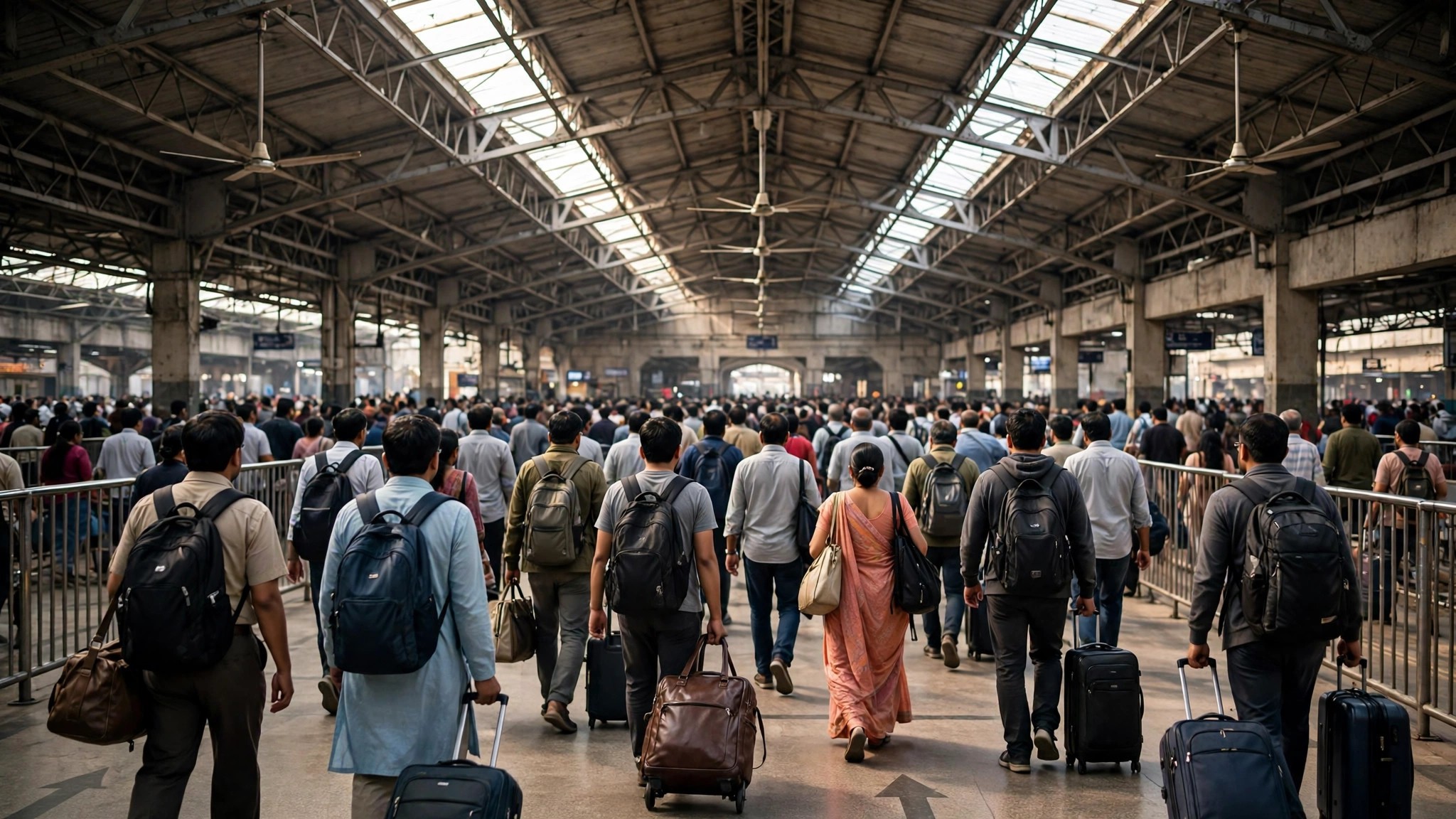
How does Google get popular times data?
Pulling the sources together, the raw material comes from four streams:
- Location History / Timeline visits from users who opted in — the backbone of Popular Times, wait times and visit duration.
- Live location signals from opted-in users present at a place right now — the source of the live bar.
- Movement data along roads, which powers the traffic layer and helps distinguish “people passing by” from “people actually visiting.”
- Place information — opening hours, categories and boundaries from business listings and map data — which frames the signals: a visit only counts as a visit if the system can tell you were inside the bakery, not walking past it on the pavement.
That last point involves quiet detective work. Phones report location with some error, so Google matches dwell patterns against known place footprints: a device that arrives, stays forty minutes inside a restaurant’s footprint at lunchtime, then leaves, looks like a diner. A device moving steadily through the same spot at road speed looks like traffic. Duration is what separates the two.
How does Google work out popular times?
Aggregation is only half the job; the other half is deciding what is safe and meaningful to show. Before a graph is published, a place must clear a volume threshold: enough visits, from enough different people, across enough weeks. The threshold exists for privacy as much as for accuracy — if only three people ever visit a place, a “busy graph” could effectively describe those three people’s routines.
Google also smooths the data. A single freak day — a film shoot outside a café, a one-day exhibition — should not redraw the typical week, so unusual spikes are damped by the multi-month average. Conversely, the system discards visits that look wrong: delivery riders passing through in two minutes, or a phone left in a shop overnight, would distort both the crowd estimate and the visit-duration figure, so dwell patterns are sanity-checked against the place’s category.
Finally, the numbers are expressed in plain language. Behind every “Usually a little busy” sits a band of relative popularity; Google chose words over raw percentages because a percentage would imply a precision the data does not have.
How does Google know if places are busy?
Zoom out from a single listing and the same machinery answers the question for whole areas. By combining live signals across every shop, café, park and station in a neighbourhood, Maps can decide that an area itself is busy and outline it with the “Busy Area” label. The label appears when a cluster of places is simultaneously near its busiest, which is why it tends to show up over market districts at midday and entertainment streets at night, then vanish when the area calms down.
Area busyness is the map-level view of the same data, and our pillar guide to the Busy Area feature on Google Maps explains how that label and its icon behave on the map. The important point here is that no new data is collected for it — it is the per-place counting system, read at neighbourhood scale.
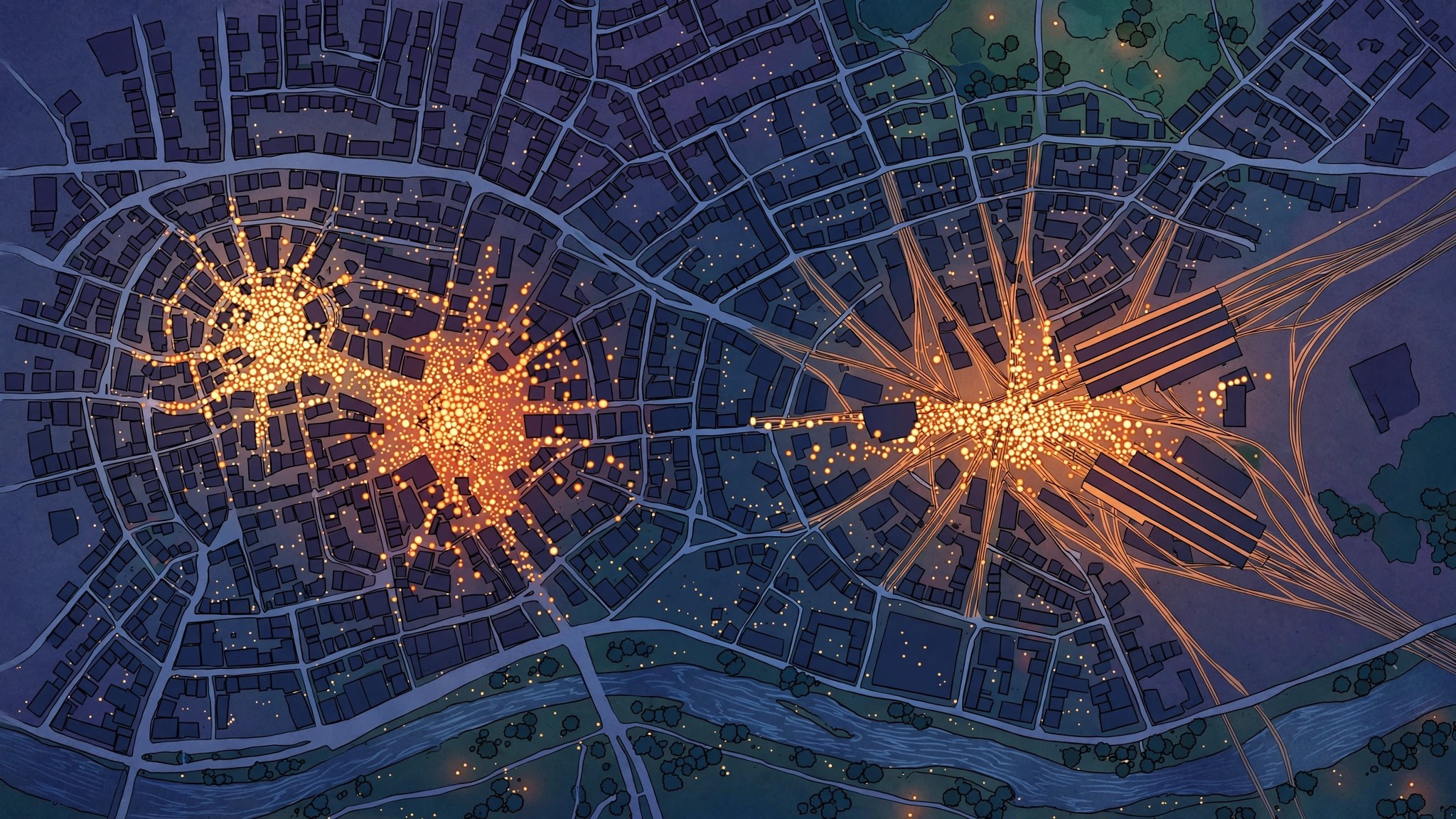
How does Google determine if a place is busy?
For a single place at a single moment, the determination is a comparison, not a count. The system estimates current attendance from live signals, sets it against the typical level for that day and hour, and expresses the result as the labels you see: “Usually not busy,” “Usually a little busy,” “Usually busy,” “Usually as busy as it gets” for the typical pattern, and “Busier than usual” or “Less busy than usual” when live data is talking.
This is also why Google never shows an exact headcount. It does not truly know one — it knows a well-built estimate from a sample of visitors, scaled against that place’s own history. The estimate is good enough to plan a shopping trip around, which is exactly the job it was designed for, and it is honest about its limits: when the sample is too thin, Google shows nothing rather than a guess.
crowd sourcing on google maps
Strip away the brand and the whole feature is crowdsourcing in its purest form: the crowd reports on itself, anonymously, as a by-product of carrying phones. The same principle powers traffic speeds, incident reports and the “busier than usual” warnings on routes. Every person who opts in improves the estimate slightly for everyone else; every person who opts out is simply absent from the sample, which is one reason busy data is strongest in dense, smartphone-heavy cities and weakest in rural areas.
If you contribute, you can inspect or delete what Google holds through your Timeline and activity controls, and you can pause Location History at any time. Whether or not you contribute, you can read the results on any listing — the graph is public even though the data behind it never is. That balance — public patterns, private people — is the entire design in one sentence.
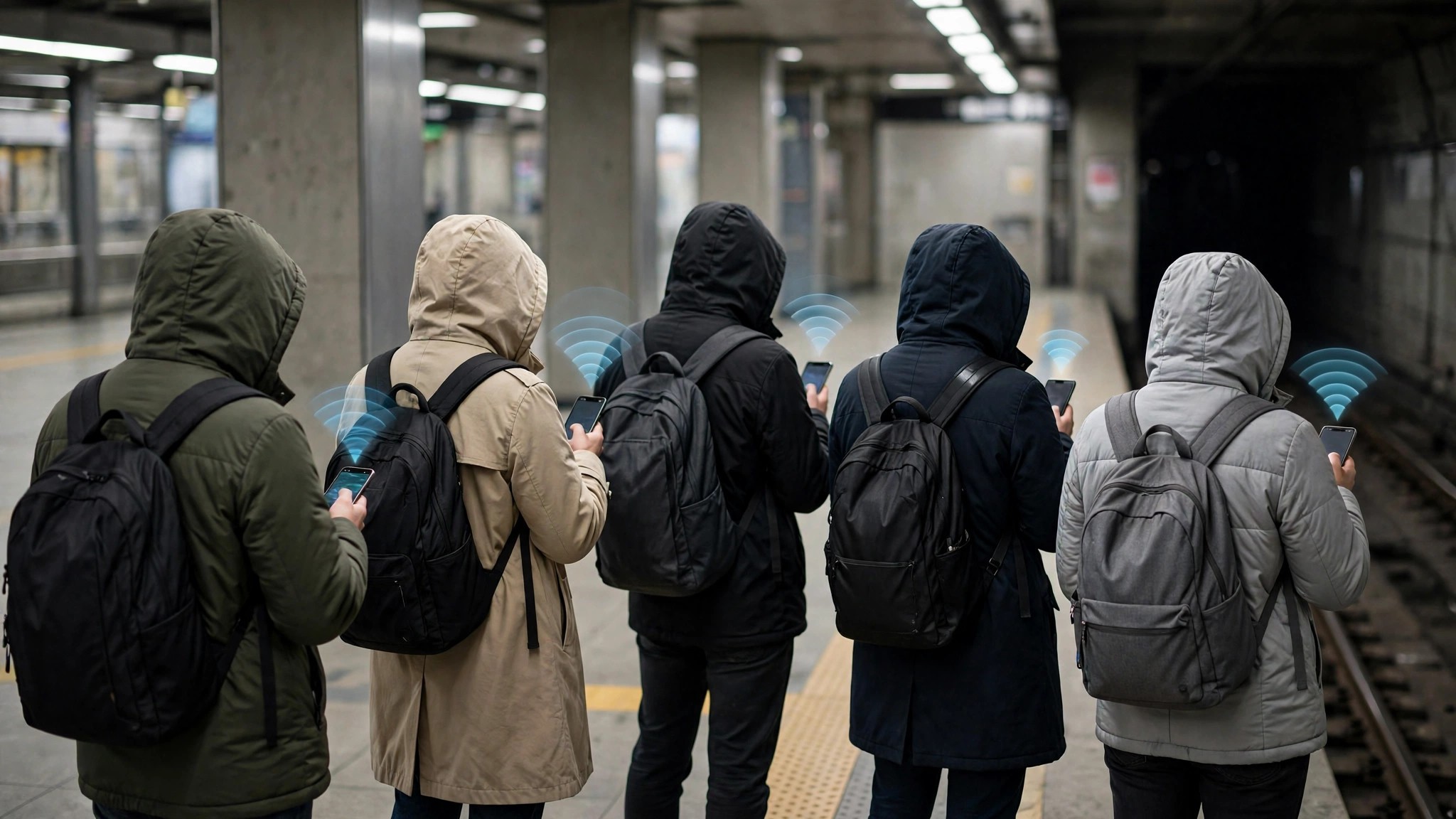
From signal to bar: one visit’s journey
Follow a single visit through the pipeline to see the privacy design in action. You spend fifty minutes in a bookshop on a Saturday, with Location History on. Your phone contributes one anonymous data point: a device was at this place, at this time, for about this long. That point travels to Google’s servers, where it is pooled with the visits of every other opted-in customer — dozens on a quiet weekday, hundreds on a festival weekend.
No name, account or identity travels with the pattern that gets published. The system then asks its threshold question: are there enough pooled visits, from enough different people, to describe this hour honestly? Only when the answer is yes does your visit’s tiny contribution join a bar on the graph — dissolved into an average it would be impossible to reverse-engineer back to you, or to anyone.
Frequently asked questions
Does Google use cameras or shop counters to measure crowds?
No. Busyness comes from aggregated, anonymised location data from opted-in phones, not from cameras, till data or anything the business reports.
Can Google tell that I personally visited a place from the graph?
No. Only group patterns above a volume threshold are published; individual visits are never displayed, and the data is anonymised before it is used.
Why does a place I know is packed show no graph?
Its visitors may mostly have Location History off, or total visits may sit below the publishing threshold. No graph means not enough data — never that a place is empty.
