
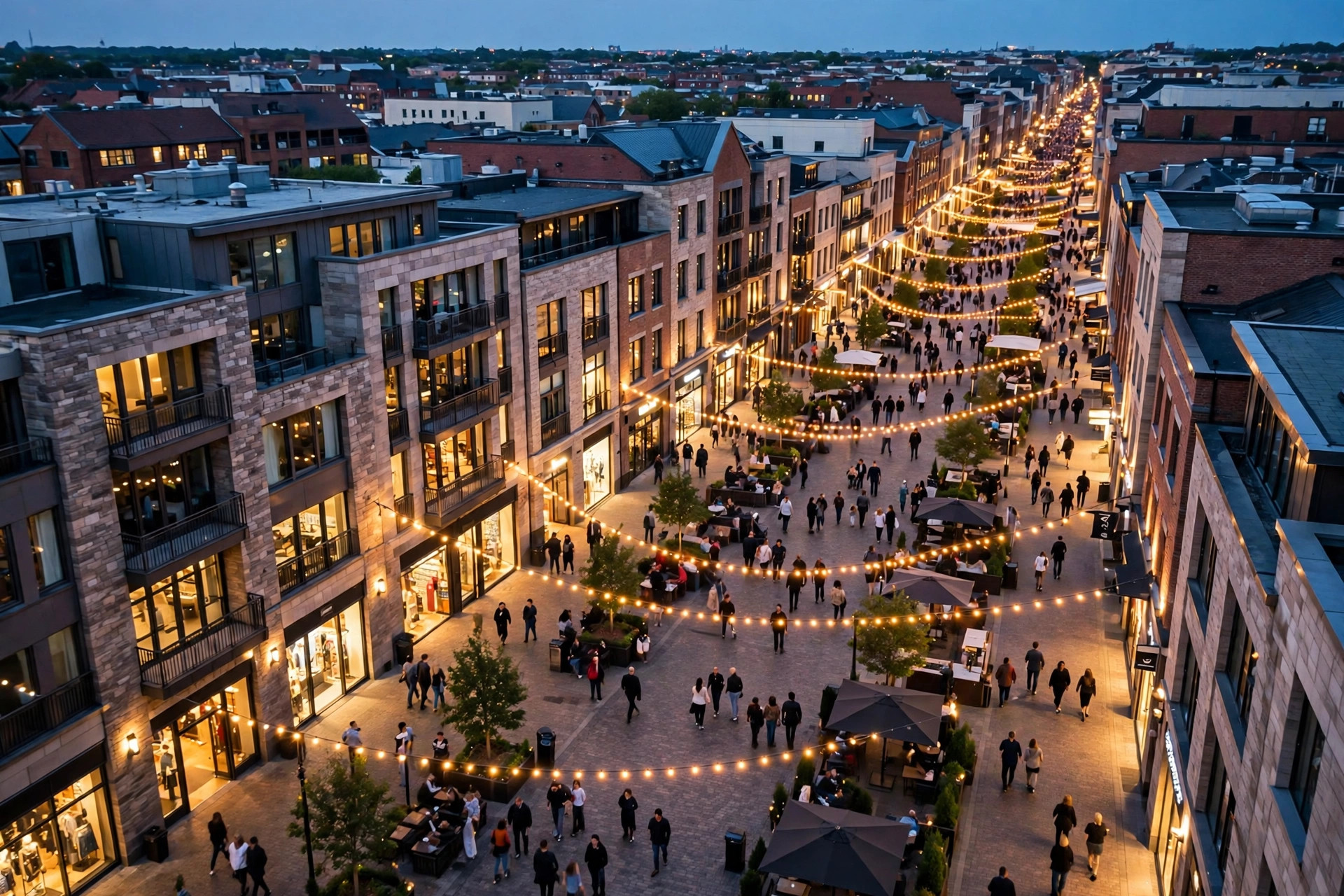
Google Maps shows you crowds at two different zoom levels, and confusing them causes real planning mistakes. A neighbourhood can glow with a “Busy Area” label while the specific café you are heading to sits half empty; conversely, one packed hospital can hide inside a calm district with no label at all. Both signals are useful — for different questions.
This article draws the line cleanly: what area busyness is, what Popular Times is, how each is calculated, and how to combine them into a single routine that answers both “is that part of town buzzing?” and “will my place be crowded?” For the map-level feature in full, our pillar guide to the Busy Area feature on Google Maps is the natural starting point; here we compare.
How does Google calculate area busyness?
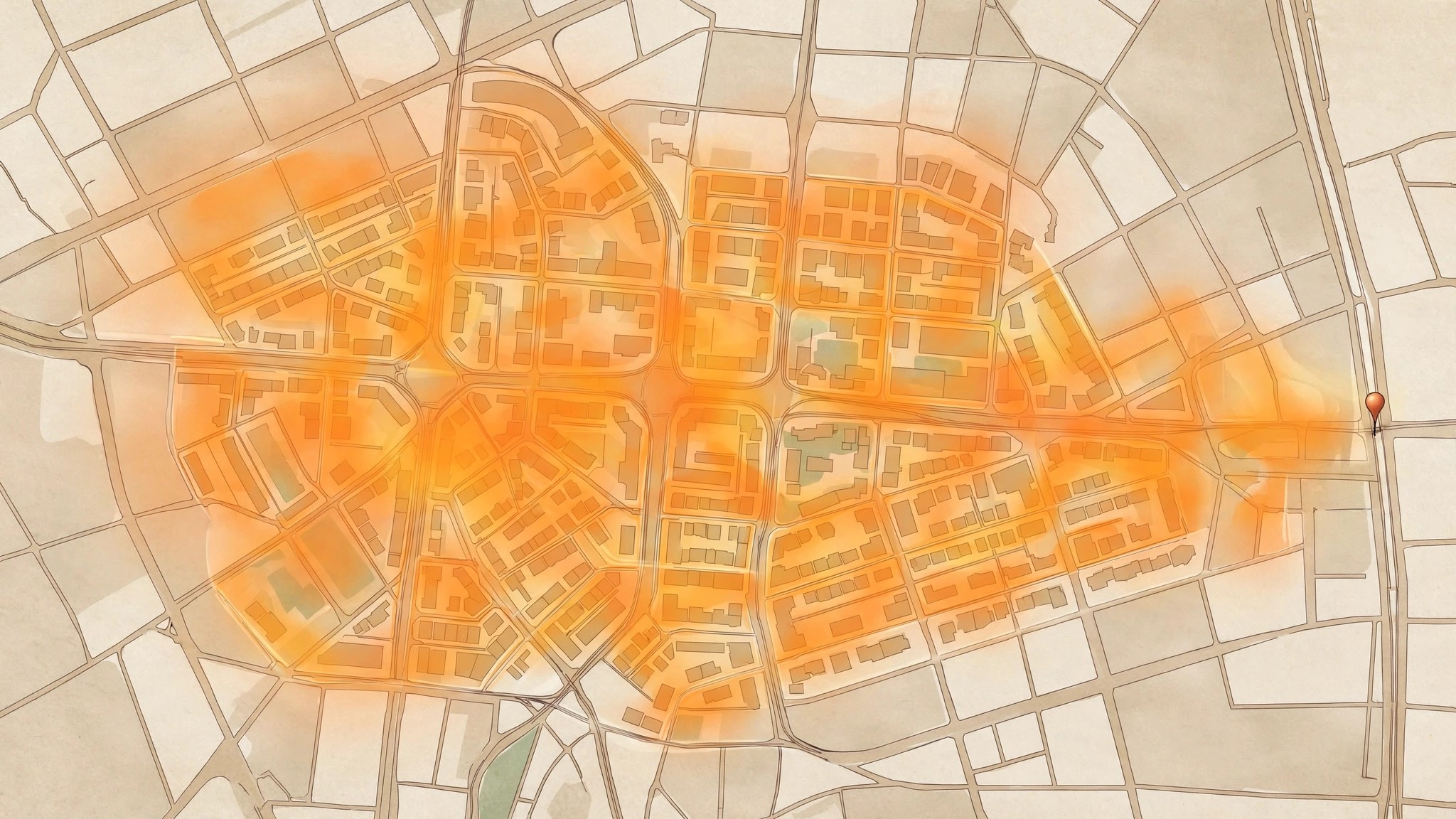
Area busyness is an aggregate. Google takes the live busyness signals from many individual places inside a small geographic cluster — the shops, restaurants, cafés, parks and stations of a market district or a high street — and combines them into a single judgement about the area itself. When enough of those places are simultaneously at or near their busiest, the map outlines the cluster and attaches the Busy Area label.
Several properties follow from that design:
- It is live-led. The label reflects what is happening now, not a typical-week pattern; it appears at peak moments and vanishes as the area settles.
- It is threshold-based. A district with every café at half capacity shows nothing; the label is reserved for genuinely buzzing areas, so that it means something when it appears.
- It is zoom-sensitive. You see it at neighbourhood zoom levels; zoom far out and it yields to city labels, zoom far in and individual listings take over.
- It needs density. Sparse areas — a lone highway restaurant, a village square with three shops — rarely generate it, however busy those few places are.
Tap the label and Maps names the area and offers the places driving it, which is the bridge from the area view down to individual listings and their graphs.
What are busy places on Google Maps?
Inside a busy area, some listings carry the crowd. “Busy places” in everyday speech means the listings whose own Popular Times graphs and live bars are peaking at that moment — the anchor supermarket at Saturday noon, the famous sweet shop on a festival evening, the station at the evening rush.
The relationship is worth stating precisely, because the two features feed each other in one direction only. Individual places generate data; areas aggregate it. A single busy place does not create a Busy Area label — one packed stadium in a quiet district may never trigger it — and a Busy Area label does not certify that every place inside is busy. The side lanes of a buzzing market district often hold calm cafés whose graphs barely rise; locals know this, and the area label, read correctly, tells you the same thing if you tap through to the individual listings.
This is also where the little map marker earns its keep: our guide to the busy area icon on Google Maps explains how the icon marks these zones and how to open the area summary from it.
Busy route vs Busy Area — what’s the difference on the map?
A third “busy” shares the map and causes the final confusion. When you ask for directions, Maps may warn that your route is busy — that is the traffic layer talking about roads: slow vehicle speeds, congestion colours, longer-than-usual journey times. It describes movement, not footfall.
Keep the three apart:
- Busy Area = many people, on foot, in a district, right now (footfall).
- Popular Times = one place’s crowd pattern across a typical week (a listing’s rhythm).
- Busy route = slow vehicles on the roads between you and your destination (traffic).
They interact — a Busy Area at 7 p.m. usually means busy routes around it too — but they answer different questions, and a quiet route into a packed district (or a jammed highway to an empty one) is perfectly possible. Drivers should check the route; visitors should check the place; anyone heading into a district should check all three, in that order of relevance to their plan.
google maps crowded places
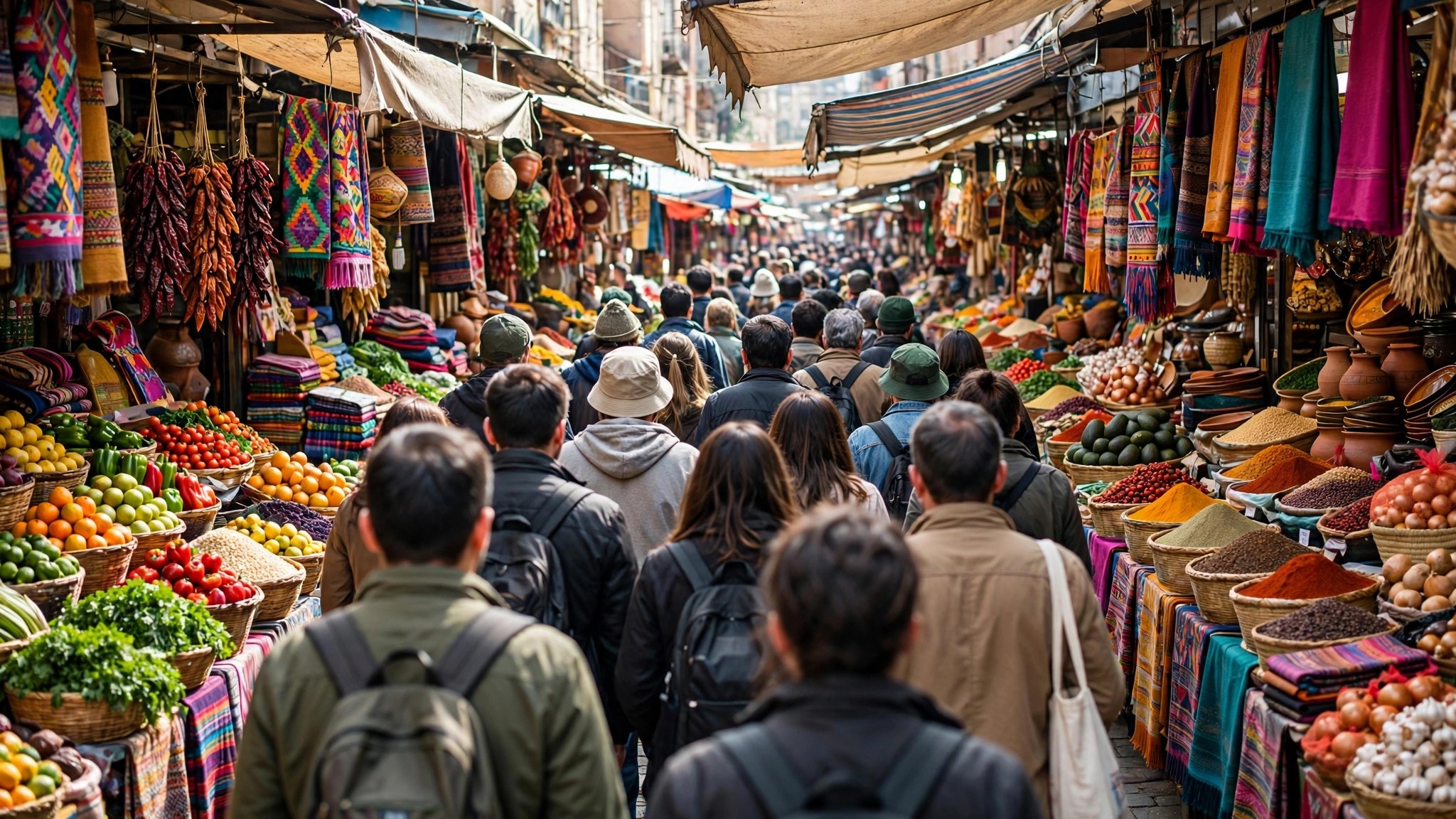
When people go hunting for crowded places — to join the buzz or to dodge it — the two features divide the work. Use area busyness for discovery: pan the map across a city on a Saturday afternoon and the labelled districts are where the city’s crowd has gathered, which is genuinely useful for a visitor choosing which market, food street or festival zone to head for. Our guide to busy areas near me is built entirely around that discovery use.
Use Popular Times for the decision that follows: you have picked the district and the two candidate restaurants; their graphs tell you which one you will actually get into, and at what hour. Discovery is an area question; seating is a listing question.
Both directions have their fans. Event-goers and street-food hunters chase the label; parents with toddlers, elderly visitors and anyone on a schedule flee from it. The feature is neutral — your itinerary decides whether a Busy Area is a recommendation or a warning.
google maps live crowd
The live crowd exists in both features but wears different clothes. On a listing, it is the live bar: this place, right now, against its typical pattern. On the map, it is the area label: this district, right now, against a buzzing threshold. Listing-live is precise and personal; area-live is broad and atmospheric.
Timing behaviour differs too. A listing’s live bar can appear whenever enough visitors are present — from the first busy hour of the morning. The area label needs a critical mass across many places, so it clusters around the day’s great peaks: market middays, dining hours, festival evenings, match finishes. If you check at 11 a.m. and find no label, the district may simply not have peaked yet, not be calm by its own standards.
Google draws both from the same aggregated, anonymised visit data it documents in its Business Profile Help pages on popular times and visit data — the difference is purely the zoom level at which the data is summarised.
google map crowd estimate
Treat both features as estimates with different confidence profiles. The listing graph, built from months of visits to one place, is a strong estimate of that place’s rhythm. The live bar is a fresh estimate, strong at big places, patchy at small ones. The area label is the broadest estimate — excellent for “is this district alive right now,” useless for “will I get a table at that café.”
A sound routine combines all three in thirty seconds:
- Glance at the map: is your destination inside a labelled Busy Area? (Sets your expectations for parking, walking and general buzz.)
- Open the specific listing: read today’s graph and the live bar. (Decides your timing.)
- If driving, check the route’s traffic. (Decides your departure.)
Run in that order, the area feature frames the trip and Popular Times fine-tunes it — which is, in the end, the whole answer to area busyness vs popular times: not rivals, but two lenses on the same crowd, one wide and one close.
Five everyday decisions, and which lens settles each
“Which market should we visit this evening?” — an area question. Pan the map, find the labelled districts, and choose your buzz. Popular Times cannot compare neighbourhoods; it only speaks for one pin at a time.
“Will the passport office be bearable at noon?” — a listing question. The area around a government office may be calm while the office itself peaks; only its own graph and live bar can answer.
“Is the drive across town worth it right now?” — both lenses, in sequence. The area label tells you what awaits (a buzzing district means parking pain even if your café is quiet); the route layer tells you what the journey costs; the listing’s live bar settles whether your destination justifies either.
“Where should a new café open?” — quietly, an area question again. Districts that earn the Busy Area label at lunch and again in the evening are demonstrating footfall no survey could buy; business owners read the map this way more often than they admit.
“We land at 6 p.m. — dinner near the hotel or across town?” — the live area view at landing time shows which dining district is alive tonight, and two or three listing graphs then pick the exact restaurant. Wide lens to choose the neighbourhood, close lens to choose the table: that division of labour is the entire comparison in one itinerary.
Area busyness vs popular times: the short version
If everything above had to fit on an index card, it would read like this. Area busyness is a live, map-level signal: it aggregates the current footfall of many places in a district and shows a Busy Area label only when the district is near its peak. Popular Times is a listing-level pattern: a graph, built from months of visits, showing how one place’s crowds rise and fall across a typical week, with a live bar on top for today.
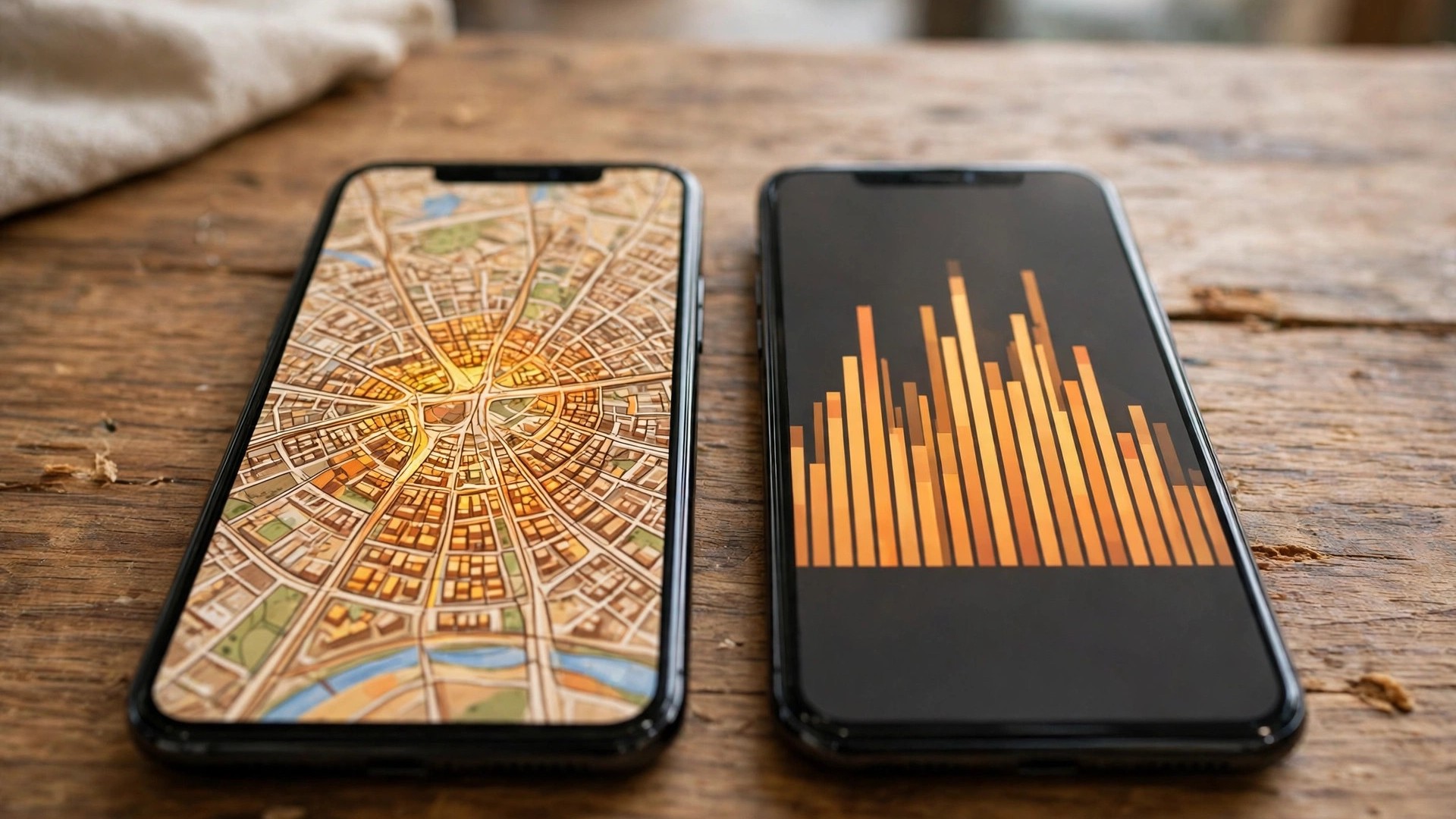
The practical rules follow directly. Planning ahead — choosing a day, an hour, a branch — is Popular Times work, because only it describes the future. Deciding right now — which district is alive, where the evening crowd has gathered — is area busyness work, because it describes the present. And neither replaces the listing check: an area label can sit over your destination while your specific café, clinic or counter is calm, and the reverse happens just as often. Use the wide lens to aim and the close lens to decide, and the two features stop competing and start cooperating.
Two mistakes this distinction prevents
The first mistake is cancelling a trip over an area label. A family sees their destination district outlined as a Busy Area and abandons the plan — when their actual destination, a large attraction with timed entry, is flowing perfectly well. The label described the streets, not their venue; a ten-second listing check would have saved the outing.
The second is the mirror image: trusting a calm map over a packed listing. A hospital shows no label anywhere near it — hospitals rarely trigger area labels, because the district around them is quiet — yet its OPD graph is at its weekly peak and the token queue is an hour deep. The place-level signal was the only one that knew.
Both mistakes come from asking one feature the other feature’s question. The map’s wide lens and the listing’s close lens each tell the truth about their own scale; the skill this whole comparison reduces to is simply matching the lens to the question.
Frequently asked questions
Can a place be busy inside an area that shows no label?
Yes, commonly. One packed listing rarely triggers an area label; always check the specific place’s graph before concluding anything about it.
Does the Busy Area label mean the roads there are jammed too?
Not necessarily. The label measures footfall, not traffic — though the two often coincide at peak times, they are separate signals.
Which should I trust for planning a visit next week: area busyness or Popular Times?
Popular Times. Area busyness is a live signal for right now; only the listing graph describes a typical future day.
Do both features exist in every city?
Popular Times appears wherever listings gather enough visit data. Area busyness needs a dense cluster of such listings, so it is common in city centres and market districts, and rare in sparse suburbs.
