
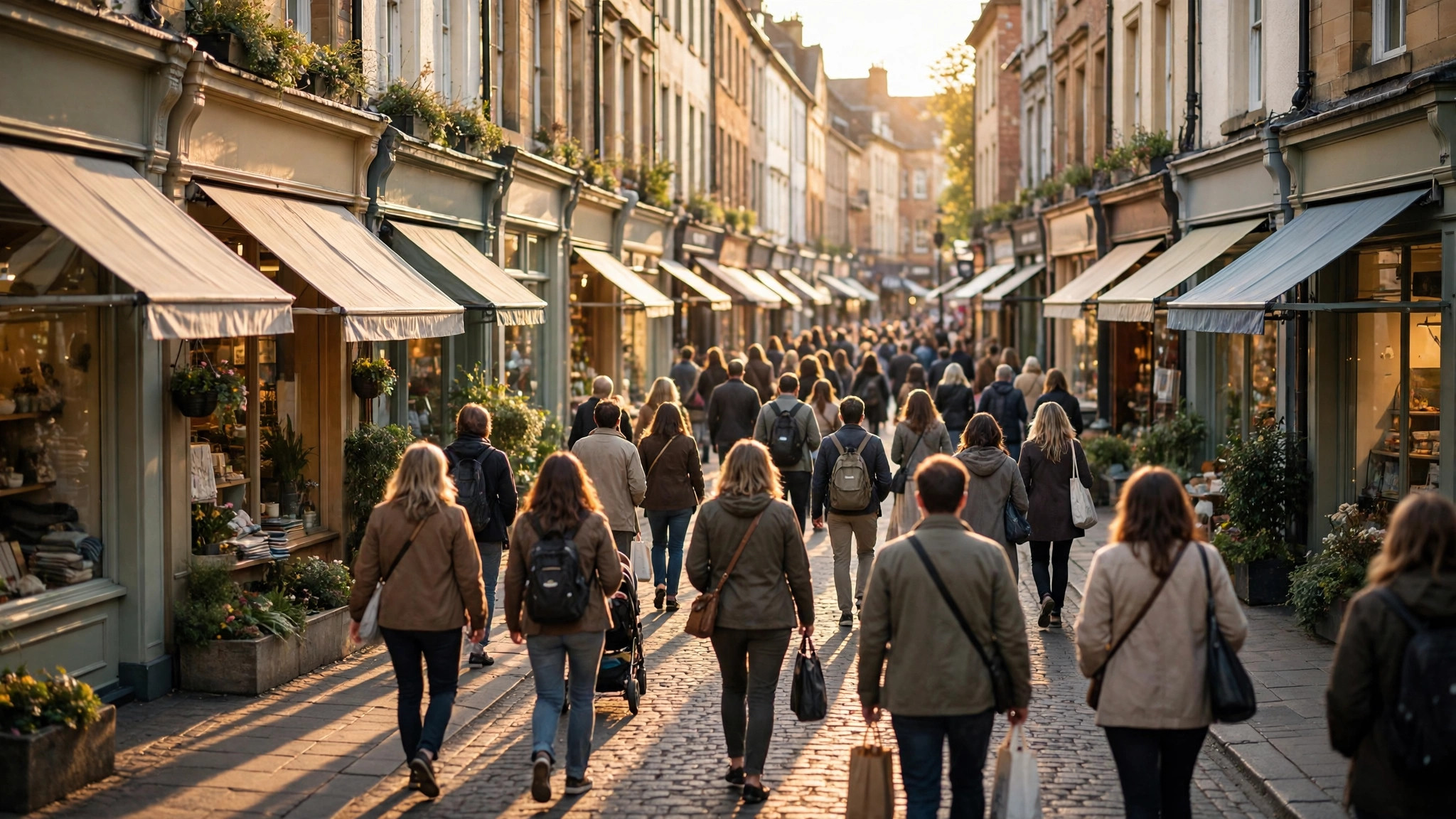
“Foot traffic” is retail language for the oldest commercial question there is: how many people walk past, walk in, and walk by at the hours that matter? Shopkeepers once answered it with a clicker at the door. Today, the first draft of the answer sits in Google Maps — not as raw counts, which Google never publishes, but as a set of crowd signals that anyone can read: busy area labels, popular times graphs and live bars.
This guide shows you how to read foot traffic near you from those signals, whether you are a visitor hunting for the lively district, a delivery rider choosing a zone, or a prospective shop owner doing the cheapest site research in the world before signing a lease. Our companion guide to busy areas near me covers the discovery routine on the map; here we focus on foot traffic as a quantity to estimate and compare.
foot traffic near me
Begin with what Maps can and cannot tell you. It will never say “2,300 people passed this corner today.” Its data is aggregated, anonymised and relative — every signal compares a place or a district against its own normal. So “foot traffic near me” on Google Maps is answered in the language of patterns: which streets peak, at what hours, on which days, and how today compares with usual.
Read that way, the signals are remarkably informative. The Busy Area label certifies that a district’s foot traffic is at its collective peak right now. A row of listings’ Popular Times graphs along one street maps that street’s daily rhythm hour by hour. Live bars tell you whether today is running hot or cold against the pattern. Stack the three and you hold a working foot-traffic atlas of your neighbourhood — free, live, and honest about being an estimate.
What it is not is an audit. If you need defensible pedestrian counts for a lease negotiation or a loan application, treat Maps as the scouting layer and commission or gather real counts for the final decision. The scouting layer’s job is to tell you where and when to count — and it is superb at it.
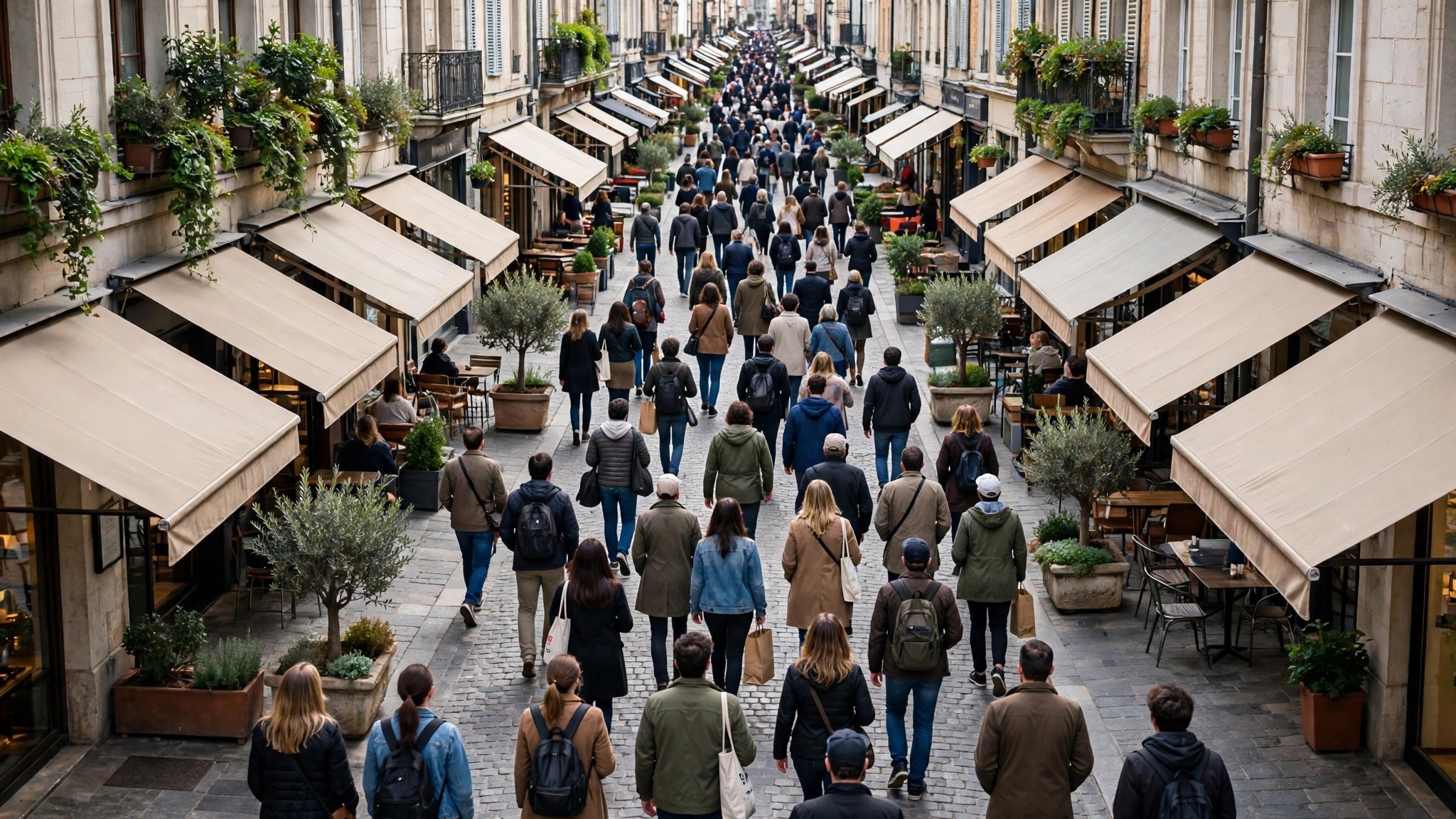
high foot traffic areas near me
Finding your nearest high foot traffic areas is the discovery routine with a commercial eye:
- Open Maps at a peak hour — midday for retail districts, evening for food and entertainment zones.
- Set the neighbourhood zoom and pan your part of the city, noting every Busy Area outline.
- Tap each label: the summary names the district and lists its busiest places — your anchor tenants, in effect.
- Open those anchors’ listings and read their graphs. A district whose anchors peak together for long plateaus has deep, dependable foot traffic; one whose anchors spike briefly has an event-driven pulse.
- Repeat at a second peak and on a weekday. Genuine high foot traffic repeats; a one-off crowd — a match, a mela, a sale launch — does not.
In Indian metros this routine reliably surfaces the same cast: the main bazaar and its spillover lanes, the mall cluster, the station quarter, the office-district food streets at lunch, the temple or church or mosque precinct on its holy days, and the coaching-hub streets in the late afternoon. Each has a different rhythm, and the rhythm — not the raw peak — is what a business actually lives on.
high foot traffic areas
High foot traffic has anatomy worth recognising, because not all crowds spend money the same way. Destination traffic — people who travelled to a famous market or attraction — arrives in long plateaus, browses slowly and spends deliberately. Flow traffic — commuters through a station quarter — moves in violent twin spikes, buys fast and small, and vanishes completely between peaks. Captive traffic — hospital visitors, students, office workers at lunch — repeats daily at fixed hours and values speed and predictability over novelty.
Maps’ signals let you distinguish the three without standing on the corner. Destination districts show wide weekend plateaus on their anchors’ graphs; flow districts show needle spikes aligned to train and office timings; captive districts show metronome-regular weekday humps that collapse on holidays. A tea stall wants flow or captive traffic; a sari showroom wants destination traffic; confusing the two is how well-located shops still fail.
The busy area label respects the same anatomy: it ignites over destination districts for hours, and flashes over station quarters twice a day like a lighthouse. Watching how a district earns its label tells you what kind of crowd it has.

google foot traffic data
Underneath the signals sits Google’s visit data: aggregated, anonymised presence information from users who opted in to Location History, processed into popular times, live busyness, wait times and visit duration per place, and into area busyness per district. Google describes the system in its Business Profile Help documentation on popular times, wait times and visit duration, including the key rule that a place displays data only once it receives enough visits.
For foot-traffic reading, three properties of that data matter most. It is sampled, so it tracks real crowds faithfully in busy, smartphone-dense areas and thins out where visitors rarely share location — an old-city bazaar may be under-read against a mall. It is relative, so it compares superbly across time at one place and less directly across different places. And it is live, which no traditional footfall study can match: the district’s pulse is on your phone this minute, not in a consultant’s quarter-old PDF.
Professional footfall analytics — camera counts, mobile-panel data, telco aggregates — exist above this layer and cost accordingly. For most everyday and small-business questions, the free layer answers first and frames whatever deeper study is worth paying for.
google crowd meter
There is no official Google product called a “crowd meter” — the phrase is users’ shorthand for the combination of signals this article has been reading: the live bar as the needle, the typical graph as the dial, and the Busy Area label as the warning light. Searched-for often and built from parts, the “meter” exists wherever a listing is open on your screen.
Used as a meter, the discipline is consistency: read the same places at the same hours across several days and the relative readings become genuinely comparable. A café owner checking her own street’s four competing listings at 1 p.m. daily for a fortnight owns a better local crowd dataset than most businesses ever buy. A rider checking which two districts’ labels ignite first each evening is running the same meter at city scale.
Third-party tools occasionally repackage public crowd patterns as “crowd meters” of their own; treat any that promise exact headcounts with suspicion, because the underlying public data — Google’s — never contained headcounts to begin with.
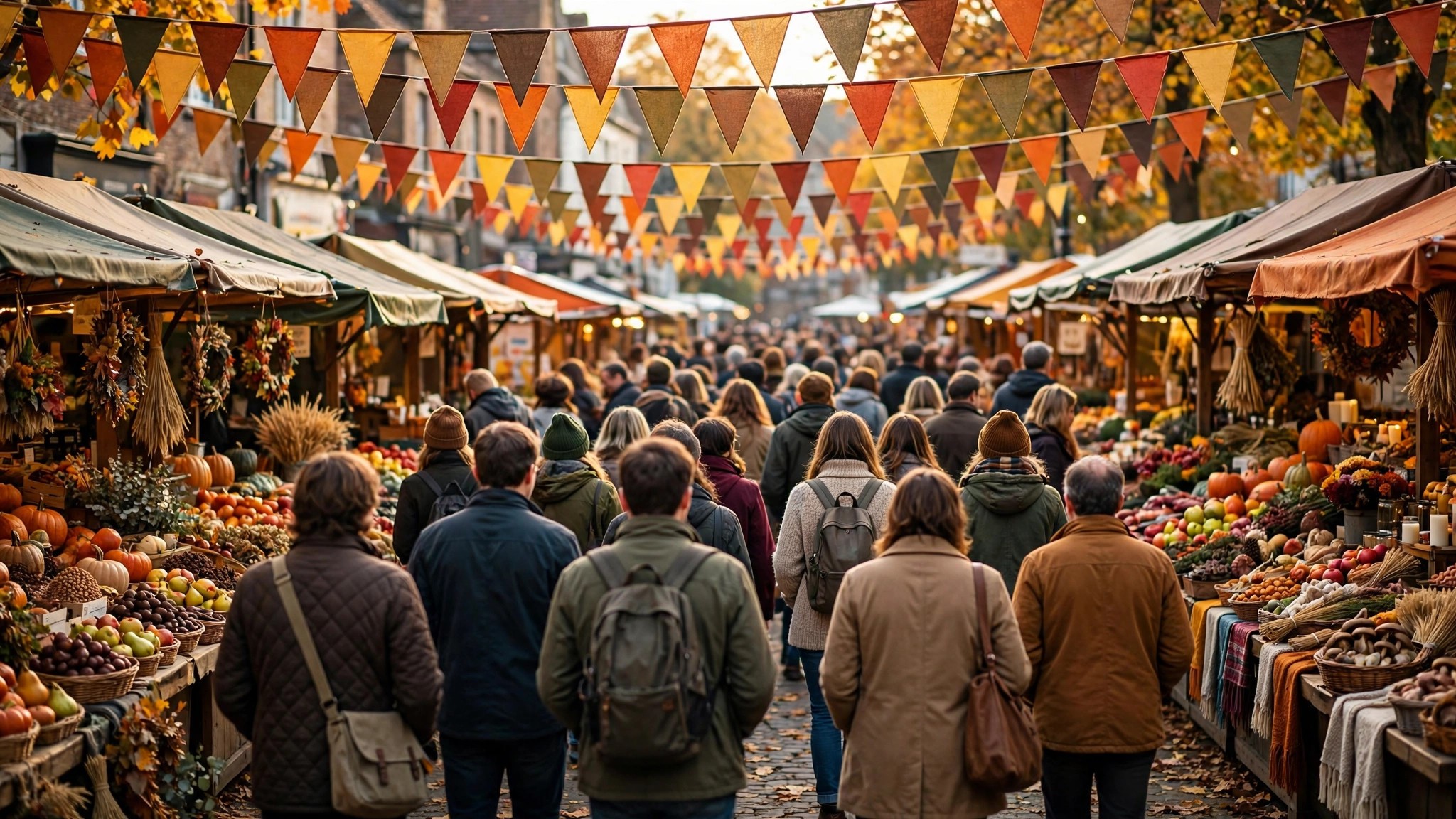
google maps crowd meter
So assemble the meter properly, in the app, in this order. The Busy Area label is your wide reading: is this district at peak foot traffic now? The anchors’ live bars are your spot readings: which places are driving it, and are they above or below their usual? The typical graphs are your calibration: is this hour normally like this, and when does the pattern say the crowd will break? And the wait-time and duration lines are your conversion into consequences: what does this crowd mean in minutes for the person walking in?
Four readings, one minute, no instruments to buy. That is the whole of the Google Maps crowd meter — and for the decisions most of us actually face, from “which market tonight?” to “is this corner worth a lease?”, it is not a toy version of foot-traffic analysis. It is the field kit. If the two lens levels ever blur together while you read them, our comparison of area busyness vs Popular Times separates what each one measures and when each deserves your trust. Start with the district view in our pillar guide to the Busy Area feature on Google Maps, practise the readings on your own neighbourhood for a week, and you will never look at a street’s crowd — or its absence — the same way again.
A one-week foot traffic diary: the practical method
If foot traffic near you matters — a lease decision, a stall location, a new delivery zone — spend one week keeping a simple diary before you conclude anything. It costs ten minutes a day and outperforms any single check.
Each day, at the two hours your business cares about, record four things for your street and for the strongest rival street nearby: whether the Busy Area label is showing, the live label on the two anchor listings, and your own ten-minute pavement count at one fixed spot (a phone counter app is enough). Seven days of that table separates rhythm from noise: you will see which district’s peak is a plateau and which is a spike, which street’s crowd is weekday-captive and which is weekend-destination, and whether the map’s signals and your own eyes agree.
Where they agree — and on busy commercial streets they usually do — you can extend the diary’s lessons to the hours you did not observe, using the anchors’ typical graphs. Where they disagree, believe the diary and investigate: an under-read street (thin location-sharing among its visitors) is a genuine Maps blind spot, and finding one before your competitors do is worth the week.

Foot traffic through the seasons
A final reading skill: foot traffic breathes with the calendar, and Maps’ patterns let you watch it happen. Retail districts swell through the festival season and deflate in the lean weeks after; coaching and exam districts pulse with the academic year; hospital quarters barely know a season at all. Because the typical graphs average recent months, they quietly absorb these swings — compare a mall’s graph in the festive quarter against the same mall in a lean month and the bars themselves will have grown taller and wider, the scale recalibrated to a grander normal.
For anyone planning around foot traffic — a seasonal stall, a pop-up, a food truck’s weekly circuit — that drift is the signal to track month by month. The streets do not change their habits all at once; they rehearse the next season in the data weeks before the crowds make it obvious on the ground.
Frequently asked questions
Can Google Maps tell me exactly how many people visit a place?
No. It publishes relative patterns — typical and live busyness against a place’s own peak — never absolute visitor counts.
Is the busiest-looking district always the best place to open a shop?
Not necessarily. Match the crowd’s anatomy to your business: flow traffic suits quick-service counters, destination traffic suits comparison shopping. The rhythm matters as much as the volume.
Why does a street I know is crowded show no busy signals?
Thin data. If the street’s visitors rarely share location, or its shops are small and newly listed, the signals under-report a genuinely busy street — verify on foot at peak hour before concluding anything.
How often should a business re-check its street’s foot traffic?
Seasonally at minimum. Foot traffic rhythms bend with the school calendar, the festival cycle and the weather; a street read in May can behave very differently in December. A one-week diary repeated each quarter keeps a lease decision — or a decision to renew — honest.
Foot traffic used to be the private knowledge of whoever stood on the corner longest. Maps has democratised the first draft of it: the patterns are public, live and free, waiting on the same screen as your directions. The corner still rewards those who stand on it — but now they arrive already knowing what the crowd is likely to do.
