
You open a listing to check the Saturday rush and the graph simply is not there. No bars, no Live label, nothing — just photos, hours and reviews. When you hit Google Maps popular times not showing on a place you rely on, the instinct is to blame your phone. Resist it. In most cases the missing graph is not a malfunction at all: it is Google deliberately withholding data it considers too thin to publish.
This guide separates the real causes from the myths. It explains the data threshold behind the feature, the difference between a missing place graph and a missing area label, the app-versus-web glitches that genuinely are bugs, and what you can use instead when a listing refuses to show its crowds. If you are new to the whole topic, our homepage explainer on the Busy Area feature sets out what these crowd signals are before you troubleshoot their absence. For the graph itself, when it does appear, our walkthrough of Google Maps Popular Times shows how to read every element.
google maps busy times missing
The commonest reason for google maps busy times missing is the simplest: the place has not received enough visits from people with Location History enabled. Popular times is an average built from anonymised visit data, and Google will only publish it once the sample is large enough to be both accurate and privacy-safe. Until then — no graph, however busy the place actually is.
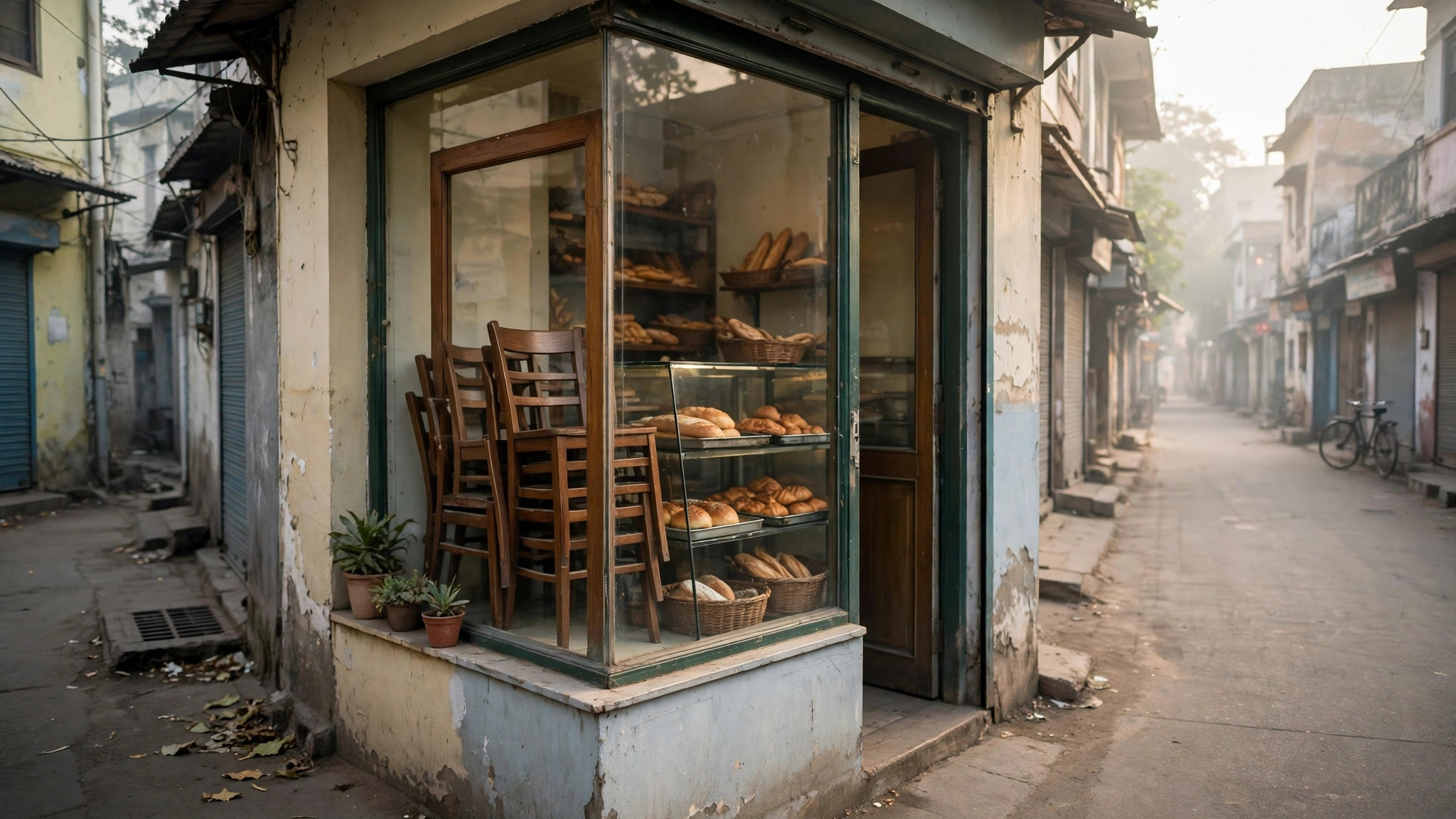
That is why the pattern of missing graphs looks so uneven. A new café in a dense Bengaluru neighbourhood may earn its graph within weeks, while a beloved but small bakery in a quiet town shows nothing for years. The difference is not popularity; it is measured popularity — the volume of opted-in visits Google can pool. Places whose visitors skew towards groups less likely to enable Location History are measured late or never.
There is also a patience factor people rarely hear about: even a busy place needs a history, not just a crowd. The graph is an average across weeks, so a two-week-old outlet with queues out of the door still has almost no data behind any single hour slot. Owners asking “we are packed, where is our graph?” are usually told the same thing by support communities — wait. The data accrues on Google’s schedule, and neither the owner nor visitors can hurry it along with searches, reviews or check-ins.
google maps not showing busy times
A second cause sits one level up: category and place type. Google maps not showing busy times is the permanent, correct behaviour for some listings:
- Homes and residential addresses never show busyness, by privacy design. The feature is for public places.
- Places people do not “visit” in a dwell sense — a petrol pump’s forecourt may qualify, while a drive-through-only outlet or an unmanned kiosk often will not build a typical visit pattern.
- Very new or recently moved listings restart the data clock; a business that changed address or was re-created in Maps begins with an empty sample.
- Places with extremely irregular crowds — a venue open only for occasional events — may never form the stable weekly pattern the graph needs.
If the place you are checking falls into one of these buckets, the missing graph is the expected state, and no amount of refreshing will conjure it.
google popular times not showing
Sometimes the graph exists for a place but not for you, or not today. Google popular times not showing in your app while a friend sees it usually traces back to surfaces and versions: the graph can appear on desktop Maps while the app on an older version hides it, or the reverse during a rollout. Before concluding anything, run this two-minute check:
- Search the same place on maps.google.com in a browser and compare.
- Update the Google Maps app and reopen the listing.
- Make sure you opened the correct listing — chains often have a duplicate or an old, closed listing with no data attached.
- Check a famous, busy landmark nearby. If even that shows no graph, the issue is your app, account or connection, not the place.
If the landmark shows its graph and your place does not, the answer is almost certainly the data threshold from the first section.
Two smaller quirks complete this section. First, region and language settings occasionally change which listing variant your app opens — travellers sometimes land on a thin duplicate of a famous place rather than the data-rich main listing, and the duplicate shows nothing. Searching from the map pin instead of a web link usually lands on the main listing. Second, a place that has just changed its name or category in Maps can briefly lose the section while its data is reattached; the graph typically reappears within days without anyone doing anything.
Why is Google Maps not showing a busy area?
A different symptom: the place graph works, but the map itself refuses to outline the busy district. Why is Google Maps not showing a busy area where you know crowds gather? The Busy Area label is an area-level signal, and it appears only when the combined live footfall of the shops, restaurants, parks and cafés inside an area climbs near that area’s own peak. Off-peak, the label disappears by design — the same market street that glows orange at 7 pm shows nothing at 7 am.
Zoom matters too. The label renders only at closer zoom levels; browse a whole city from high above and busy areas stay hidden no matter how crowded the streets are. Our explainer on the busy area label on Google Maps covers the triggers in full, including why two phones side by side can disagree.
Why isn’t Google showing how busy a place is?
This question usually hides a privacy answer. Why isn’t Google showing how busy a place is even when plenty of people go there? Because Google applies a threshold rule before publishing any busyness figure: if the number of visits behind an estimate is small enough that the aggregate could hint at individuals’ routines, the estimate is suppressed. Techniques from differential privacy — deliberately blurring thin data — protect the people inside the sample.
The same rule explains subtler gaps. A place may show its typical graph but no Live bar, because today’s trickle of visitors is too thin to anonymise safely. Or a rural clinic may show data for Saturday — its one busy day with enough visits — and nothing for the weekdays. These are not gaps in Google’s knowledge; they are gaps Google is not allowed to fill in public.

Why has the popular times graph disappeared from the Google Maps app for some users?
Occasionally the graph vanishes for places that had it for years, and entire groups of users report it at once. Why has the popular times graph disappeared from the Google Maps app for some users? Documented incidents of exactly this have occurred: users found the chart missing inside the Android app while the very same listings still showed it on the web. Those episodes were app-side bugs and staged rollouts, not data deletions — the graphs returned once the app issue passed.
Distinguish a bug from a threshold with one test: check three unrelated, famous places. If all three lost their graphs in your app but keep them on the web, you are looking at an app problem — update, clear the app cache, or simply use the browser until it resolves. If only your one place lost its graph everywhere, its data genuinely fell below the threshold, usually after a closure, a move or a long quiet spell.
why some places have no popular times on google maps
Pulling it together, here is why some places have no popular times on google maps, in rough order of frequency:
- Not enough opted-in visits yet — new, small or low-traffic places.
- A visitor base that rarely enables Location History, so real crowds stay unmeasured.
- A place type Google excludes or cannot model, above all homes.
- A listing problem: duplicate listings splitting the data, a recent move, or a “closed” flag on the listing you opened.
- A temporary app or rollout glitch, recognisable because famous places lose their graphs too.
And here is what to do about it when you need crowd information anyway. Use the nearest comparable place with a graph — the mall containing the shop, the market street containing the stall. Use the Busy Area label for the neighbourhood’s rhythm. Use reviews: recent ones mention queues and quiet hours in plain words. And use the place’s own social pages or a phone call for the specific day.
One more fallback deserves a place in your routine: opening-hours logic. Most place types follow stubborn human rhythms that no graph is needed to predict. Government offices surge at opening and again after lunch; clinics peak in the first OPD hours; small retailers are quietest mid-afternoon on weekdays and busiest on weekend mornings. When a listing shows no data, planning by the place type’s typical rhythm — then confirming with a glance at the street’s Busy Area label when you arrive — gets you most of the benefit the missing graph would have given. The official Google Maps Help centre also confirms which place types and regions the feature supports.

Frequently asked questions
Can a business owner switch the graph on?
No. Owners cannot add, request or buy popular times. The only influence is indirect: a complete, accurate listing with correct hours makes it easier for Google to attach visit data to the right place.
My regular shop had a graph last year and lost it. Why?
Its measured visits fell below the threshold — perhaps after a long closure, reduced hours or a listing change. If the shop’s real footfall recovers, the graph normally returns on its own.
Does the graph disappear when a place is closed?
No. Closed hours simply have no bars; the graph remains for open hours. A listing marked permanently closed, though, may lose the feature entirely.
Is the missing graph a sign the business is in trouble?
Not necessarily. It signals thin measured data, which correlates only loosely with real footfall. Plenty of thriving small places have never had a graph.
A missing graph feels like a broken feature, but it is usually the system working as designed: Google would rather show nothing than publish a crowd estimate built on too little evidence. Check the listing, check the web, check a landmark — and if the place is simply below the threshold, plan with the workarounds above instead of waiting for bars that may never come.
