
Nothing deflates an evening like arriving hungry at a restaurant and hearing “forty minutes for a table” — which is why so many people now ask how busy is a restaurant before they leave home. Google Maps gives you three signals for exactly this: a live busyness reading, the typical Popular Times graph, and at many restaurants an estimated wait time. Together they answer the question better than any other free tool.
This guide gathers every reliable way to check a restaurant’s busyness in one place: what each signal means, how Google produces it, and how to combine the signals when you are choosing between places or deciding when to set out. The mechanics build on our companion guide to restaurant Popular Times and wait times, which goes deeper on using both to skip queues.
check how busy a restaurant is
Start with the live reading. Open the restaurant’s listing in Google Maps and scroll to the Popular Times section. If live data is available, the current hour’s bar is highlighted with a label such as “Live: usually busy”, “busier than usual” or “as busy as it gets”. That label is the fastest single answer to whether the restaurant is busy right now.
Read it against the typical bar behind it. “Busier than usual” at 5:30 PM in a place that peaks at 8 PM may still mean an easy table; the same label at 8 PM on a Friday means a real wait. The live bar also shows a rough indication of how the current crowd compares with the restaurant’s own maximum — restaurants are judged against themselves, so a tiny bistro at “as busy as it gets” might hold thirty people, while a large dining hall at the same label holds three hundred. The practical meaning is the same: tables are turning at full stretch.
how to check how busy a restaurant is
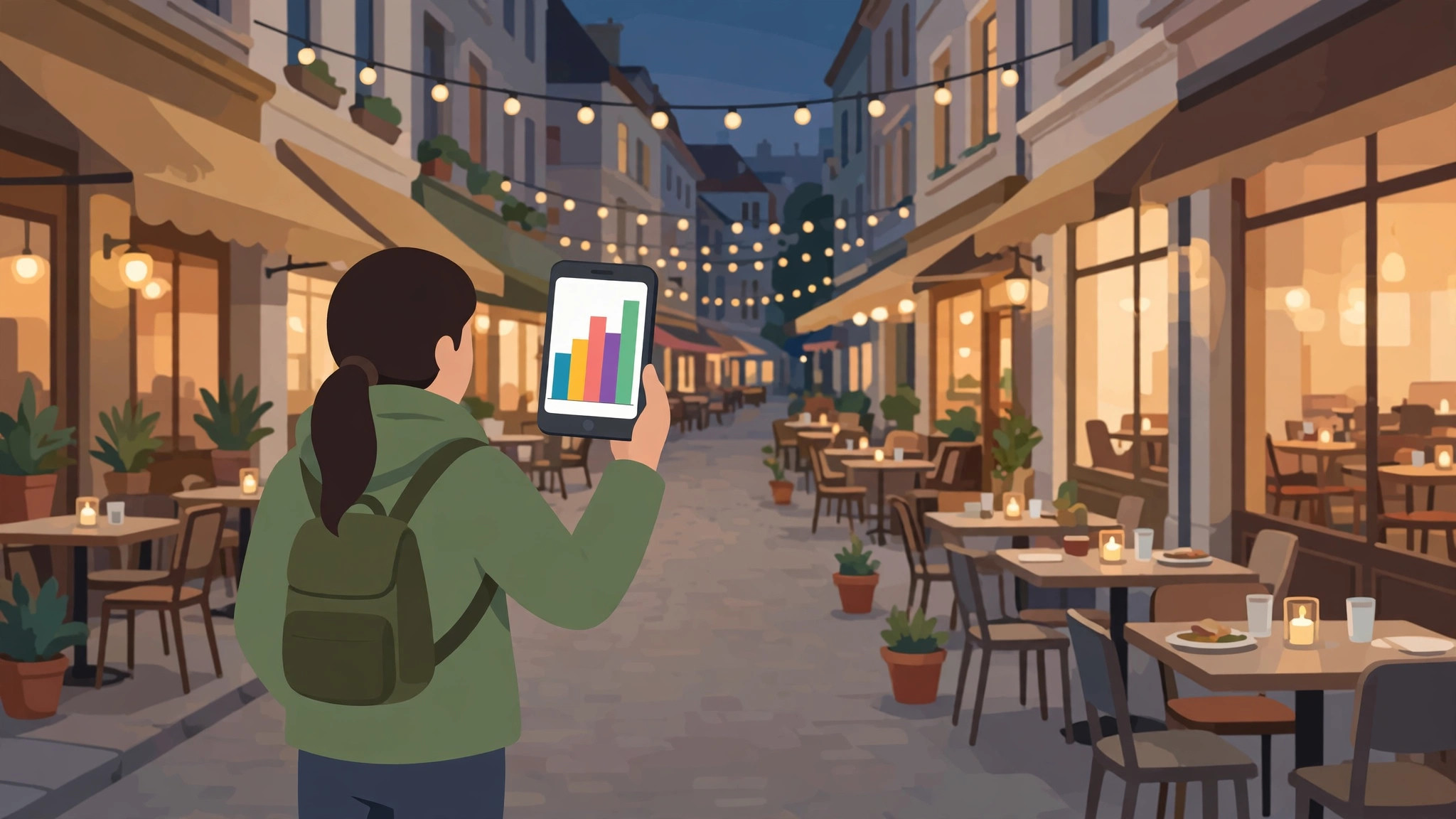
The full check takes under a minute, once you know the routine:
- Search for the restaurant by name and open its listing.
- Check the live bar for right now, if one is shown.
- Check the Popular Times graph for your planned arrival time — use the day selector if you are booking ahead mentally for the weekend.
- Look for an estimated wait time on the listing, which many restaurants show during service.
- Glance at the visit duration note: a long typical visit means tables free up slowly even after the peak passes.
If two of these signals disagree — the graph says quiet but the live bar says busy — trust the live bar for today and the graph for planning next time. Our guide to Google Maps wait times explains how the estimates are presented and how they behave across different cuisines and service styles.
how to see how busy a restaurant is
There are more ways to see a restaurant’s busyness than the main graph. On the map itself, a restaurant inside an orange-shaded busy area is sitting in a lively district — useful context when the restaurant’s own data is thin. In search results, busy listings sometimes carry a short busyness note directly under the name, so you can compare several candidates without opening each one.
Reviews are the third lens. Sort recent reviews by newest and search within them for “wait”, “queue” and “packed”: diners report real conditions with days and times attached, which often reveals patterns the graph smooths over — a Friday quiz night, a pre-theatre rush at 6 PM, a Sunday roast that books out. Photos uploaded recently can even show the room’s density, though treat a handful of photos as impressions, not data.
how to see how busy a restaurant is on google
Putting it in Google’s own terms: on Google Maps you see busyness as Popular Times (the typical pattern), live busyness (the current reading), and for many restaurants wait times (an estimated wait for a table or for food, sometimes broken down by party size). On Google Search, the restaurant’s knowledge panel can show the same Popular Times graph and, during service, the live label.
What you will not see is a headcount or a table count — Google deliberately presents relative busyness, not raw numbers, because the underlying data is aggregated and anonymised. You also may not see anything at all for very small, new or low-traffic restaurants: the features appear only when Google has enough visit data for that location. A missing graph means “not enough data”, never “definitely quiet” — a famous tiny restaurant with no graph may be the hardest table in town.
how to see if a restaurant is busy
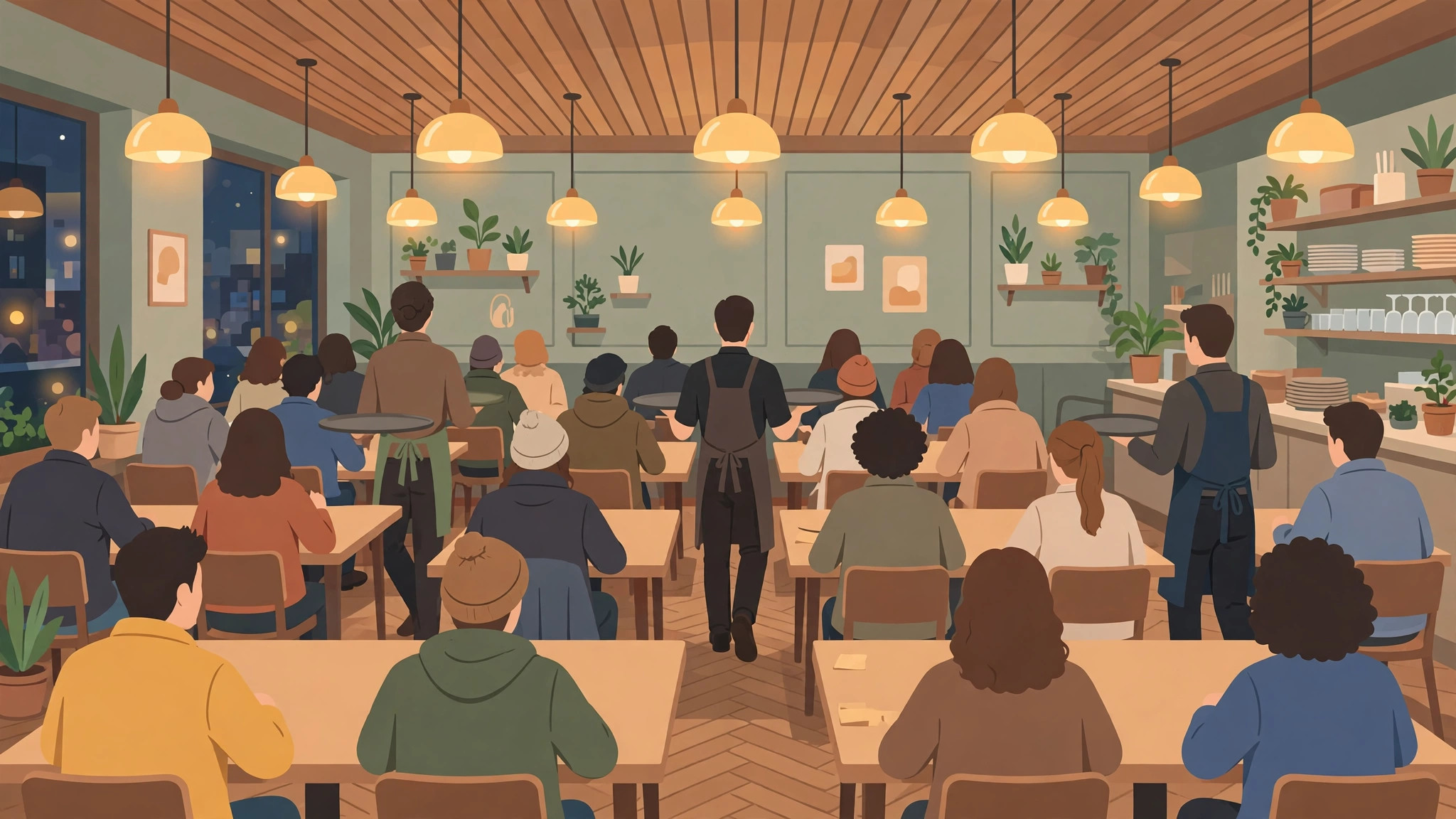
Beyond the formal signals, experienced diners read a few informal ones. A restaurant that shows “usually a wait” patterns at your hour, takes bookings that are already full for your slot, or has a queue visible in recent photos is telling you the same story from three directions. Reservation platforms add another signal: if the earliest available table is hours away at a place that normally seats walk-ins, the room is full whether or not Maps can show it yet.
For walk-in decisions, timing beats tools. The restaurant peak is remarkably consistent — roughly 12:30 PM to 2 PM at lunch and 7 PM to 9 PM at dinner in most cities, earlier in business districts and later in leisure ones. Arriving thirty minutes before the peak, or an hour after it starts, changes your wait more than any app can. The Busy Area pillar guide on this site explains the district-level busy-area signal that frames these neighbourhood patterns.
how to check if a restaurant is busy
A quick decision framework pulls it together. For tonight: live bar first, wait time second, and a glance at the day graph to know whether things will improve or worsen if you wait an hour. For this weekend: the graph for Saturday, plus a booking-platform check — if tables are going, the graph’s peak is real. For a group or an occasion: do not rely on busyness data at all; book. Busyness tools optimise spontaneous meals, not birthdays.
And when all else fails, the oldest method still works: call the restaurant. Staff know in one sentence whether you will wait, and a surprising number will happily tell you the quieter hour to come instead — especially midweek, when they would rather fill 6 PM than queue you at 8.
how does google know how busy a restaurant is
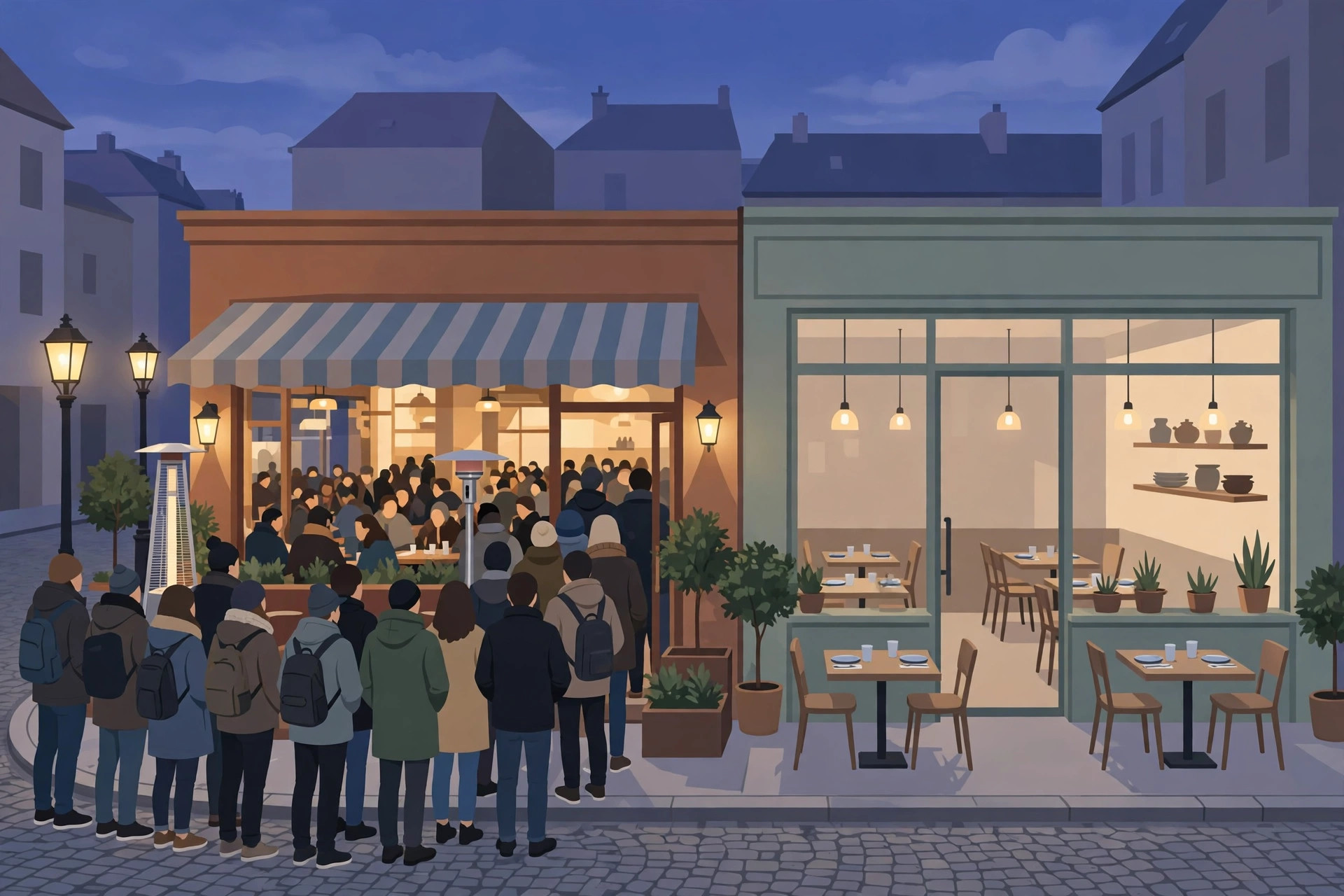
Google knows because its users tell it — passively, anonymously and in aggregate. Phones with Location History enabled contribute anonymised visit signals: that a device was at the restaurant, for roughly how long. Combined across many visitors over time, these signals become the typical pattern; combined across the people there right now, they become the live bar. No individual is identified, and Google states that busyness data only appears when there are enough visitors to keep it anonymous.
This also explains the system’s blind spots. A restaurant whose crowd rarely carries opted-in Android phones, or which sits in a shared building where visits are hard to attribute, may show weak or missing data. Cash-heavy, tourist-light, very new — all can mean thin data for a while.
how does google know if a restaurant is busy
The live version works the same way, just on a shorter clock: Google compares the number of anonymised visits detected at the restaurant in the current period with the number it would expect from the typical pattern. Materially above expectation produces “busier than usual”; at the top of the restaurant’s own range, “as busy as it gets”. Because the comparison is against the restaurant itself, the system works for a twelve-seat noodle bar and a banquet hall with the same vocabulary.
Restaurant owners add one more input: businesses can contribute information through their Google Business Profile, and Google describes the whole system — what is collected, how it is anonymised, and when features appear — in its Google Maps Help documentation. Knowing this helps you interpret gaps: if a restaurant’s crowd is real but its data is invisible, you are seeing the privacy threshold at work, not an empty dining room.
Choosing between two restaurants using busyness
The signals become most powerful when you compare. Suppose you have two candidate restaurants for tonight. Restaurant A shows “as busy as it gets” at 7:45 PM with a wait estimate; Restaurant B, ten minutes away, shows a live bar only a little above its usual level — and its usual level at this hour is already past its own peak. The right choice is usually B, even if A is marginally better reviewed, because a relaxed room and an unhurried kitchen beat a famous name eaten against the clock.
Run the same comparison across time as well as place. A’s graph may show its peak collapsing by 9 PM, in which case a drink elsewhere and a late seating converts the busiest restaurant in the district into a calm one. Busyness data, used comparatively, is not about avoiding good restaurants — it is about meeting them at the hour when they can actually be good.
Small restaurants and the missing graph
The neighbourhood place with eight tables may show no popular times at all — Google needs enough visits before it publishes a graph. Absence of data is not absence of a queue; for small restaurants, the practical substitutes are the booking pattern (if it takes reservations and tonight is full, it is busy), the phone call, and the walk-past. Treat the graph as one instrument among several, strongest exactly where restaurants are biggest.
Frequently asked questions
Why does my favourite restaurant show no busyness data?
Usually not enough recorded visits yet — small, new or low-traffic listings may not qualify. The restaurant can still be busy; use bookings, reviews and a phone call instead.
Are wait times or the live bar more useful?
For a walk-in decision, the wait time is the most direct number. The live bar is better for choosing between restaurants or deciding when to leave.
Can a restaurant be “as busy as it gets” but still seat me?
Yes — the label is about relative busyness, not full capacity, and parties leave constantly. Expect a wait at the bar rather than instant seating, but the label alone does not mean “no tables all night”.
Do busyness features work for cafés and fast food too?
Yes — the same Popular Times, live busyness and, sometimes, wait or drive-thru signals appear for cafés, bakeries and fast-food outlets with enough visit data.
Conclusion
Asking how busy is a restaurant used to mean guessing or phoning. Now the answer lives on the listing: the live bar for this moment, the Popular Times graph for the pattern, and the wait time for the decision. Check all three in under a minute, arrive on the edge of the peak instead of in its centre, and the forty-minute surprise wait becomes a rare exception instead of a regular feature of your evenings out.
