
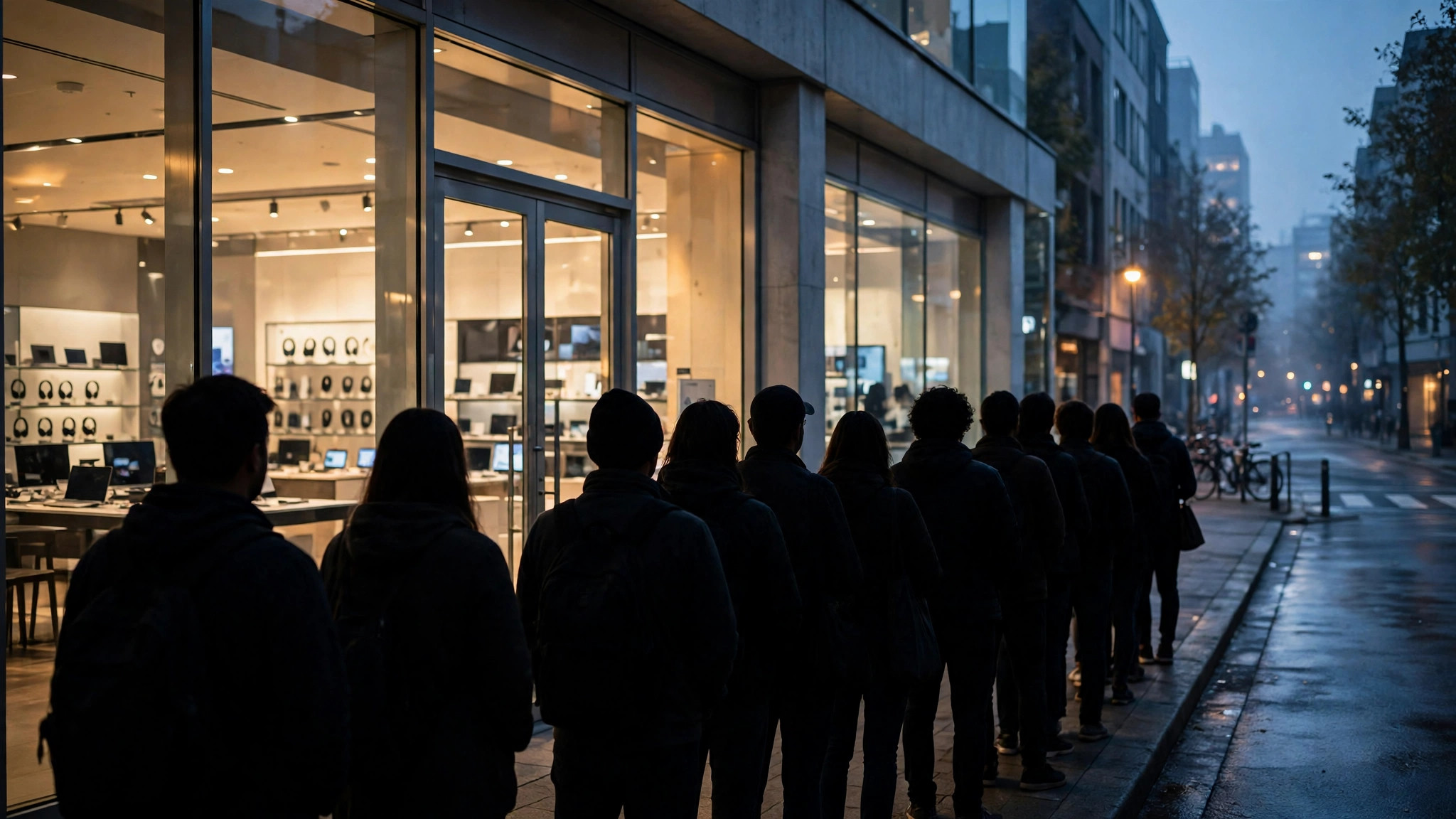
A new phone, console or graphics card goes on sale, and by sunrise there is a line outside the store. Electronics store launch day crowds are the most extreme crowds in retail: they arrive before opening, peak violently in the first hour, and can vanish by lunch if stock runs out. If you plan to join one — or to avoid one — Google Maps can help more than you might expect, as long as you understand where its data shines and where a one-off event breaks the pattern.
This site’s busy area explainer covers how Maps turns visits into busyness information. Launch days are the stress test for that system, and this article is about reading the signals correctly on the days they matter most.
What electronics store launch day crowds actually look like
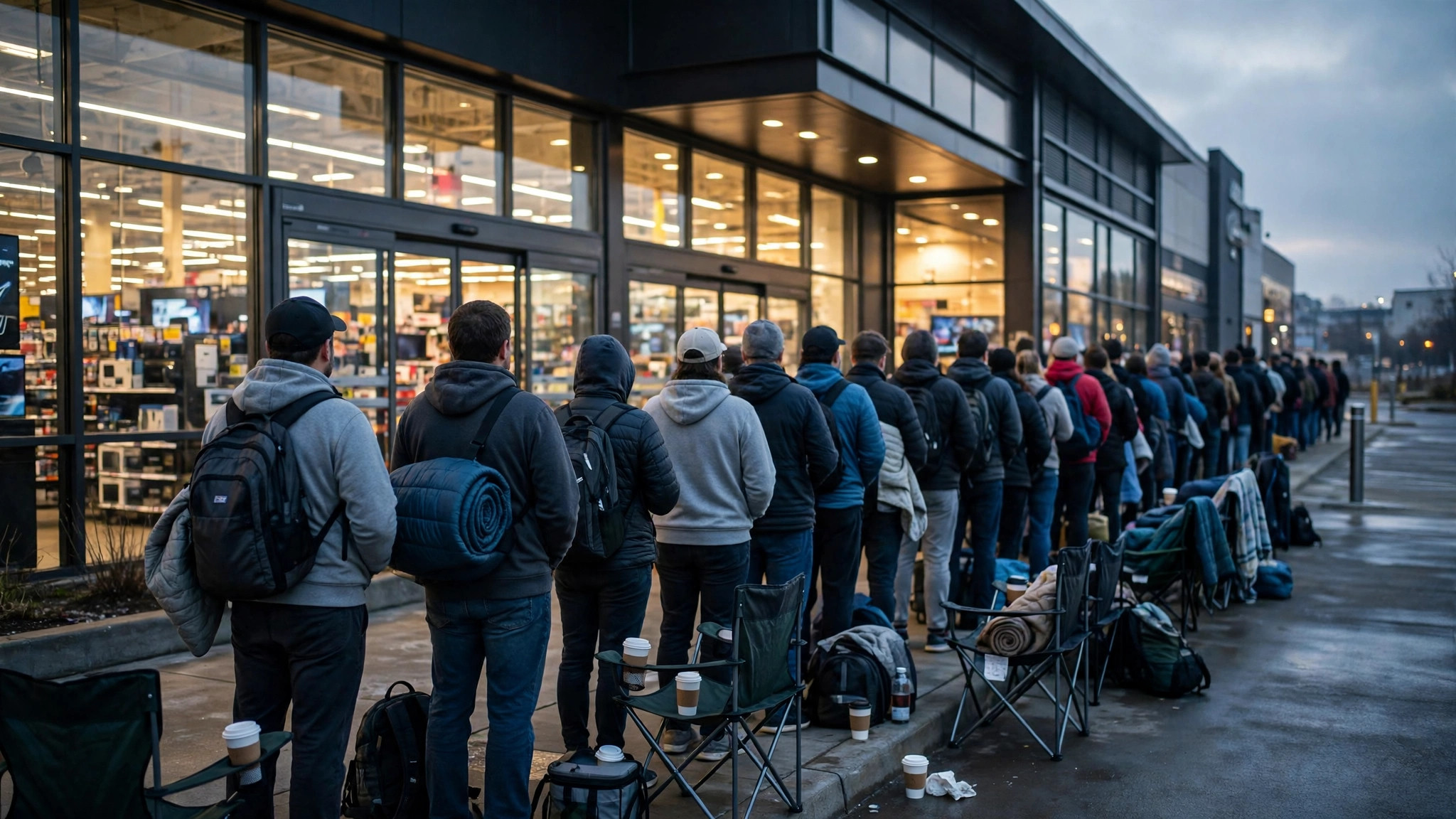
A launch crowd is not a normal Saturday crowd that happens to be bigger. It has a different shape, driven by scarcity rather than shopping. Three groups arrive for three different reasons:
- The queue-before-opening group. Committed buyers who want a specific model, colour or storage size, and know stock is limited. They form the line the store opens to.
- The first-hour rush. Buyers who skip the dawn queue but still want launch-day stock. They arrive in the first sixty to ninety minutes, when tills, demo units and staff attention are all at maximum load.
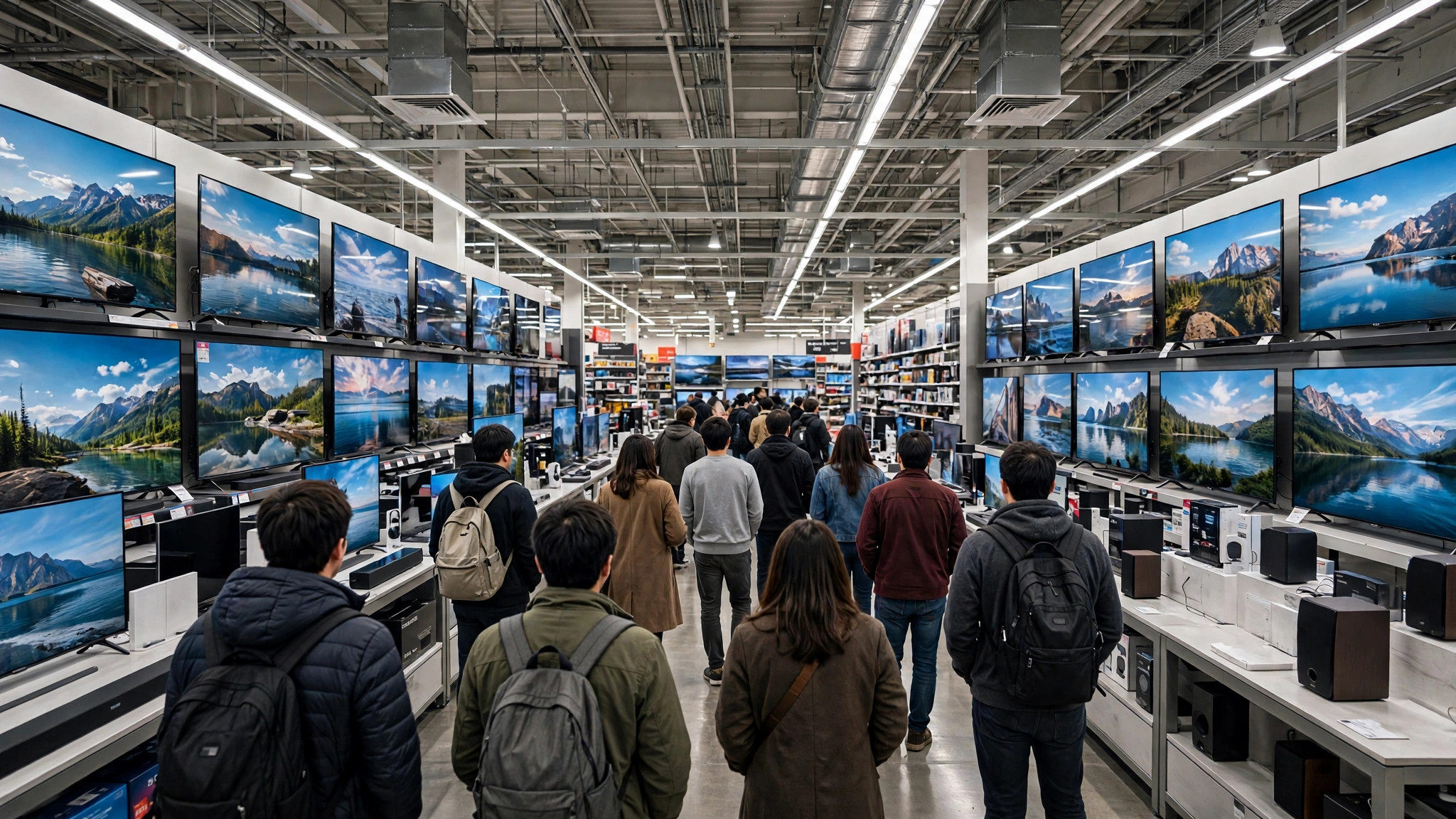
- The browsers and the curious. People drawn by the buzz, the demo units and the trade-in offers. They build the long, lower midday plateau — busy aisles, but a very different experience from the opening crush.
By mid-afternoon, most launches are decided. Either the popular configurations have sold through and the crowd thins to normal levels, or stock is plentiful and the day settles into an ordinary busy Saturday. The chart on the store’s listing, however, knows none of this in advance — which brings us to the pattern problem.
Why launch days break the normal Popular Times pattern
Popular Times is built from the last few months of visits. It shows how busy a store typically is at each hour, relative to its own weekly peak. A launch day is, by definition, not typical: the store may do a week’s worth of footfall before noon, at hours when the graph suggests calm.
Google itself notes that special events distort visit data, and one-off retail events are the clearest case. The graph cannot know about the product announcement you saw last week. So on a launch morning, treat the typical graph as the floor, not the forecast: the store will be at least that busy, and for the first hours, far busier.
Live busyness is the corrective. The live bar on the listing reflects how busy the store is right now compared with its usual level, and phrases such as “busier than usual” or “as busy as it gets” are your honest signals on the day. Our companion piece on whether Google Maps busy times are accurate explains when each signal deserves trust — launches are precisely the case where live beats typical.
The launch-day timeline, hour by hour
Every launch differs, but the rhythm repeats across big-box chains and brand stores closely enough to plan around:
- Before opening: the queue forms. If the product is genuinely scarce, expect the line to start one to three hours early; for routine launches, thirty minutes is typical.
- Opening to +1 hour: peak density. Entry may be managed in groups, demo units are surrounded, and checkout queues are at their longest.
- +1 to +3 hours: the rush drains. Stock of headline configurations starts deciding the day — if the model you want is gone, staff will say so quickly.
- Midday: a plateau of browsers, trade-in customers and accessory buyers. Busy, but navigable.
- Late afternoon: close to a normal day, unless an evening restock or a second wave of after-work buyers is expected — after-work hours can produce a genuine second peak at city-centre stores.
If you are buying, the strategic choice is binary: commit to the opening wave, or skip it entirely and aim for the midday plateau or the after-work wave with live busyness checked first. The worst slot is arriving at the tail of the opening rush, when queues are longest and stock information is least clear.
Checking the store before you go
The pre-trip check takes a minute and should happen on the morning itself, not the night before:
- Open the store’s listing and read the live busyness line first — today, it outranks the graph.
- Compare it with the Popular Times graph for the day to see how far above typical the store already is.
- Check the visit duration line (“people typically spend…”) and mentally double it for launch day; your trip budget should assume queues at demo, till and collection points.
- If the chain has several branches nearby, compare their live bars. A suburban big-box store often runs a wave behind the flagship city-centre location, and its stock can last longer for exactly that reason.
Google’s own guide to popular times, wait times and visit duration data explains how these figures are produced from aggregated, anonymised visits — worth a read if you want to know why the live bar can lag a fast-forming queue by a few minutes.
Turning the live bar into a leave-or-wait decision
The live busyness panel gives you three pieces of information at once: how busy the store is now, how that compares with usual, and — from the graph behind it — which direction the day normally moves. Reading all three together turns a vague feeling into a decision.
If the live bar is high but the typical graph falls steeply within the hour, waiting is cheap: the opening wave is draining and the plateau is coming. If the live bar is high and the typical day rises into the afternoon — as it does on Saturdays — the store is unlikely to rescue you; go now only if the purchase cannot wait, or switch branches. If the live bar reads “as busy as it gets” thirty minutes before opening time has even passed (possible once doors open early for a launch), the queue has already decided the morning.
Neighbouring listings sharpen the picture further. A mall that contains the store will often show its own busyness rising a few minutes before the store’s does, because the queue gathers in shared space first. And a rival chain’s store across town showing a low live bar on the same launch morning is real information: either its stock is plentiful, or the crowd has simply chosen the other door — both useful when your model is not chain-exclusive.
Finally, remember what the live bar cannot see. It reflects people in the store, not the state of the stockroom shelf. A store can read “a little busy” at 1 pm precisely because the headline product sold out at 11 and the disappointed crowd went home. Busyness tells you about people, never about inventory — for stock, the chain’s website or a phone call is still the final check.
Big-box peaks beyond launch day
Launch days sit at the top of a calendar of predictable electronics-store peaks. The same checking routine pays off on all of them:
- Black Friday and holiday sales weekends — the broadest peaks of the year; doors-open surges plus all-day density, closer to a mall-wide event than a single store’s rush. Our guide to shopping mall busiest times covers how the whole building’s curve behaves on those days.
- Festive-season first-sale days in India — the big online sale events have offline echoes: brand stores and multi-brand outlets run their own festive offers, and weekend crowds stack launch behaviour on top of festival shopping.
- Back-to-school and student-offer seasons — laptop and tablet counters peak in the weeks before terms start, with a distinctive late-afternoon and weekend pattern.
- Price-drop and clearance weekends — less intense than launches but longer; the graph understates the first morning and is reliable after that.
In each case the logic is identical: the typical graph gives you the shape of a normal day, live busyness tells you what today is actually doing, and the gap between them is the event effect.
A practical playbook for launch-day shoppers
- Decide your slot the night before — opening wave or midday plateau — and set the alarm accordingly. Drifting in at the tail of the rush is the one strategy that never works.
- Check live busyness before leaving home, and again from the car park if the trip is long; queues at hot launches can halve or double in half an hour.
- Pre-decide your fallback configuration. Second colour, larger storage, or the neighbouring branch — choosing under queue pressure is how budgets break.
- Use click-and-collect if the chain offers it. A reserved unit converts a crowd gamble into a collection-queue wait, which is shorter and knowable.
- Budget time by visit duration, doubled. If the listing says people typically spend 45 minutes, plan ninety on launch day, including the entry queue.
- If you are only browsing, go late. Demo units free up in the last two hours, staff have time to talk, and the store still has the launch displays up.
Frequently asked questions
Does Google Maps show launch-day queues in advance?
No. Popular Times reflects typical patterns from recent months, so a one-off launch is invisible until the day itself, when live busyness picks it up. Use the graph as the baseline and the live bar as the truth on the day.
What does “as busy as it gets” mean during a launch?
It means the store is currently at the level of its typical weekly peak. On a launch morning the store can sit at that label for hours — treat it as a signal to expect queues at entry, demos and tills, not as a brief spike.
Are smaller branches really quieter on launch day?
Usually, yes — flagships absorb the committed queue, while suburban branches see a smaller, later wave. Their live bars tell the story on the day; compare two or three nearby listings before choosing.
When is an electronics store quietest on a normal week?
Weekday mornings and early afternoons are the reliable lulls, with Tuesday to Thursday the calmest stretch at most big-box stores. The store’s own graph confirms the exact hours for your branch.
The bottom line
Electronics store launch day crowds reward the prepared and punish the spontaneous. The typical graph will not warn you — it cannot see a one-off event — but live busyness, checked on the morning and read honestly, tells you which wave to join and which to skip. Commit to the opening queue or wait for the plateau, pre-decide your fallback model, and let the live bar make the final call before you leave home.
