
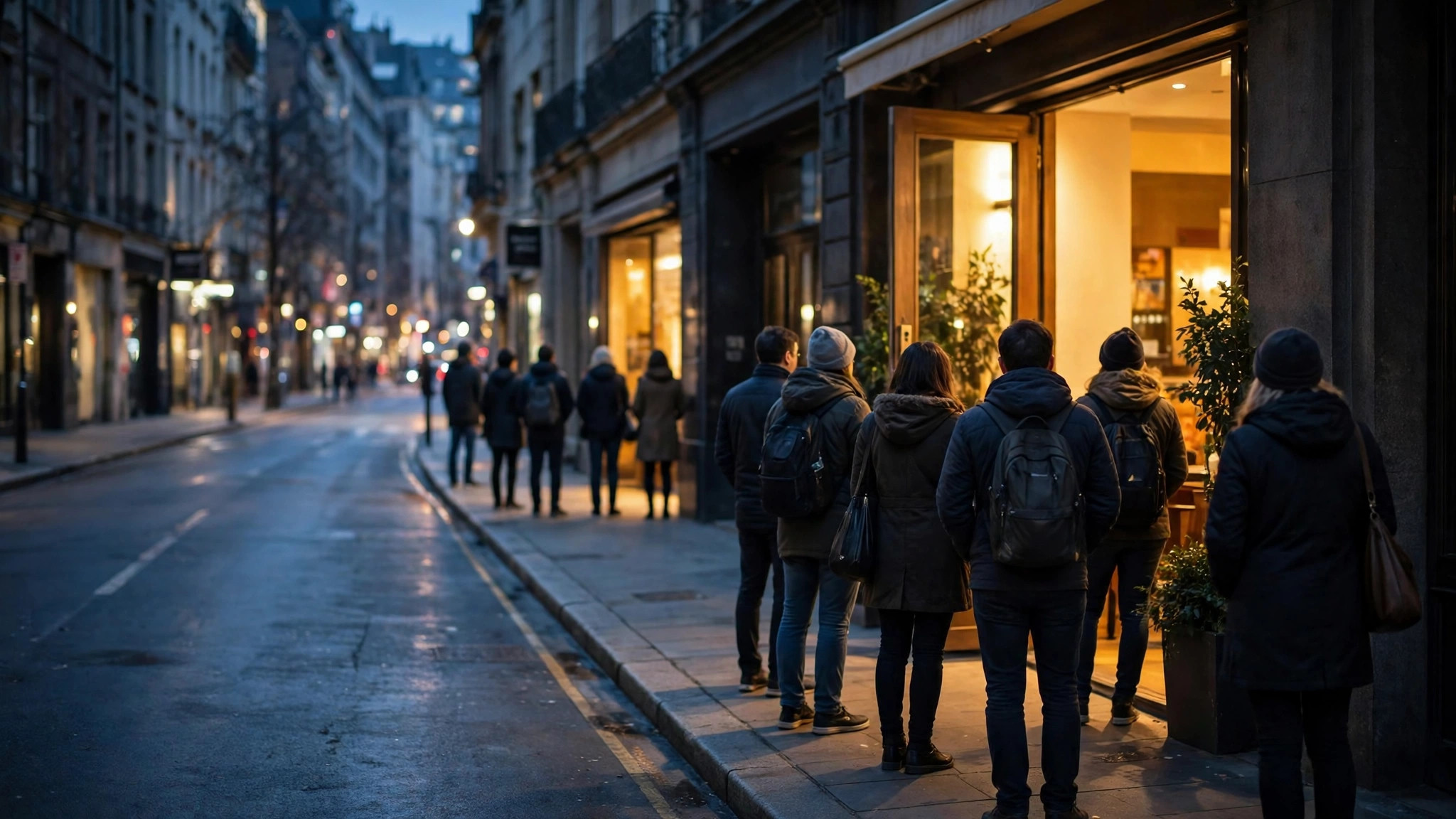
A crowd and a wait are not the same thing, and Google Maps knows it. That is why many restaurant listings carry a second, quieter statistic alongside the Popular Times graph: an estimate of how long you would wait — to be seated, to be served, to get through — at each hour of the day, with the day’s peak wait marked. Used well, it converts the vague dread of “it’ll be packed” into a plan: arrive at six, wait ten minutes; arrive at eight, wait forty.
This article explains google maps wait times end to end: where they come from, how they are calculated, why they appear on some listings and not others, and how to combine them with the crowd graph and the visit-duration line into one decision. It sits within our family of visit-data explainers that begins with Google Maps Popular Times, the parent feature from which wait times are drawn.
How does Google calculate wait times for restaurants?
Google’s own documentation gives the skeleton: wait times are estimated from patterns of customer visits over the last several weeks — the same aggregated, anonymised Location History data that builds the crowd graph, read from a different angle. The flesh on that skeleton is inference. A restaurant visit has a shape: arrival, a gap, then the meal. By studying how visits distribute and stretch at each hour — when arrivals bunch, how long pre-meal dwell patterns run — the system models the typical wait a new arrival would face at that hour, and publishes it as an estimate per hour plus the day’s peak.
Three properties of that method matter for readers:
- It is modelled, not reported. No restaurant phones in its queue length. The estimate is a statistical portrait of recent weeks, which is why it is phrased as an expectation, not a promise.
- It is hour-specific. The same restaurant can show a trivial wait at 6 p.m. and its peak wait at 8:30 p.m.; the per-hour structure is the entire value of the feature.
- It defines “wait” by business type. At a sit-down restaurant it approximates the wait to be seated; at other service formats it reflects the wait before service begins. Google notes this type-dependence in its Business Profile Help page on popular times, wait times and visit duration.
Because the model leans on visit patterns, it inherits their calendar: waits are typical waits for that day of the week, which is why the Friday panel and the Tuesday panel for the same kitchen tell different stories.
Are Google wait times accurate?
For routine days at established restaurants, they are usefully accurate — the right order of magnitude, the right ranking of hours, and a peak-wait figure that regulars recognise. The estimate shines at comparisons: if the panel says the wait halves between 8 p.m. and 9:30 p.m., that relationship is dependable even if the absolute numbers wobble by ten minutes either way.
The known failure modes are the crowd graph’s own. Event nights, festival surges, a sudden downpour driving everyone indoors at once — all produce waits the recent-weeks model has not seen. Thin-data restaurants show no wait at all rather than a wild guess, which is the honest failure mode. And the model cannot see operational accidents: a short-staffed night doubles real waits while the estimate serenely repeats the average.
Judge it, in short, like the typical graph it springs from — a strong default, overruled on the day by the live bar. Our broader verdict on the whole data family, including the five forces that bend real crowds away from predictions, is in our guide to whether Google busy times are accurate.
Why does Google show a wait time for some restaurants but not others?
The gate is the same one that guards the whole visit-data family: enough visits. A restaurant needs a sufficient volume of opted-in visits over recent weeks before any wait estimate is modelled, because a wait time computed from a handful of visits would be noise published as fact. New restaurants, tiny eateries, and places whose customers rarely share location therefore show nothing — even when their real queues are famous locally.
Format matters too. The estimate presumes a queue-like service pattern: sit-down restaurants are the canonical case, and the feature is most common there. Pure takeaway counters, delivery-first kitchens and places where “waiting” has no stable meaning are less likely to carry it, because the model has nothing consistent to measure.
Finally, geography and rollout play a quiet part: visit-data features are strongest in dense, well-mapped markets — India’s metros included — and thinner elsewhere. If a beloved neighbourhood place lacks the line, the reason is almost certainly arithmetic, not a verdict on its popularity.
in and out wait time tracker
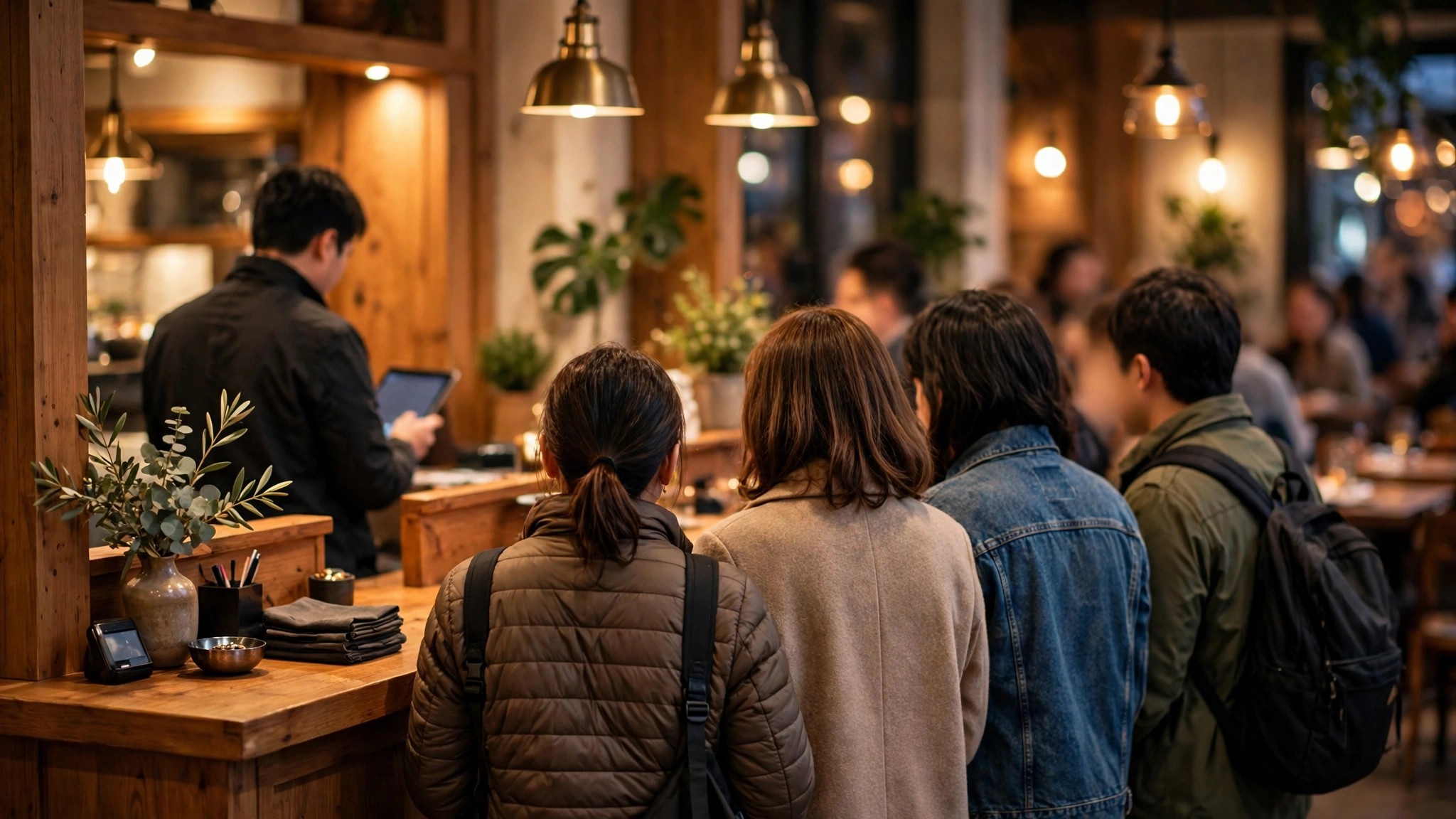
Many searchers arrive at this topic through a different door: the habit of tracking waits in real time — checking a place’s current wait before leaving, the way one checks traffic. Maps serves that habit through the combination this article has built: the per-hour wait estimates for planning, the live bar for the present tense, and the peak-wait marker for the day’s worst case. Read together at departure time, they function as a simple wait tracker for any listed restaurant: expected wait at your arrival hour, adjusted by whether live busyness is running above or below its pattern.
Dedicated queue and reservation apps go further for specific chains — live table availability, remote queue-joining, token numbers — and for a special-occasion dinner those are worth using alongside Maps, not instead of it. Maps’ advantage is universality: it estimates waits for thousands of restaurants that run no queue system at all, including the family-run places where the wait matters most and no app has ever reached.
One etiquette note for trackers: the estimate describes the wait to be seated or served, not the length of a leisurely meal, and it assumes you join the queue as a typical party. A group of twelve at peak hour will wait beyond any panel’s number, and no model is obliged to apologise for that.
Combining wait times with the crowd graph and visit duration
The listing’s three statistics form a single sentence when read together. The graph says when the crowd comes; the wait time says what the crowd costs you at the door; the visit duration — the subject of our next guide in this series, on visit duration on Google Maps — says how long you will stay once inside. Total trip time is wait plus duration plus travel, and the listing hands you two of the three numbers before you have left your chair.
The combinations reward attention. A high bar with a short wait is a well-run machine of a place — go whenever. A modest bar with a long wait is a bottleneck business — one counter, one chef, one token window — where arriving in the graph’s valley pays double. A long duration with a long wait at a famous place is a half-day commitment wearing a dinner’s clothes, and the listing told you so in advance, in three small grey lines most visitors scroll past.
Wait times beyond restaurants
Restaurants are the flagship case, but the same estimation idea surfaces wherever a visit involves a queue for service. Google’s documentation frames wait estimates as business-type-dependent — a sit-down restaurant’s wait means time before being seated; other formats measure the wait before service begins. In practice the line appears most consistently on food listings, while other queue-heavy places — clinics, salons, government counters — more often show only crowd and duration data, leaving the wait to your own inference from the bars.
That inference is learnable: at a single-counter business, wait scales almost linearly with the crowd label — “usually busy” might mean fifteen minutes, “as busy as it gets” forty. At a many-counter business, waits stay compressed until the highest rung. Reading the category’s staffing shape against the graph is a skill this whole series keeps practising, and wait times are where it pays most directly.
A worked example: two Fridays
Consider a mid-sized family restaurant whose panel you check on two consecutive Fridays. On the first, the graph shows the familiar build to an 8:30 p.m. ceiling, the wait line reads 15 minutes at 7 p.m. and a peak wait of 40 at 8:30, and the live bar at 6:45 p.m. says “usually busy.” Decision: arrive at 7, order by 7:20, eat in the calm before the mountain. The evening runs exactly as the panel promised.
On the second Friday, a festival has moved into the neighbourhood. The typical panel is identical — it knows nothing of festivals — but the live bar at 6:45 already reads “busier than usual,” and by 7:15 the district around the restaurant has earned its Busy Area outline. The panel’s numbers have been overruled by the day itself, and the correct play is the one the first section of this guide teaches: believe the live layer, shift the dinner to 9:30 when the festival crowd thins, or defect to the same cuisine one district over. The wait-time feature did not fail on the second Friday; it simply spoke with its usual voice — the typical voice — while the live bar did the day’s talking. Knowing which voice is speaking is the entire skill.

What a missing wait time still tells you
Even absence carries information, if you read the family’s logic. A restaurant with a full crowd graph but no wait line usually sits in one of two camps: its service pattern does not queue in a measurable way (fast counters, reservations-only rooms), or its measured visits support crowd estimation but not the finer wait model. Either way, the graph still prices your evening approximately — the valley hours of a queue-less format are worth even more, because there the crowd itself, not a queue, is the only cost.
And a restaurant with neither graph nor waits, in a neighbourhood where its neighbours display both, is telling you something about its clientele’s data shadow rather than its kitchen. Locals will know its queue by reputation; the listing’s silence is a data fact, not a culinary one, and this guide’s recurring moral applies one last time: in this feature family, silence means unmeasured, never empty.
Frequently asked questions
Why does the wait time change when I switch days?
Because it is modelled from that day-of-week’s visit patterns. Friday’s waits are computed from Fridays; the panel is a different, truer estimate for each day.
Can a restaurant edit or remove its wait times?
No. Like the rest of the visit data, wait times appear automatically from aggregated visits and cannot be added, edited or hidden by the business.
Do wait times show for takeaway and delivery orders?
The estimates describe the wait at the place itself — to be seated or served on site. Delivery-app queues and courier ETAs live in those apps, not on the listing; a restaurant can be calm inside and slammed with delivery orders, or the reverse, and the listing’s figure speaks only to walking in.
Read together, google maps wait times, the crowd graph and the duration line turn dinner from a gamble into an itinerary. The numbers are estimates, honestly labelled and honestly limited — but they are drawn from the real recent behaviour of the room you are about to enter, which makes them the best seat-availability forecast a listing has ever carried.
The panel shows no wait time but the place is famous for queues. Why?
Almost certainly a data-volume gap — its visitors’ measured visits have not crossed the threshold, whatever the real-world queue looks like.
